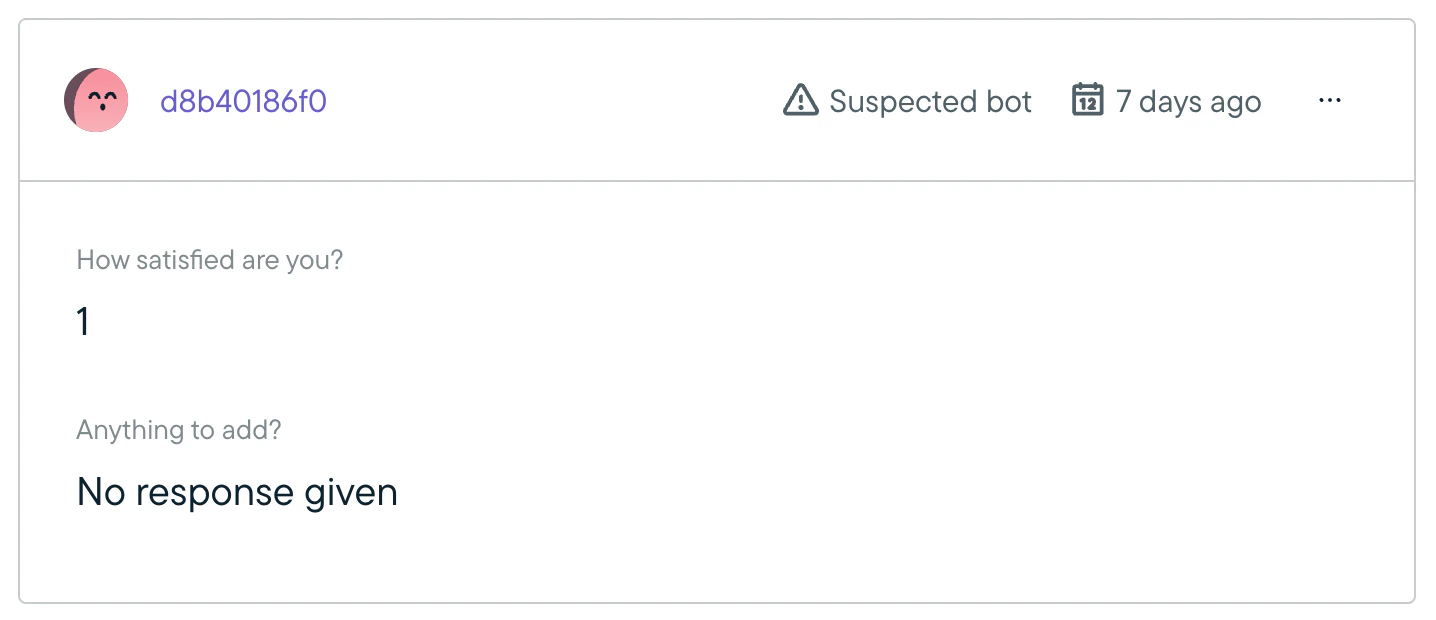
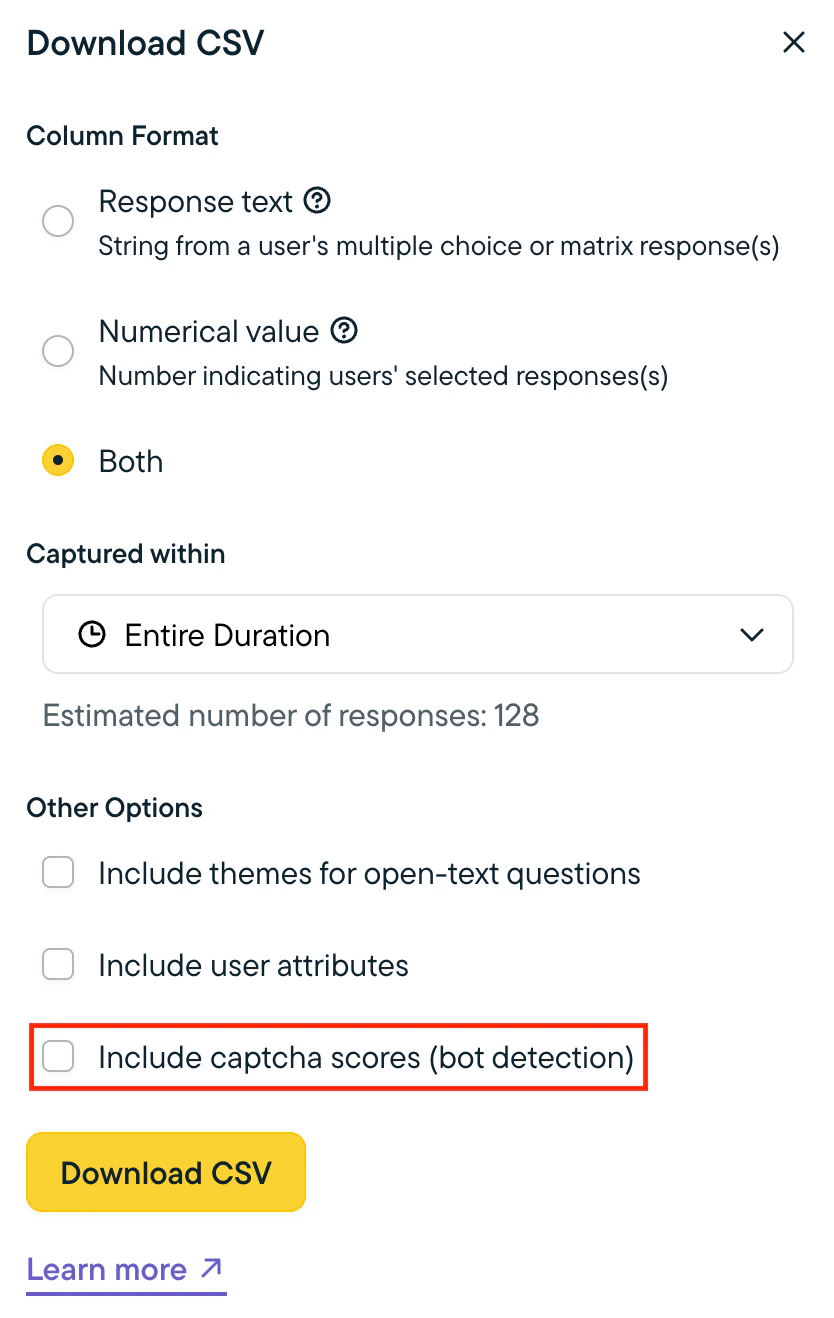
When sharing a Long-Form Survey link via email, security software on the end-user’s device may click through the link and complete the survey. This would result in survey responses for the Long-Form Survey being a mixture of real end-user responses and bot responses. To filter out bot responses from human responses, you can enable an invisible reCAPTCHA (powered by Google) that is added to Long-Form Survey links. The reCAPTCHA examines the behavior of the survey taker as they complete the survey and scores each survey taker on whether they are likely a human or a bot. The reCAPTCHA score is saved with the user’s survey responses in Sprig and can be used to filter out suspected bot responses, ensuring the integrity of the data collected.Documentation Index
Fetch the complete documentation index at: https://docs.sprig.com/llms.txt
Use this file to discover all available pages before exploring further.
How to Enable
Bot Detection is off by default. To enable it:- Go to Settings > Team > Bot Detection.
- Click the toggle to enable Bot Detection.
Filtering Suspected Bot Responses
When Bot Detection is enabled, there will be a new toggle on the Summary and Responses tabs of a survey that allows you to exclude suspected bot responses from the results displayed.