

Agent Context
Note: Agent Context was previously called “Study Goal.”
- Agent Context can be added from within the study builder OR on study results pages
- Agent Context can be updated multiple times and can be updated across both in-progress and completed survey studies
- Agent Context is available on: In-Product Surveys, Surveys, Feedback, and Heatmaps
- The Agent Context has a limit of 5000 characters.
- Agent Context can be added to: align AI output toward study goals, provide terminology or feature definitions, give context on the study participant pool or respondent characteristics, and more.
Where to find Agent Context
- From within the study builder, you can access, update, and modify Agent Context by navigating to the ribbon icon
- From a study results page, you can access, update, and modify Agent Context from the Reports Tab
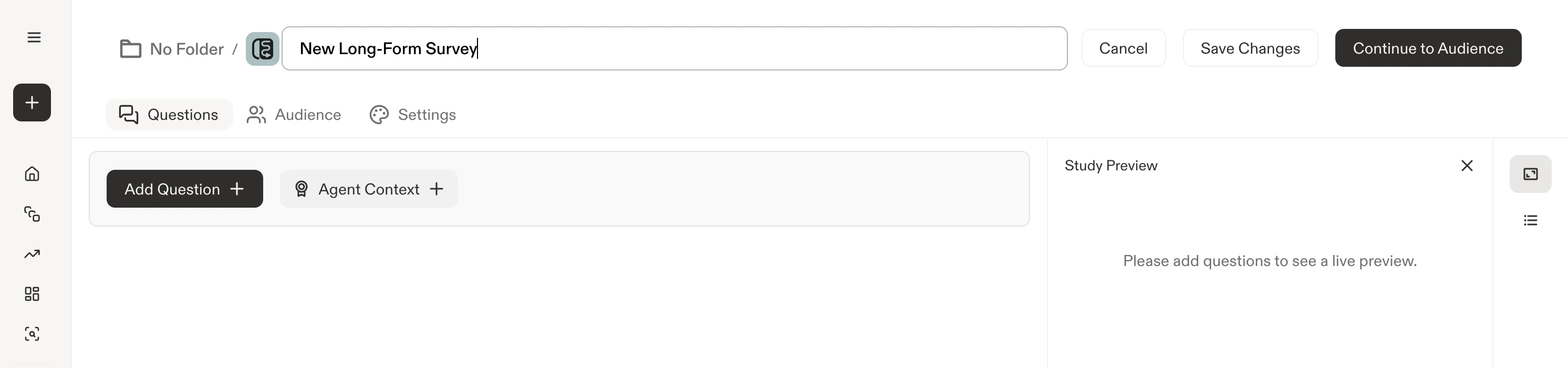
Study Builder: Accessing Agent Context
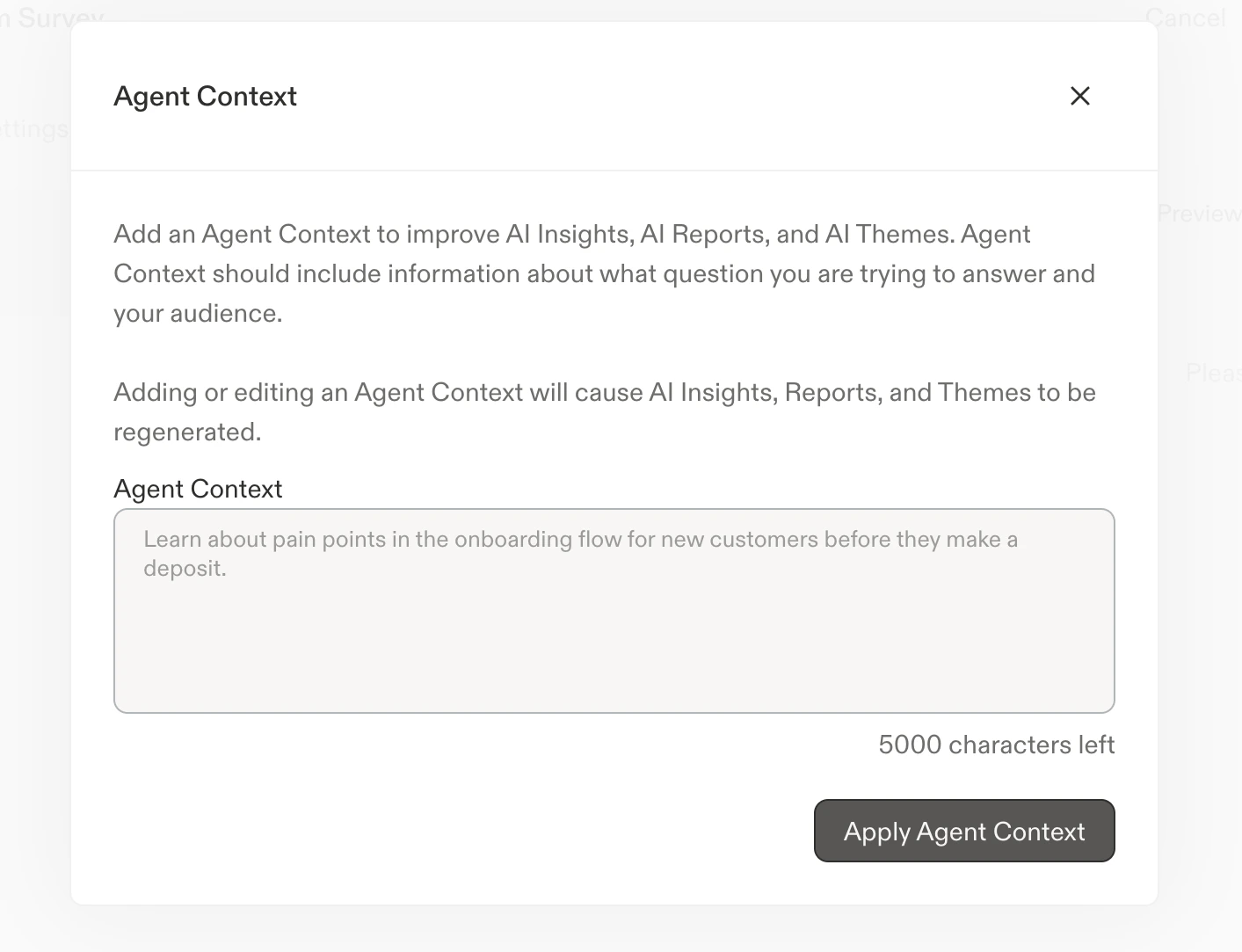
Agent Context Modal
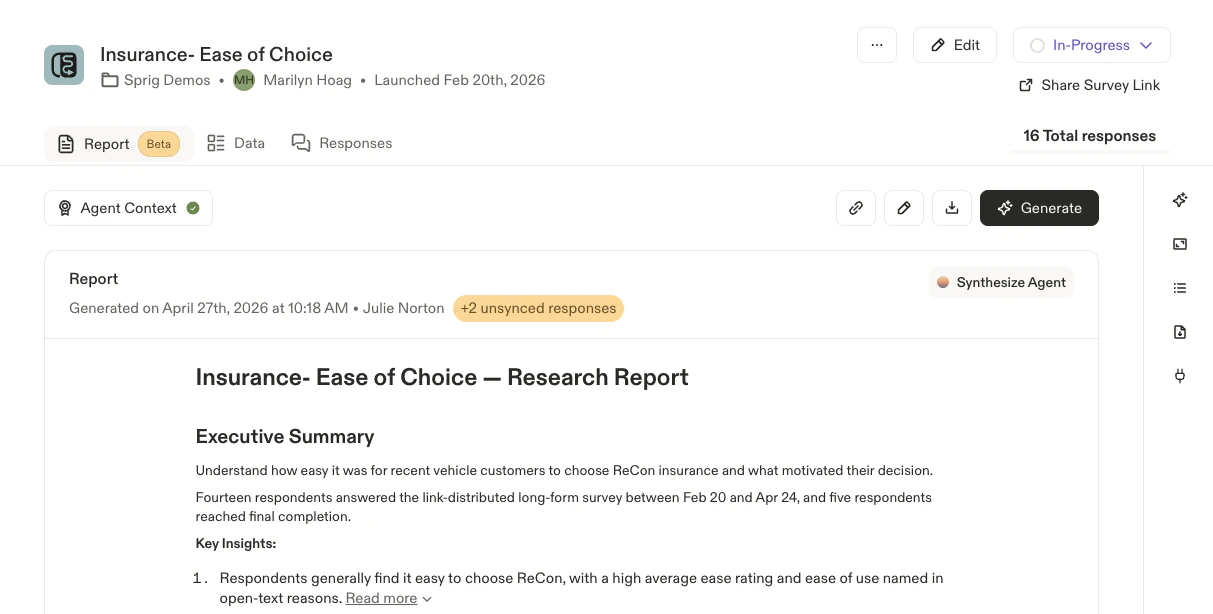
Study Results: Accessing Agent Context on the Report Tab
AI Study Summary
AI summaries are only generated for Heatmap studies, AI summaries across In-Product Surveys, Surveys, and Feedback studies have been rolled into AI Study Reports.
- After a certain number of initial captures
- On an ongoing, periodic basis as the study receives more captures
- When Agent Context is added or updated