> ## Documentation Index
> Fetch the complete documentation index at: https://docs.sprig.com/llms.txt
> Use this file to discover all available pages before exploring further.
# Changelog
# AI File Upload: now with more survey options
*by Paresh Vakhariya*
The AI File Upload Builder now imports more question types, more study types, and more of your survey/display logic, so the draft Sprig builds matches your document even more closely. Upload a PDF or Word doc and get a launch-ready survey with skip logic, display logic, randomization, and required questions already in place.
## New
* **MaxDiff questions.** Import MaxDiff questions directly from your document to identify what matters most and least to respondents.
* **Voice and video questions.** Include voice or video questions in your document and Sprig builds them into the draft, ready for respondents to answer by speaking or on camera.
* **AI Dynamic Questions and AI Follow-Ups.** Specify either in your document and Sprig configures them during import, so your survey adapts in real time from the first launch.
* **Consent and legal questions.** Capture respondent consent or legal acknowledgment as part of your imported survey.
* **Display logic.** Add "DISPLAY LOGIC:" notes next to questions to show them only when a condition is met. Sprig brings the logic in exactly as written.
* **MQSP and IPS support.** Upload documents for Multi-Question Single Page studies and In-Product Surveys, not just standard Surveys. When your document explicitly specifies IPS, Sprig defaults to building an In-Product Survey.
## Improved
* **Rate every draft.** Use the new up/down vote buttons on file upload output to tell us how the draft turned out. Your feedback directly improves the builder.
* **Refreshed interface.** The builder now matches Sprig's new design system.
* **Easier review.** The Design Agent pane and survey editor scroll independently, and the pane auto-scrolls to reveal the latest Design Agent messages.
* **More accurate imports.** Upgraded the underlying model and refined the question and study schemas for cleaner, more reliable drafts.
## Fixed
* File caching that could serve an older version of your uploaded document
* "END" skip logic terminology not being picked up, leaving fields blank
* Question numbering off by one
* Single select questions incorrectly converting to text prompts
# New: AI Translations
*by Paresh Vakhariya*
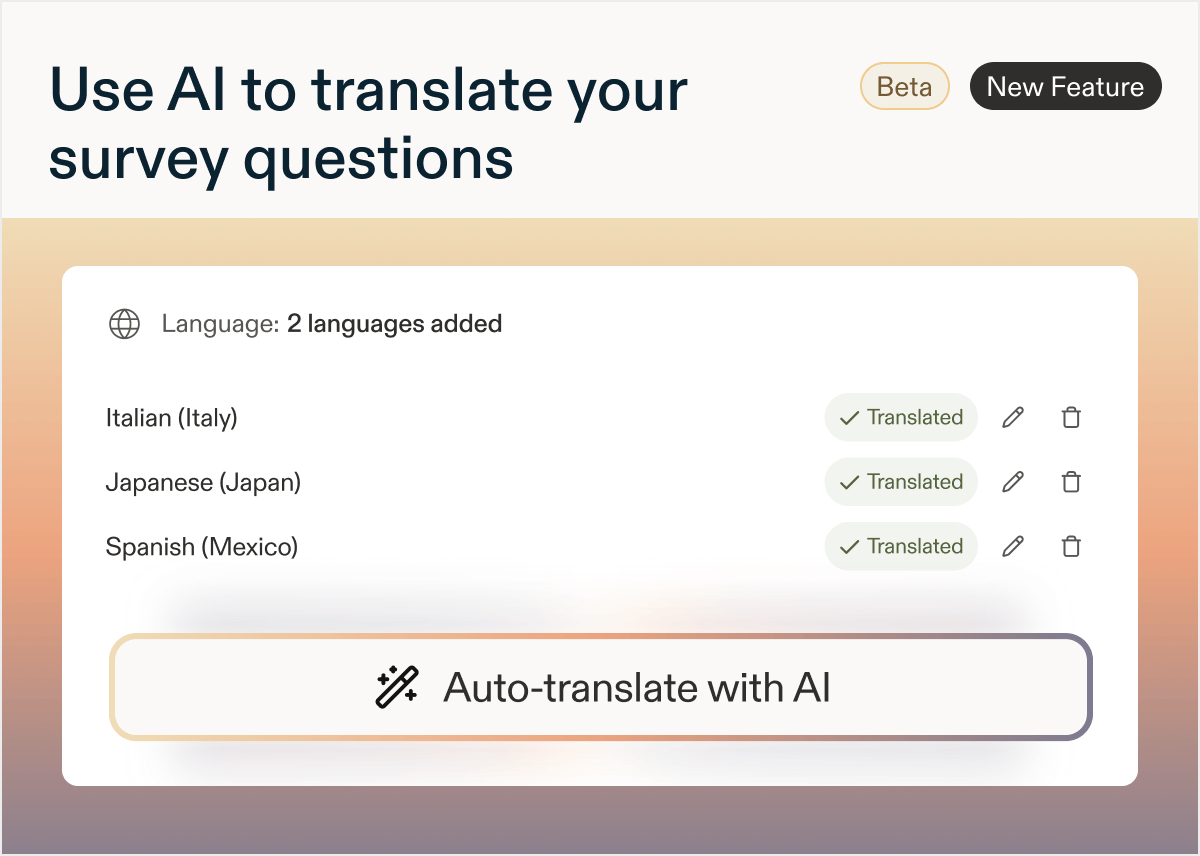
Great news! Now, you can translate your entire survey with AI, every question, description, choice, and button label, in seconds.
No more exporting CSVs, routing files to translators, and waiting days to launch global research.
To use AI Translations, select **Add language** in the Language card of your study's Questions tab, choose your language(s), and select **Translate with AI**. Review and edit any translation inline, then set your language targeting and launch.
If you update your survey, regenerate translations anytime. Note that regenerating replaces all existing translations, including manual edits.
 # New: Response-based Quotas for Surveys
*by Laura Desmond-Black*
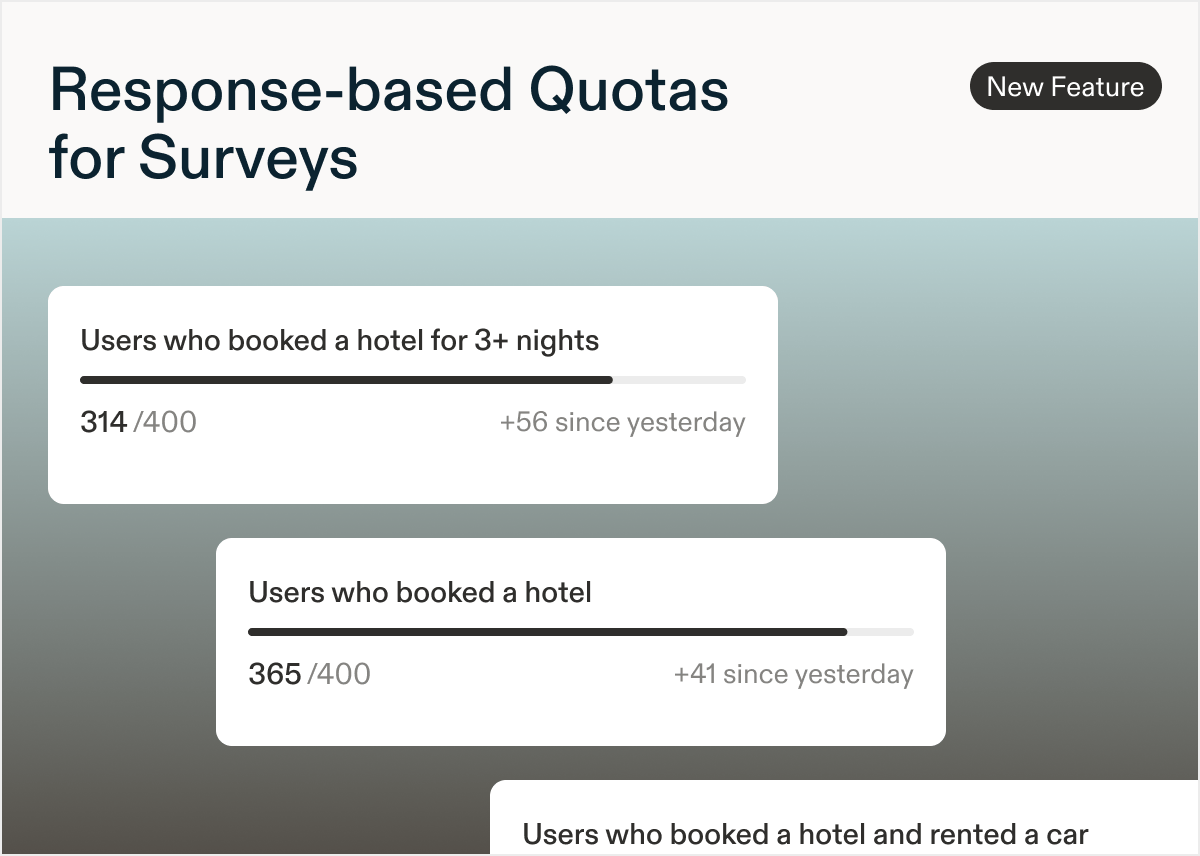
Get exactly the responses you need by setting response-based quotas for Surveys.
Create up to three screener questions that can be used to define user segments that you want to collect data for. Set targets for each segment. Use quotas to filter the responses collected.
Check out [the documentation](https://docs.sprig.com/docs/sprig-studies/surveys/quotas-for-surveys) so you can use them in your next Survey!
# New: Response-based Quotas for Surveys
*by Laura Desmond-Black*
Get exactly the responses you need by setting response-based quotas for Surveys.
Create up to three screener questions that can be used to define user segments that you want to collect data for. Set targets for each segment. Use quotas to filter the responses collected.
Check out [the documentation](https://docs.sprig.com/docs/sprig-studies/surveys/quotas-for-surveys) so you can use them in your next Survey!
 # New: Add an image to a question
*by Laura Desmond-Black*
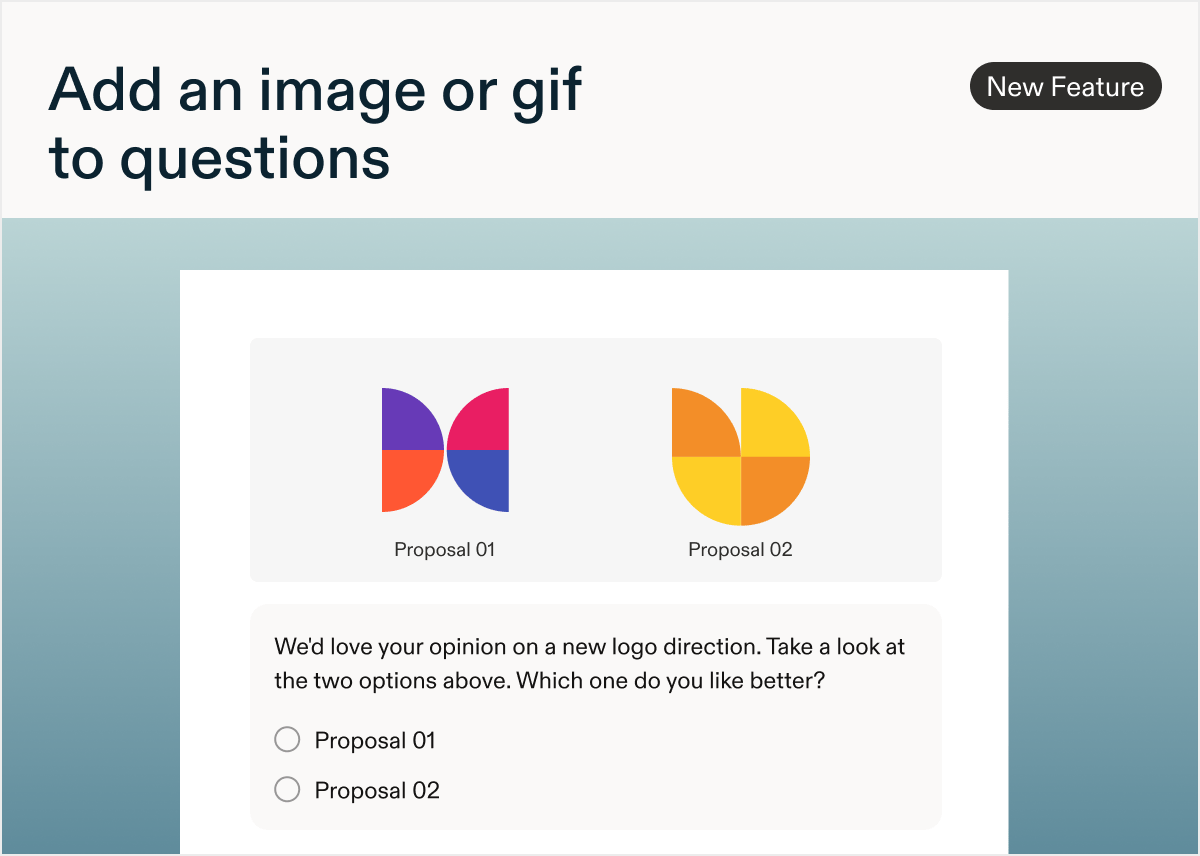
Great news! You can now add an image or gif to a question and easily test a new logo, name, or UI element.
It's easy to get started: look for the **Add Media** button near the "Required" toggle in the question header; it's available for most question types. Follow the file type and size requirements and preview and test the survey as usual. If you prefer not to use this, Admins can always disable it in Settings > Surveys > Configure. [Learn more](https://docs.sprig.com/docs/shared-study-foundations/main-tasks/add-an-image-to-question) to get started today!
Available for Surveys and In-Product Surveys on mobile and web.
Note: The Admin setting was initially off by default. This was changed to being on by default on July 10th.
# New: Add an image to a question
*by Laura Desmond-Black*
Great news! You can now add an image or gif to a question and easily test a new logo, name, or UI element.
It's easy to get started: look for the **Add Media** button near the "Required" toggle in the question header; it's available for most question types. Follow the file type and size requirements and preview and test the survey as usual. If you prefer not to use this, Admins can always disable it in Settings > Surveys > Configure. [Learn more](https://docs.sprig.com/docs/shared-study-foundations/main-tasks/add-an-image-to-question) to get started today!
Available for Surveys and In-Product Surveys on mobile and web.
Note: The Admin setting was initially off by default. This was changed to being on by default on July 10th.
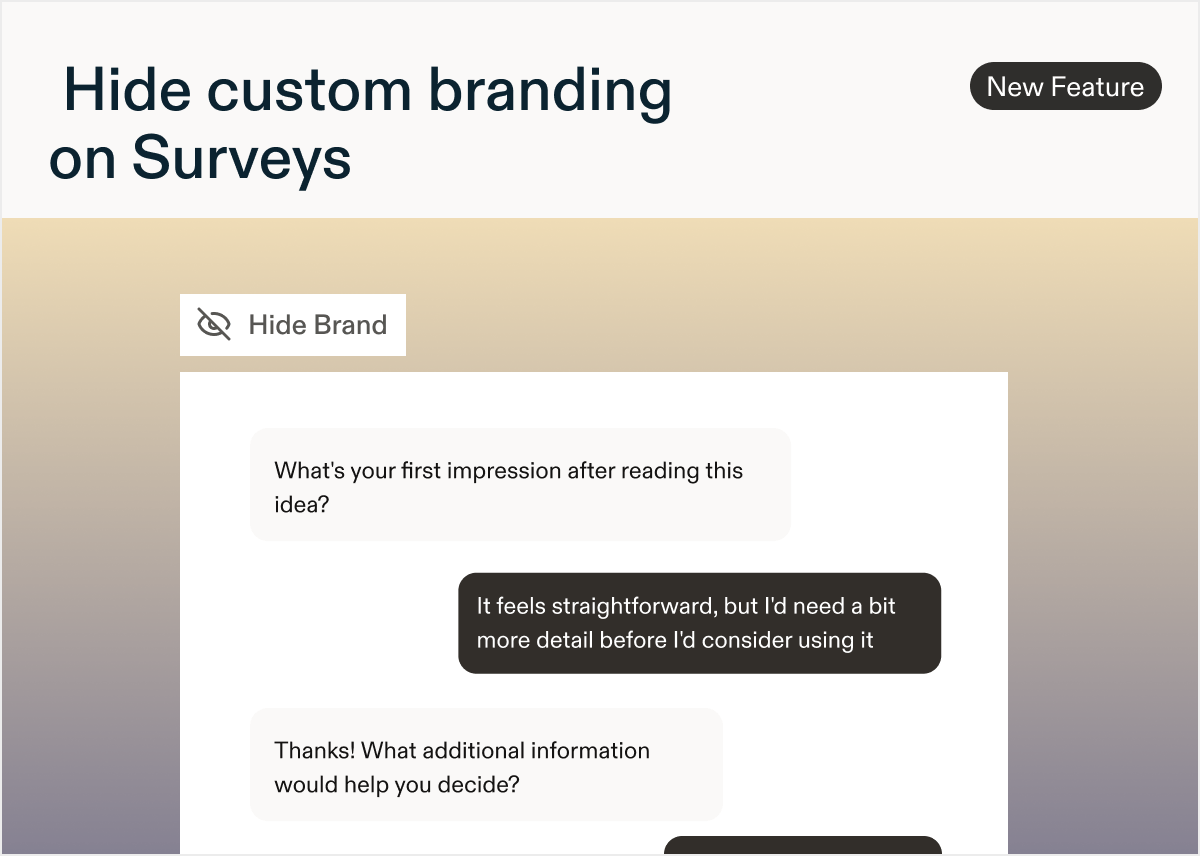
 ## New: Hide custom branding on surveys
*by Laura Desmond-Black*
# A new Survey setting to hide custom branding
Now you can hide your logo and brand color when sharing a Survey. To turn off custom branding, navigate to the **Settings** tab within a Survey (make sure to be in Edit mode), scroll down to the **Survey Branding** section and select the **Hide Branding** option.
Available to customers on the Enterprise plan.
## New: Hide custom branding on surveys
*by Laura Desmond-Black*
# A new Survey setting to hide custom branding
Now you can hide your logo and brand color when sharing a Survey. To turn off custom branding, navigate to the **Settings** tab within a Survey (make sure to be in Edit mode), scroll down to the **Survey Branding** section and select the **Hide Branding** option.
Available to customers on the Enterprise plan.
 ## New: Surveys have a new look
*by Laura Desmond-Black*
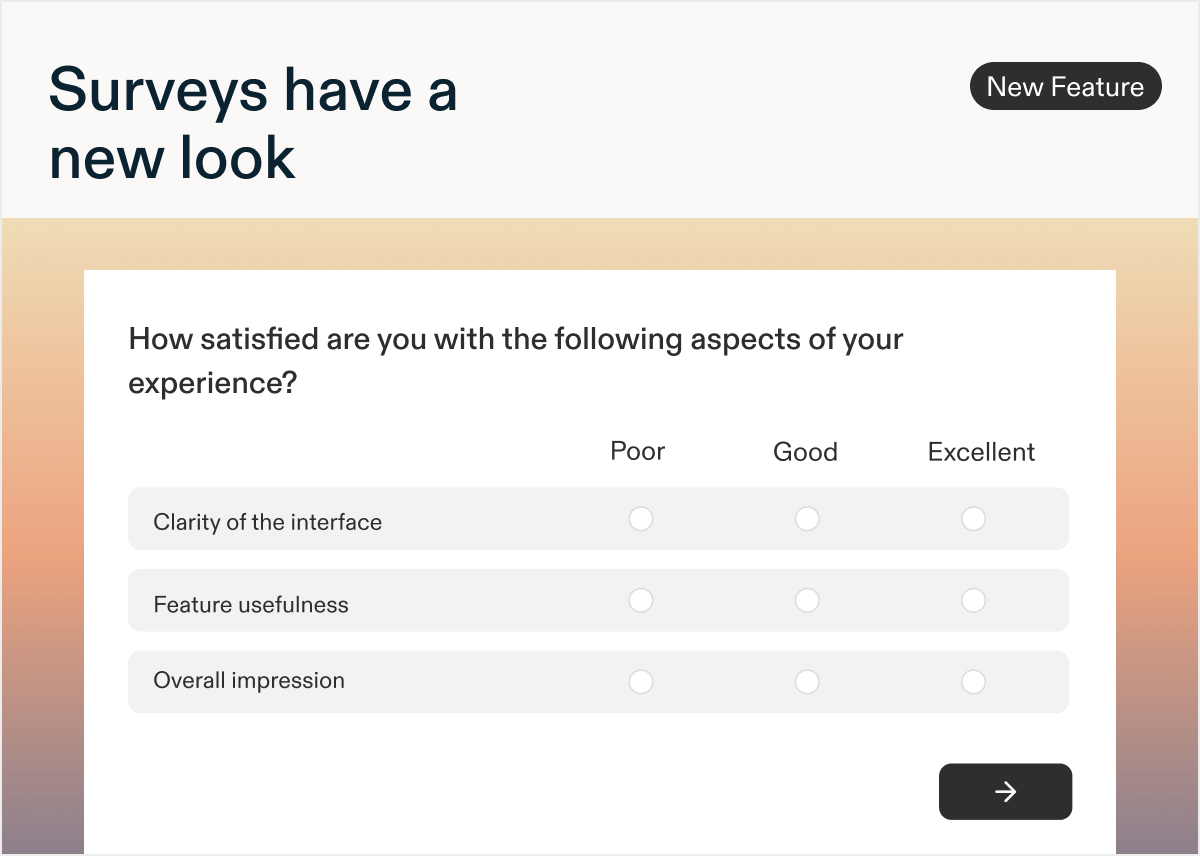
# A refreshed respondent experience for Surveys
Based on your feedback we’ve updated the respondent experience for Surveys to make it even easier to get rich, rapid responses with a beautiful, easy-to-read experience.
## New: Surveys have a new look
*by Laura Desmond-Black*
# A refreshed respondent experience for Surveys
Based on your feedback we’ve updated the respondent experience for Surveys to make it even easier to get rich, rapid responses with a beautiful, easy-to-read experience.
 ## What’s changed
* The forward button is now closer to questions and larger so it requires less mouse movement to access.
* Autofocus has been removed from pages with multiple questions so respondents can drive their own progress.
* Situations where there was both a forward button in the question and a page-level forward button have been eliminated.
* Text/URL questions in Surveys no longer have the “No button” option as it’s no longer necessary.
* The number of buttons that show on a page with multiple questions has been reduced; they’re still visible when AI Follow-up or AI Dynamic questions are present.
* The display of Matrix questions has been improved.
* They’ll now expand horizontally if there’s space - no more horizontal scrolling.
* If the viewport is too narrow, the question will automatically switch to an accordion layout.
## New: Create Surveys from your AI client with MCP
*by Paresh Vakhariya*
# Create Surveys from your AI client with Sprig MCP
You can now create Sprig studies directly from Claude, ChatGPT, or any connected AI client using Sprig MCP. Describe your research goal in plain language and your AI client drafts the study, configures the questions, and them prompt it to save it to Sprig as a draft ready for your review.
## What’s changed
* The forward button is now closer to questions and larger so it requires less mouse movement to access.
* Autofocus has been removed from pages with multiple questions so respondents can drive their own progress.
* Situations where there was both a forward button in the question and a page-level forward button have been eliminated.
* Text/URL questions in Surveys no longer have the “No button” option as it’s no longer necessary.
* The number of buttons that show on a page with multiple questions has been reduced; they’re still visible when AI Follow-up or AI Dynamic questions are present.
* The display of Matrix questions has been improved.
* They’ll now expand horizontally if there’s space - no more horizontal scrolling.
* If the viewport is too narrow, the question will automatically switch to an accordion layout.
## New: Create Surveys from your AI client with MCP
*by Paresh Vakhariya*
# Create Surveys from your AI client with Sprig MCP
You can now create Sprig studies directly from Claude, ChatGPT, or any connected AI client using Sprig MCP. Describe your research goal in plain language and your AI client drafts the study, configures the questions, and them prompt it to save it to Sprig as a draft ready for your review.
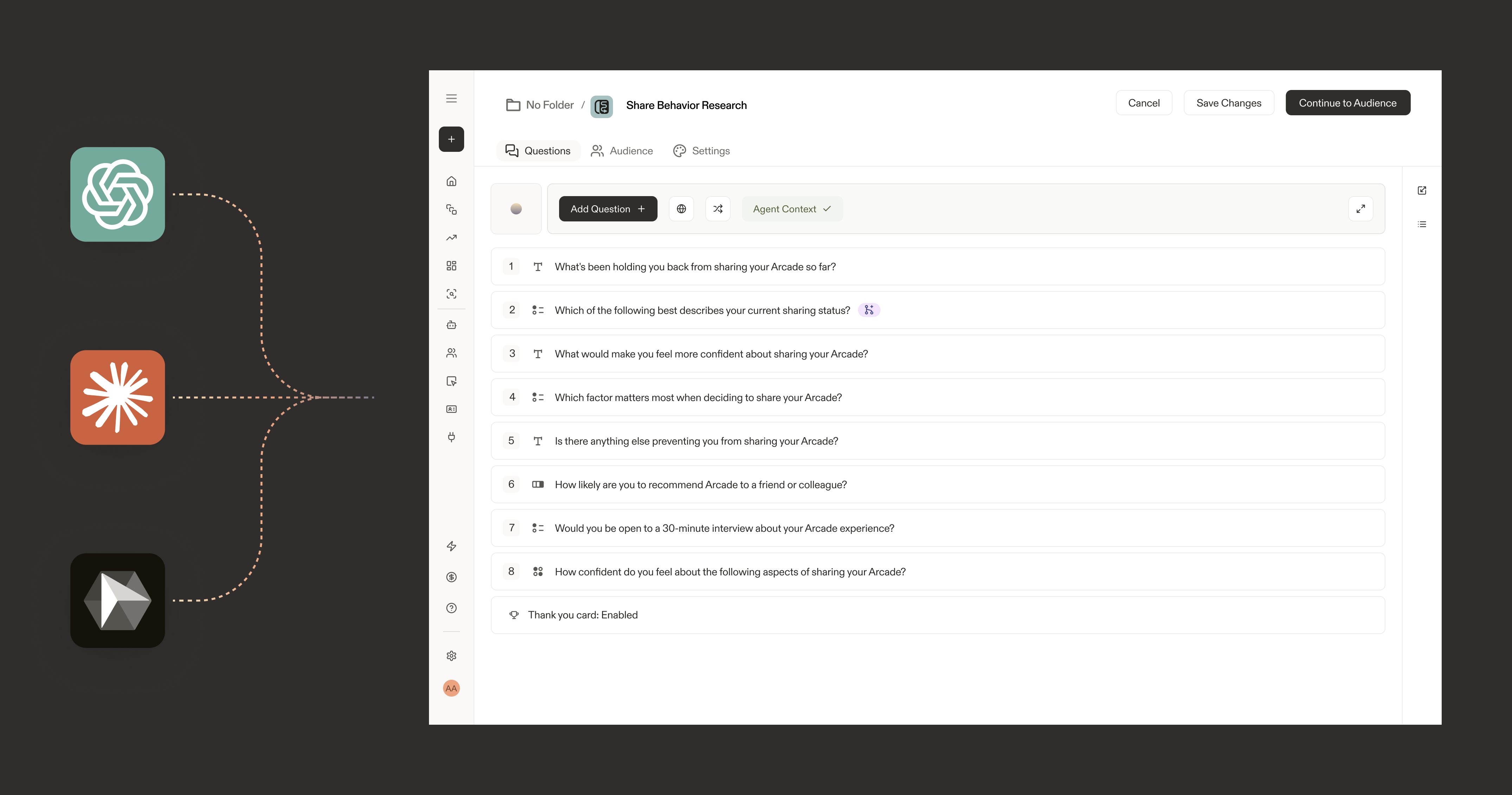 Studies created via MCP are always saved as drafts first. Launching requires a manual action from you in the Sprig UI.
**Example prompts to get started:**
"Create a 5-question onboarding study to understand why users drop off before completing setup."
One a survey has been generated you can prompt it to create a study within Sprig.
See [Create a Sprig study from your AI client](https://sprig.mintlify.app/docs/native-ai/sprig-mcp-create-study) for setup instructions and prompt tips.
## New: AI Follow-ups for more Question Types
*by Paresh Vakhariya*
# AI Follow-up questions for more Question Types
## What's new in this release
Add AI follow-up questions to
* Ratings (number, smiley, star)
* Multiple choice (single and multi-select)
* NPS
* Matrix, and
* Rank order questions so any of these can probe for the "why" behind a response, not just open text.
Also, you can now also run **skip logic** on a parent question while AI follow-up is enabled. Skip logic runs after the parent question: if a response matches a rule, the AI follow-up is skipped and the respondent routes to the designated question (or the survey ends). Previously you had to choose one or the other.
## New: Sprig MCP
*by Paresh Vakhariya*
# Sprig MCP is now available
Connect your Sprig workspace to AI tools using the Model Context Protocol (MCP). Your studies, responses, segments, and Agent Context are now accessible as live context in Claude, Claude Code, ChatGPT, Cursor, Gemini CLI, GitHub Copilot, and more.
Studies created via MCP are always saved as drafts first. Launching requires a manual action from you in the Sprig UI.
**Example prompts to get started:**
"Create a 5-question onboarding study to understand why users drop off before completing setup."
One a survey has been generated you can prompt it to create a study within Sprig.
See [Create a Sprig study from your AI client](https://sprig.mintlify.app/docs/native-ai/sprig-mcp-create-study) for setup instructions and prompt tips.
## New: AI Follow-ups for more Question Types
*by Paresh Vakhariya*
# AI Follow-up questions for more Question Types
## What's new in this release
Add AI follow-up questions to
* Ratings (number, smiley, star)
* Multiple choice (single and multi-select)
* NPS
* Matrix, and
* Rank order questions so any of these can probe for the "why" behind a response, not just open text.
Also, you can now also run **skip logic** on a parent question while AI follow-up is enabled. Skip logic runs after the parent question: if a response matches a rule, the AI follow-up is skipped and the respondent routes to the designated question (or the survey ends). Previously you had to choose one or the other.
## New: Sprig MCP
*by Paresh Vakhariya*
# Sprig MCP is now available
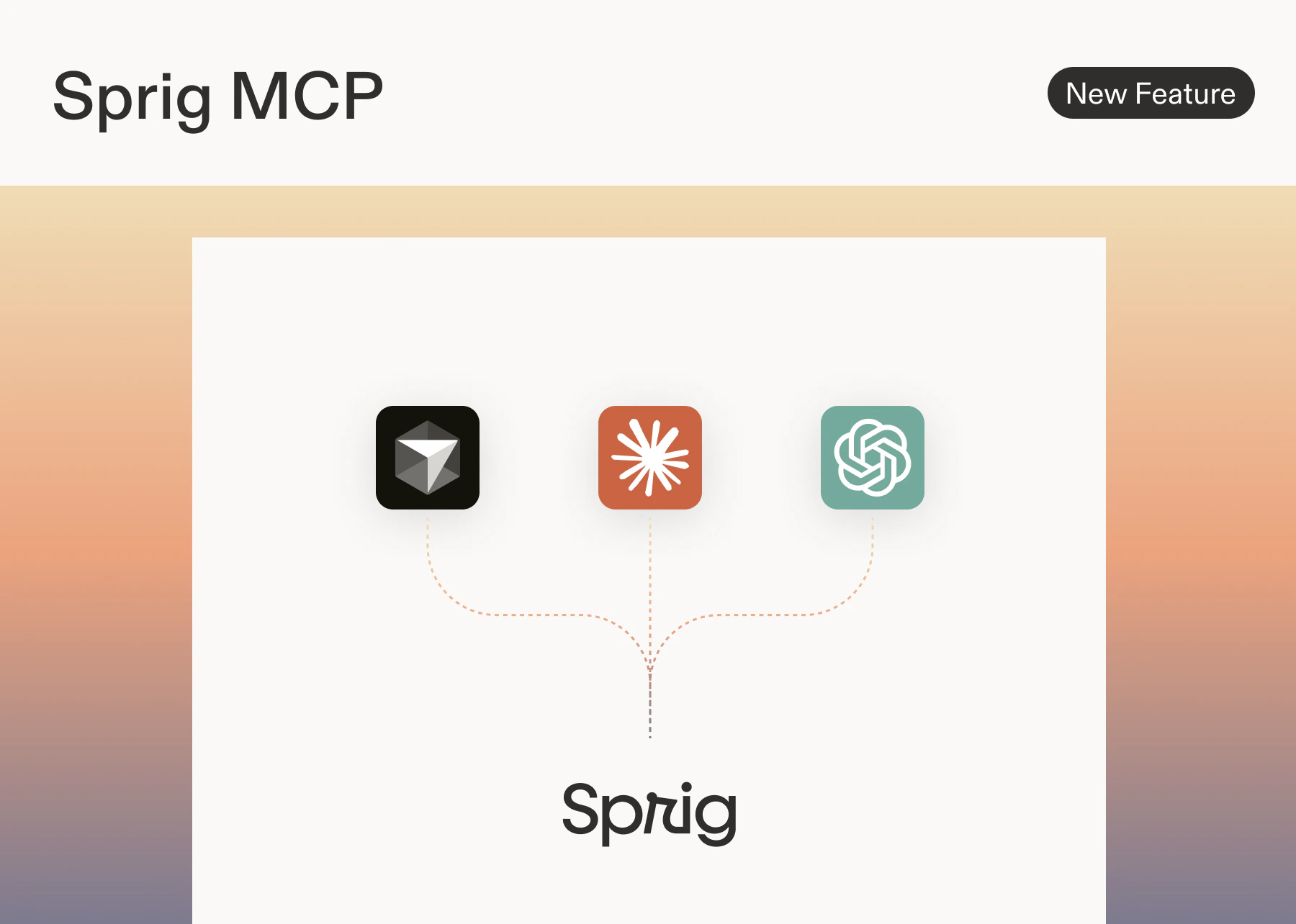
Connect your Sprig workspace to AI tools using the Model Context Protocol (MCP). Your studies, responses, segments, and Agent Context are now accessible as live context in Claude, Claude Code, ChatGPT, Cursor, Gemini CLI, GitHub Copilot, and more.
 ## What's new
**Sprig MCP server** Exposes your Sprig workspace data as callable tools via a standard MCP endpoint at `https://mcp.sprig.com/mcp`
Any MCP-compatible AI client can connect and query your data directly.
**3 tools available at launch**
| Tool | What it does |
| :------------------- | :---------------------------------------------------------------------------- |
| `Retrieve Surveys` | Returns all studies in your workspace |
| `Retrieve Responses` | Fetches responses for a given study |
| `Retrieve Themes` | retrieve themes, along with the responses that are associated with each theme |
**OAuth authorization** Connections use OAuth 2.0. No API keys to manage. Admins authorize once at the workspace level; members connect their individual accounts with a single click.
**Admin and member controls** Workspace admins connect Sprig for their org. Members authorize their own accounts independently. Access is scoped to each user's existing workspace permissions.
## Supported clients at launch
Anthropic: Claude, Claude Code, Claude Cowork
OpenAI: ChatGPT, Codex
Google: Gemini CLI
Microsoft: GitHub Copilot
Code editors: Cursor
## What you can do
Pull Sprig data directly into any connected AI client without exporting or copy/pasting:
* Summarize study results and surface top themes
* Compare responses across studies or time periods
* Analyze how responses differ across user segments
* Generate research summaries, readouts, and hypotheses
* Look up any study by name or ID
**MCP to MCP workflows** When Sprig and another tool are both connected to the same AI client, you can act on Sprig data in other systems automatically.
e.g. Create Linear or Jira tickets from feedback themes, write research summaries into Notion or Confluence, log NPS signals to HubSpot or Salesforce, and export responses to Google Sheets.
## How to connect
Go to **Settings → Agents → Sprig MCP** to get your MCP server URL and follow the setup steps for your AI client.
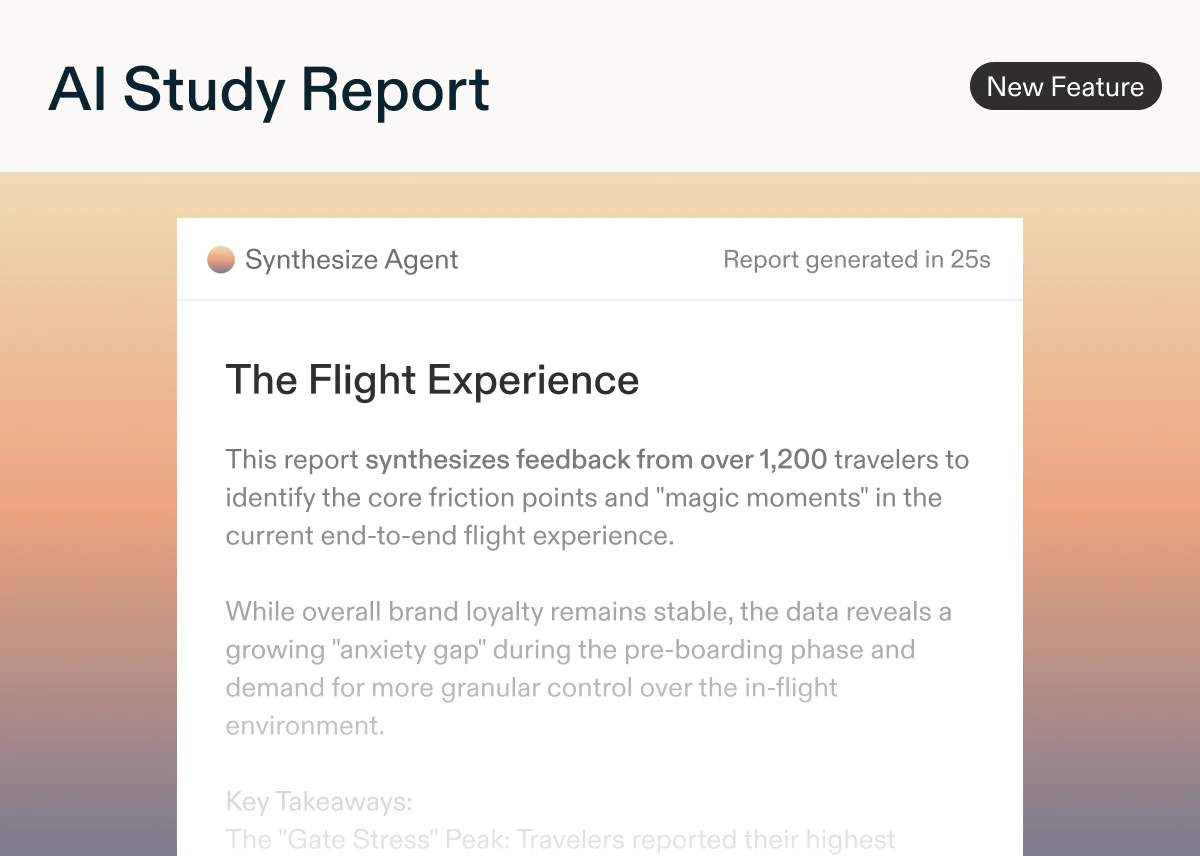
## New: AI Study Report
*by Laura Desmond-Black*
Use Sprig's Synthesize Agent to quickly go from raw responses to a structured report that can easily be edited, downloaded, or shared with team members. Spend less time on manual analysis and more time ensuring insights are able to influence critical decisions.
Influence the content of the AI Study Report by adding [Agent Context](/docs/native-ai/synthesize-agent/agent-context) to ensure the report accurately reflects your goals and the particular focus area for the study. Reports are generated based on the Agent Context, the study's raw responses, and AI Insights generated for the study.
Reports follow research best practices with an executive summary, and sections for key insights, strengths, and opportunities. Meaningful quotes from open text questions are included to add depth to findings.
Editors can generate reports for in-progress studies that have 10 or more responses, or completed studies.
AI Study Reports are available for customers on the Enterprise plan for Surveys, In-Product Surveys, and Feedback studies. [Learn more](/docs/native-ai/synthesize-agent/ai-study-reports) about generating a report for your next study!
**Note**: this feature is being released in stages so you may not see it yet. We expect rollout to be complete by early May.
## What's new
**Sprig MCP server** Exposes your Sprig workspace data as callable tools via a standard MCP endpoint at `https://mcp.sprig.com/mcp`
Any MCP-compatible AI client can connect and query your data directly.
**3 tools available at launch**
| Tool | What it does |
| :------------------- | :---------------------------------------------------------------------------- |
| `Retrieve Surveys` | Returns all studies in your workspace |
| `Retrieve Responses` | Fetches responses for a given study |
| `Retrieve Themes` | retrieve themes, along with the responses that are associated with each theme |
**OAuth authorization** Connections use OAuth 2.0. No API keys to manage. Admins authorize once at the workspace level; members connect their individual accounts with a single click.
**Admin and member controls** Workspace admins connect Sprig for their org. Members authorize their own accounts independently. Access is scoped to each user's existing workspace permissions.
## Supported clients at launch
Anthropic: Claude, Claude Code, Claude Cowork
OpenAI: ChatGPT, Codex
Google: Gemini CLI
Microsoft: GitHub Copilot
Code editors: Cursor
## What you can do
Pull Sprig data directly into any connected AI client without exporting or copy/pasting:
* Summarize study results and surface top themes
* Compare responses across studies or time periods
* Analyze how responses differ across user segments
* Generate research summaries, readouts, and hypotheses
* Look up any study by name or ID
**MCP to MCP workflows** When Sprig and another tool are both connected to the same AI client, you can act on Sprig data in other systems automatically.
e.g. Create Linear or Jira tickets from feedback themes, write research summaries into Notion or Confluence, log NPS signals to HubSpot or Salesforce, and export responses to Google Sheets.
## How to connect
Go to **Settings → Agents → Sprig MCP** to get your MCP server URL and follow the setup steps for your AI client.
## New: AI Study Report
*by Laura Desmond-Black*
Use Sprig's Synthesize Agent to quickly go from raw responses to a structured report that can easily be edited, downloaded, or shared with team members. Spend less time on manual analysis and more time ensuring insights are able to influence critical decisions.
Influence the content of the AI Study Report by adding [Agent Context](/docs/native-ai/synthesize-agent/agent-context) to ensure the report accurately reflects your goals and the particular focus area for the study. Reports are generated based on the Agent Context, the study's raw responses, and AI Insights generated for the study.
Reports follow research best practices with an executive summary, and sections for key insights, strengths, and opportunities. Meaningful quotes from open text questions are included to add depth to findings.
Editors can generate reports for in-progress studies that have 10 or more responses, or completed studies.
AI Study Reports are available for customers on the Enterprise plan for Surveys, In-Product Surveys, and Feedback studies. [Learn more](/docs/native-ai/synthesize-agent/ai-study-reports) about generating a report for your next study!
**Note**: this feature is being released in stages so you may not see it yet. We expect rollout to be complete by early May.
 ## AI Dynamic Questions
*by Paresh Vakhariya*
**AI Dynamic Questions** Enterprise tier only
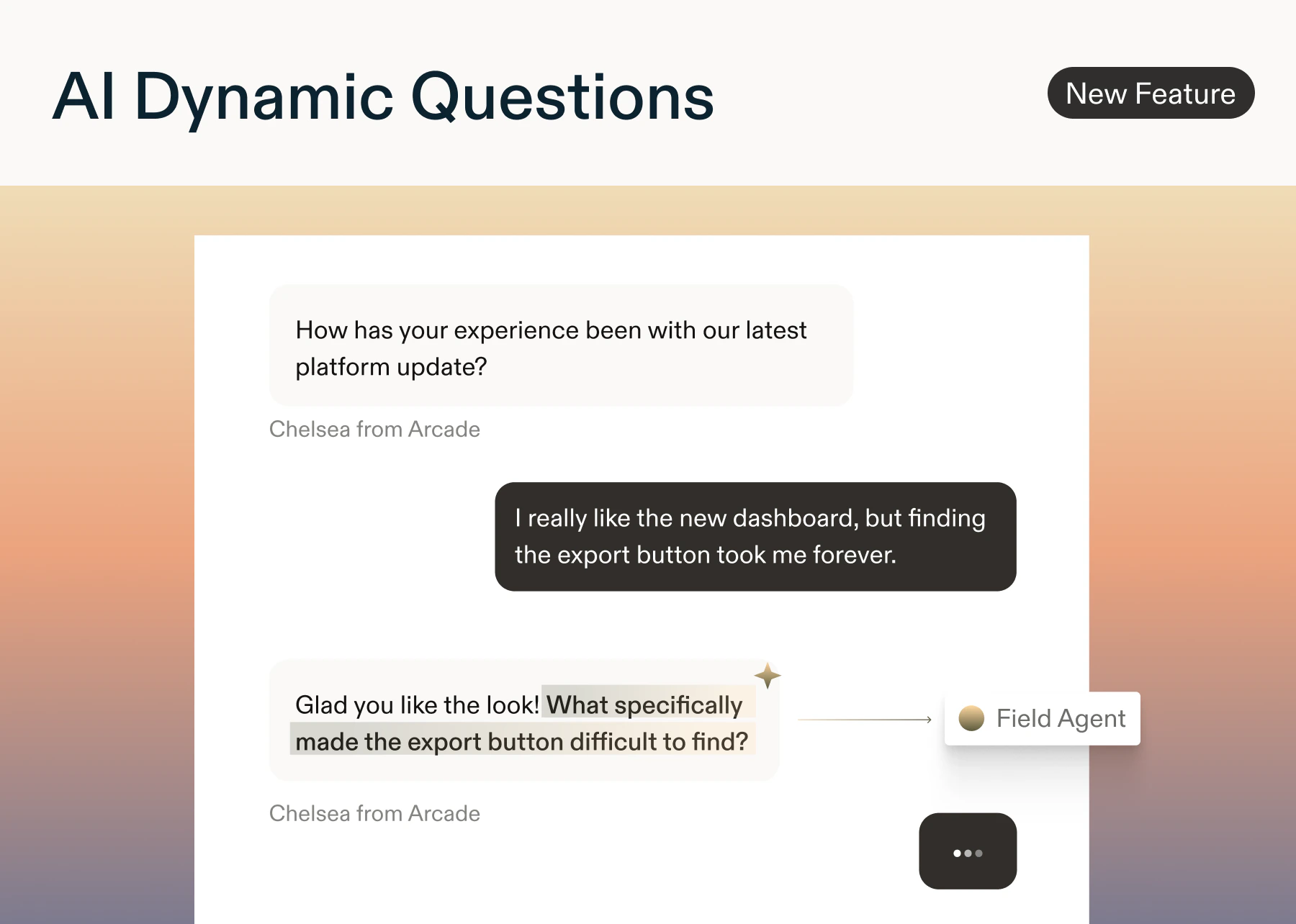
Surveys now adapt in real time. AI Dynamic Questions (utilizing the Field Agent) automatically generate relevant open text question based on what each respondents prior questions/responses
* Add an AI Dynamic Question anywhere in your study. You can also add a custom (optional) prompt to each question.
* AI reads all prior questions and responses, then generates a short, neutral follow-up using NLP signals like sentiment, intent, and keywords. If it can't generate safely or quickly, the question is skipped.
* Results appear in Reports alongside your standard responses.
* **Question styles:** Clarification · Depth · Context · Impact · Sentiment · Keyword
* **Safeguards:** Moderation filters block PII, bias, and unsafe content. Skip logic and quotas are always respected.
* **Available on:** In-product surveys, surveys, and feedback button: Enterprise plans only. No limit on the number of AI Dynamic Questions per study.
**What AI uses to generate questions**
* Team context (if available)
* Agent context pka Study Goals (if provided)
* All prior questions and responses
* Question prompt (if entered)
* NLP signals: intent, sentiment, topics, and entities
💡 Start with 1–2 AI Dynamic questions per survey to add depth without increasing respondent fatigue.
## AI Dynamic Questions
*by Paresh Vakhariya*
**AI Dynamic Questions** Enterprise tier only
Surveys now adapt in real time. AI Dynamic Questions (utilizing the Field Agent) automatically generate relevant open text question based on what each respondents prior questions/responses
* Add an AI Dynamic Question anywhere in your study. You can also add a custom (optional) prompt to each question.
* AI reads all prior questions and responses, then generates a short, neutral follow-up using NLP signals like sentiment, intent, and keywords. If it can't generate safely or quickly, the question is skipped.
* Results appear in Reports alongside your standard responses.
* **Question styles:** Clarification · Depth · Context · Impact · Sentiment · Keyword
* **Safeguards:** Moderation filters block PII, bias, and unsafe content. Skip logic and quotas are always respected.
* **Available on:** In-product surveys, surveys, and feedback button: Enterprise plans only. No limit on the number of AI Dynamic Questions per study.
**What AI uses to generate questions**
* Team context (if available)
* Agent context pka Study Goals (if provided)
* All prior questions and responses
* Question prompt (if entered)
* NLP signals: intent, sentiment, topics, and entities
💡 Start with 1–2 AI Dynamic questions per survey to add depth without increasing respondent fatigue.
 ## Prototype Testing Enhancements
*by Laura Desmond-Black*
For those of you who use Sprig to test new ideas and concepts, we have two enhancements to share:
1. You can now include **published** Figma Make and Lovable prototypes in Surveys. Get feedback on these highly dynamic prototypes just like you can for more traditional prototypes by placing them within a broader survey that might include multiple ideas. [Learn more](/docs/sprig-studies/prototype-studies/index).
2. For those who share AI-generated prototypes directly with users, we've validated that you can install the Sprig SDK into the prototypes themselves so that Feedback studies or In-Product Surveys can be part of the experience. Results show in Sprig just like when you launch studies in your live apps. Now you no longer have to rely on manual, in-person, or ad-hoc processes to get feedback on these vibe-coded ideas. [Learn more](/docs/sprig-studies/prototype-studies/index#embed-sprig-in-product-surveys-within-ai-generated-prototypes).
Happy testing!
## Prototype Testing Enhancements
*by Laura Desmond-Black*
For those of you who use Sprig to test new ideas and concepts, we have two enhancements to share:
1. You can now include **published** Figma Make and Lovable prototypes in Surveys. Get feedback on these highly dynamic prototypes just like you can for more traditional prototypes by placing them within a broader survey that might include multiple ideas. [Learn more](/docs/sprig-studies/prototype-studies/index).
2. For those who share AI-generated prototypes directly with users, we've validated that you can install the Sprig SDK into the prototypes themselves so that Feedback studies or In-Product Surveys can be part of the experience. Results show in Sprig just like when you launch studies in your live apps. Now you no longer have to rely on manual, in-person, or ad-hoc processes to get feedback on these vibe-coded ideas. [Learn more](/docs/sprig-studies/prototype-studies/index#embed-sprig-in-product-surveys-within-ai-generated-prototypes).
Happy testing!
 ## AI Follow-up Question
*by Paresh Vakhariya*
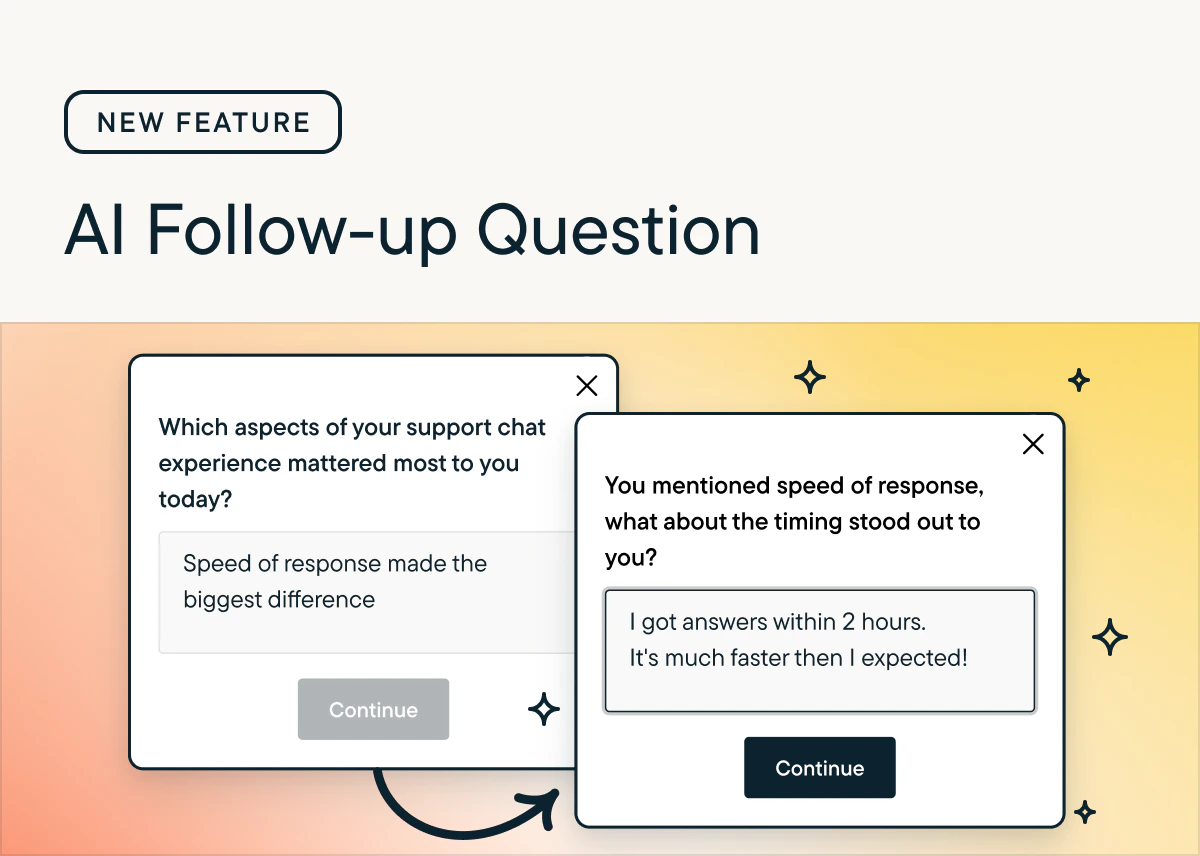
AI Follow-Up automatically generates personalized, open-ended probes based on a respondent’s specific answer, capturing richer detail without manual programming.
## Key Features
* Supports Open Text questions; currently unavailable for Voice/Video. More question types to have AI Follow-up questions soon.
* Users must choose between AI Follow-Up or Skip Logic per question.
* Skips automatically if a relevant or safe question cannot be generated quickly.
## Why use AI follow-up questions?
* AI follow-up questions help turn vague feedback into specific, actionable insights by probing for clarity, examples, and root causes.
* They mimic a live interviewer at scale, improving response quality without adding researcher workload.
## How to Use
* Enable via the toggle in Study Setup for any Open Text question.
* Context used: Uses study goals, previous responses, and NLP signals (sentiment, intent) to tailor probes.
* Generates questions focused on clarification, impact, sentiment, or depth.
* Results: View both the AI-generated probe and the respondent’s answer in the Results tab.
## Best Practice
* Use 1–2 AI Follow-Up questions per survey to balance deeper insights with respondent experience.
## AI Follow-up Question
*by Paresh Vakhariya*
AI Follow-Up automatically generates personalized, open-ended probes based on a respondent’s specific answer, capturing richer detail without manual programming.
## Key Features
* Supports Open Text questions; currently unavailable for Voice/Video. More question types to have AI Follow-up questions soon.
* Users must choose between AI Follow-Up or Skip Logic per question.
* Skips automatically if a relevant or safe question cannot be generated quickly.
## Why use AI follow-up questions?
* AI follow-up questions help turn vague feedback into specific, actionable insights by probing for clarity, examples, and root causes.
* They mimic a live interviewer at scale, improving response quality without adding researcher workload.
## How to Use
* Enable via the toggle in Study Setup for any Open Text question.
* Context used: Uses study goals, previous responses, and NLP signals (sentiment, intent) to tailor probes.
* Generates questions focused on clarification, impact, sentiment, or depth.
* Results: View both the AI-generated probe and the respondent’s answer in the Results tab.
## Best Practice
* Use 1–2 AI Follow-Up questions per survey to balance deeper insights with respondent experience.
 ## New: Display Logic
*by Laura Desmond-Black*
Display Logic is now available for Surveys, In-Product Surveys, and Feedback studies for customers on the Enterprise plan 🎉
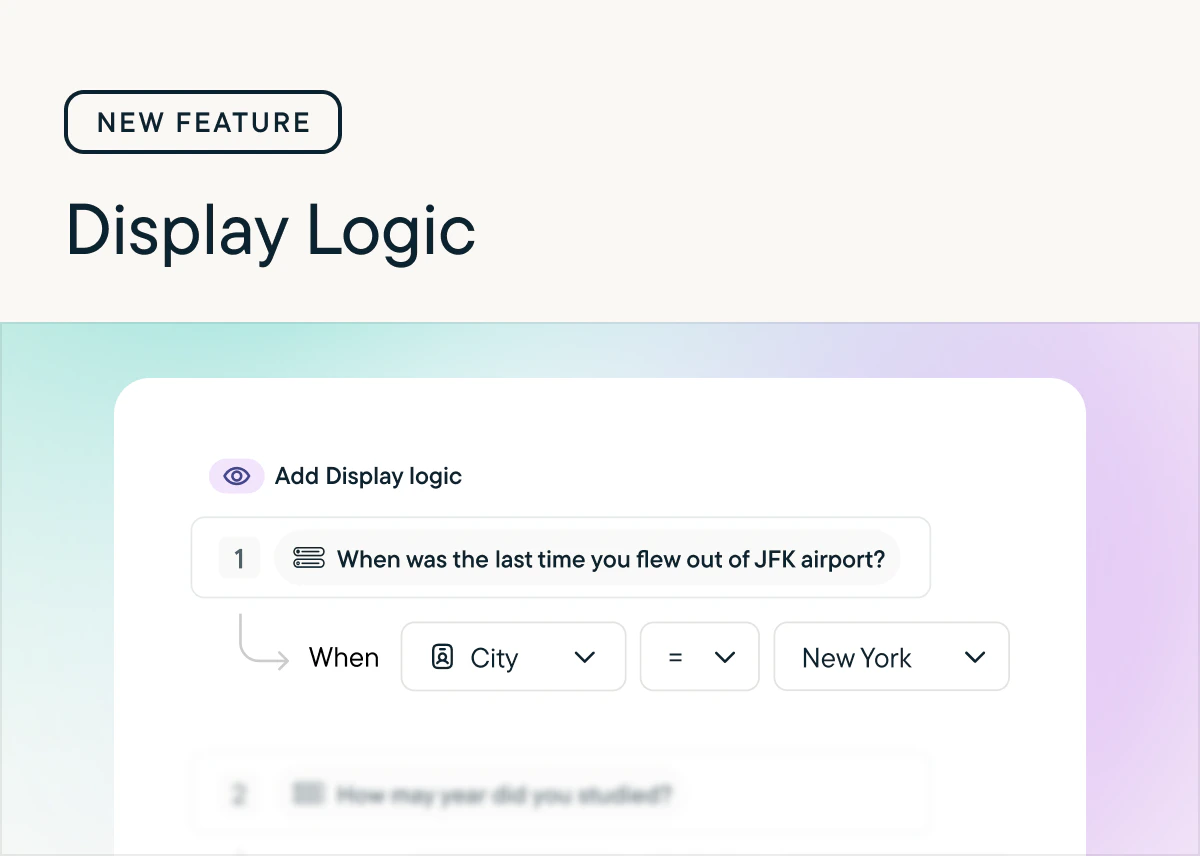
Now you can easily configure questions to show when a respondent meets specific criteria based on their prior responses in the survey or user attributes you've stored in Sprig, like their plan or region. This allows you to ask customers a question with options that are relevant to them (Mets, Jets, or Nets for those in New York and Bears, Cubs, and Bulls for those in Chicago) which will lead to higher engagement and richer data.
Check out [the documentation](/docs/shared-study-foundations/main-tasks/survey-logic#display-logic) to learn more about setting up Display Logic.
## New: Display Logic
*by Laura Desmond-Black*
Display Logic is now available for Surveys, In-Product Surveys, and Feedback studies for customers on the Enterprise plan 🎉
Now you can easily configure questions to show when a respondent meets specific criteria based on their prior responses in the survey or user attributes you've stored in Sprig, like their plan or region. This allows you to ask customers a question with options that are relevant to them (Mets, Jets, or Nets for those in New York and Bears, Cubs, and Bulls for those in Chicago) which will lead to higher engagement and richer data.
Check out [the documentation](/docs/shared-study-foundations/main-tasks/survey-logic#display-logic) to learn more about setting up Display Logic.
 ## New: Attribute Piping
*by Laura Desmond-Black*
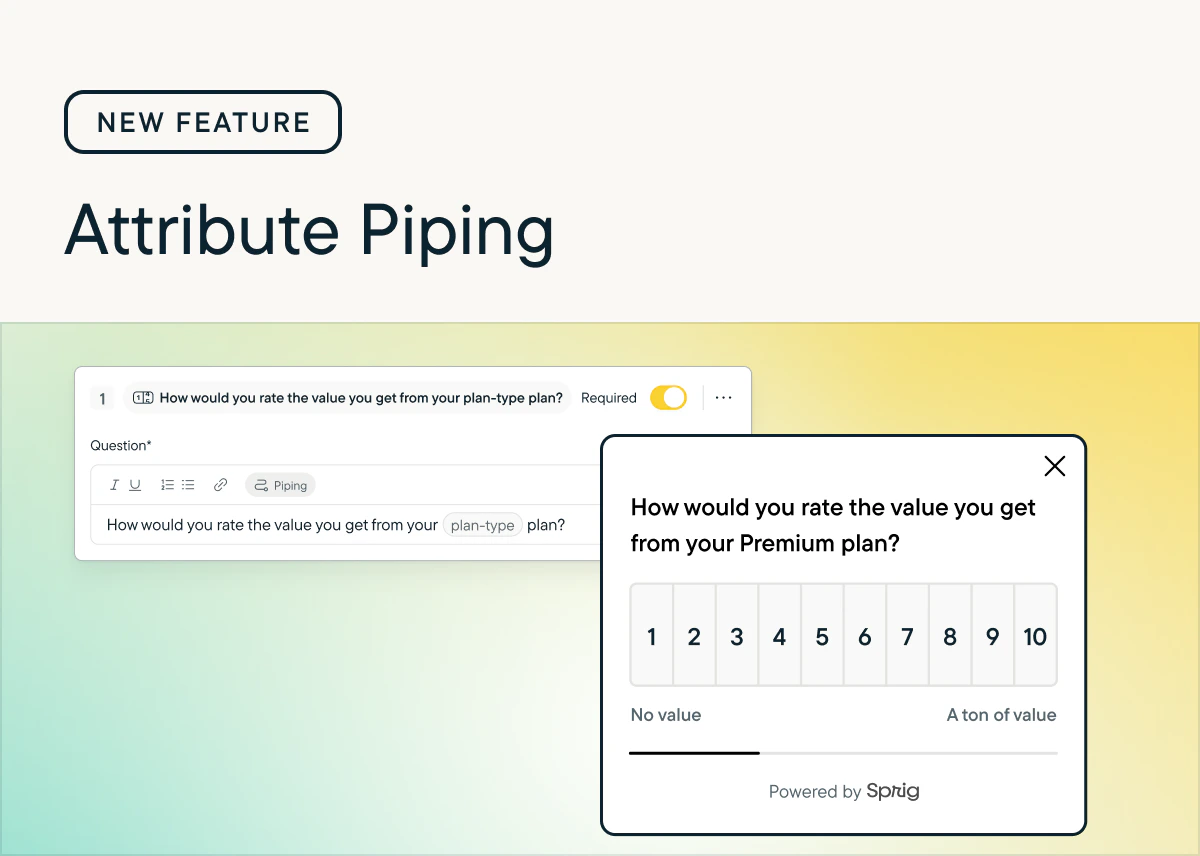
Generic questions are out; tailored experiences are in. Starting today, you can use the attribute data you already store in Sprig to customize your survey questions and descriptions in real-time.
**Why this is great:** more context for respondents means higher completion rates and higher quality responses. Instead of asking, "How much value do you feel like you're getting from your paid plan?" ask, "How much value do you feel like you're getting from your **Enterprise** plan, **Sarah**?"
**How it works:** Just like Response Piping, reference any attribute stored in Sprig directly within the question or description text.
**Availability:** Attribute Piping is available for customers on the Enterprise plan across In-Product Surveys, Surveys, and Feedback studies.
👉 [See how to set it up](/docs/shared-study-foundations/main-tasks/survey-logic#attribute-piping)
## New: Attribute Piping
*by Laura Desmond-Black*
Generic questions are out; tailored experiences are in. Starting today, you can use the attribute data you already store in Sprig to customize your survey questions and descriptions in real-time.
**Why this is great:** more context for respondents means higher completion rates and higher quality responses. Instead of asking, "How much value do you feel like you're getting from your paid plan?" ask, "How much value do you feel like you're getting from your **Enterprise** plan, **Sarah**?"
**How it works:** Just like Response Piping, reference any attribute stored in Sprig directly within the question or description text.
**Availability:** Attribute Piping is available for customers on the Enterprise plan across In-Product Surveys, Surveys, and Feedback studies.
👉 [See how to set it up](/docs/shared-study-foundations/main-tasks/survey-logic#attribute-piping)
 ## Display Limits for Choice Randomization
*by Laura Desmond-Black*
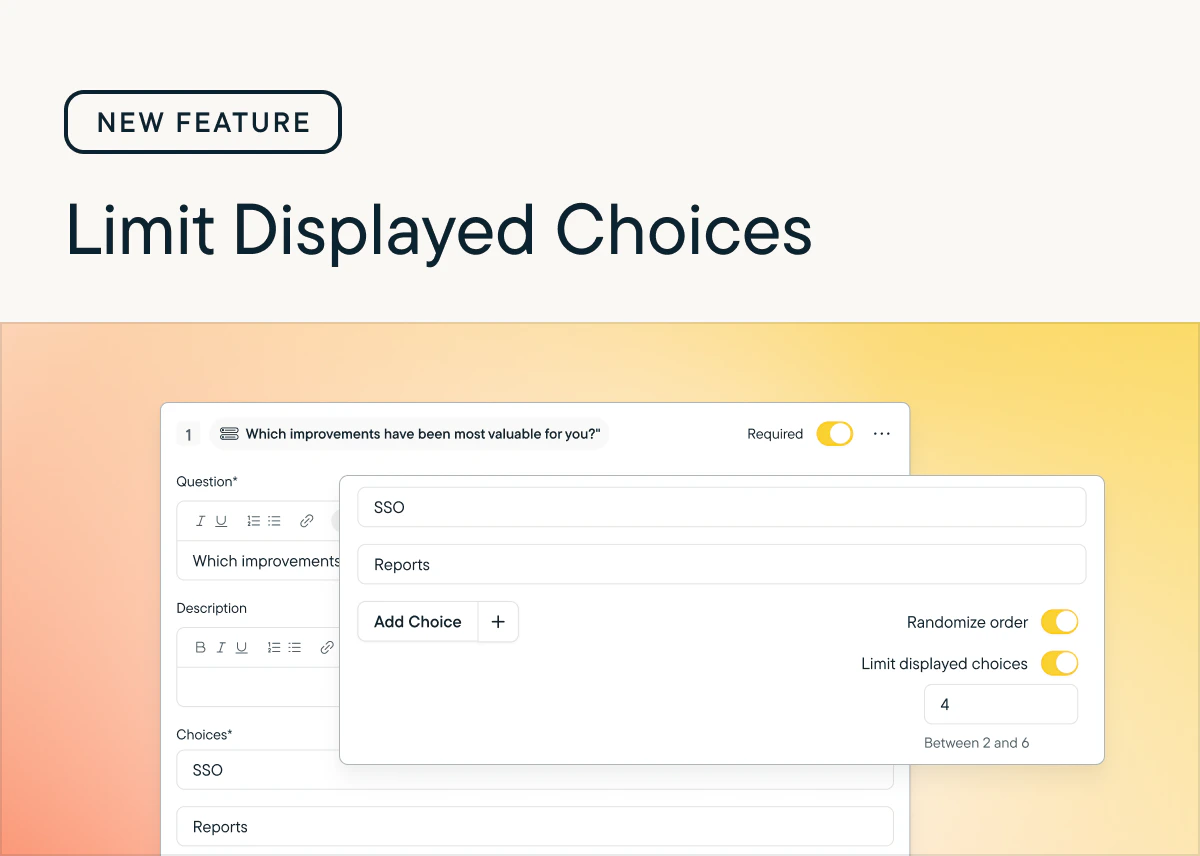
With this release customers on the Enterprise plan gain an additional configuration option when randomizing the choices offered to respondents in Multiple Choice: Multi-Select and Matrix questions.
Now when setting choices to display in a randomized order in these questions there will be an option to limit the number of choices displayed. For example, if you have a list of 20 themes that you'd like respondents to select from but you don't want them to become overwhelmed with the full list, you can choose to limit the number of choices displayed to only 6 or 8.
See [our Help Center documentation](/docs/shared-study-foundations/main-tasks/survey-logic#randomize-the-order-of-response-options-in-questions) to learn more.
## Display Limits for Choice Randomization
*by Laura Desmond-Black*
With this release customers on the Enterprise plan gain an additional configuration option when randomizing the choices offered to respondents in Multiple Choice: Multi-Select and Matrix questions.
Now when setting choices to display in a randomized order in these questions there will be an option to limit the number of choices displayed. For example, if you have a list of 20 themes that you'd like respondents to select from but you don't want them to become overwhelmed with the full list, you can choose to limit the number of choices displayed to only 6 or 8.
See [our Help Center documentation](/docs/shared-study-foundations/main-tasks/survey-logic#randomize-the-order-of-response-options-in-questions) to learn more.
 ## Date filters for CSV Exports
*by Laura Desmond-Black*
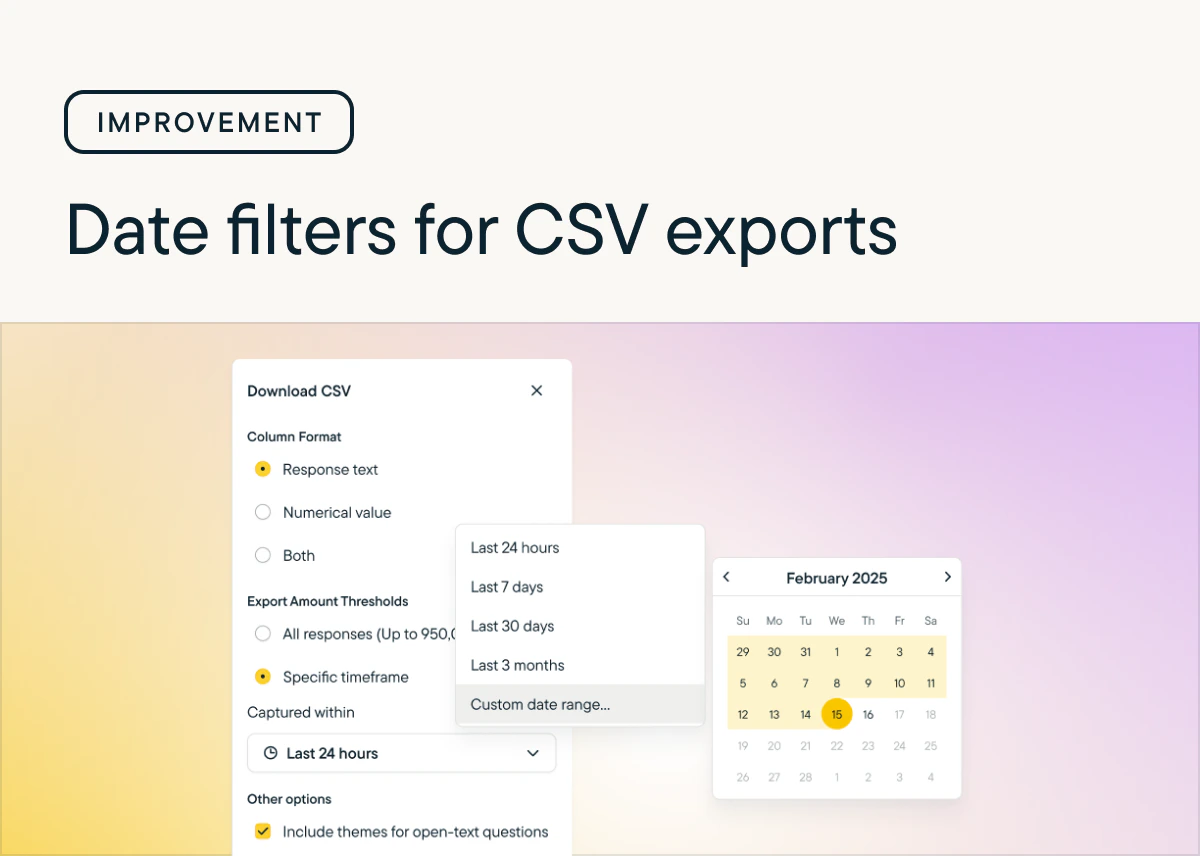
Do you ever wish you could export survey response data for a specific timeframe?
Well, now you can! You can now choose a timeframe when requesting a CSV export so you can jump into analysis faster. Choose between preset or custom timeframes. If your survey has more responses than are supported for CSV exports (950,000) you can reduce the number of responses using the new filters and continue with your work. [Learn more.](/docs/shared-study-foundations/export-survey-data#/)
## Date filters for CSV Exports
*by Laura Desmond-Black*
Do you ever wish you could export survey response data for a specific timeframe?
Well, now you can! You can now choose a timeframe when requesting a CSV export so you can jump into analysis faster. Choose between preset or custom timeframes. If your survey has more responses than are supported for CSV exports (950,000) you can reduce the number of responses using the new filters and continue with your work. [Learn more.](/docs/shared-study-foundations/export-survey-data#/)
 ## New Question Type: MaxDiff
*by Laura Desmond-Black*
MaxDiff questions are here! 🎉 🥳
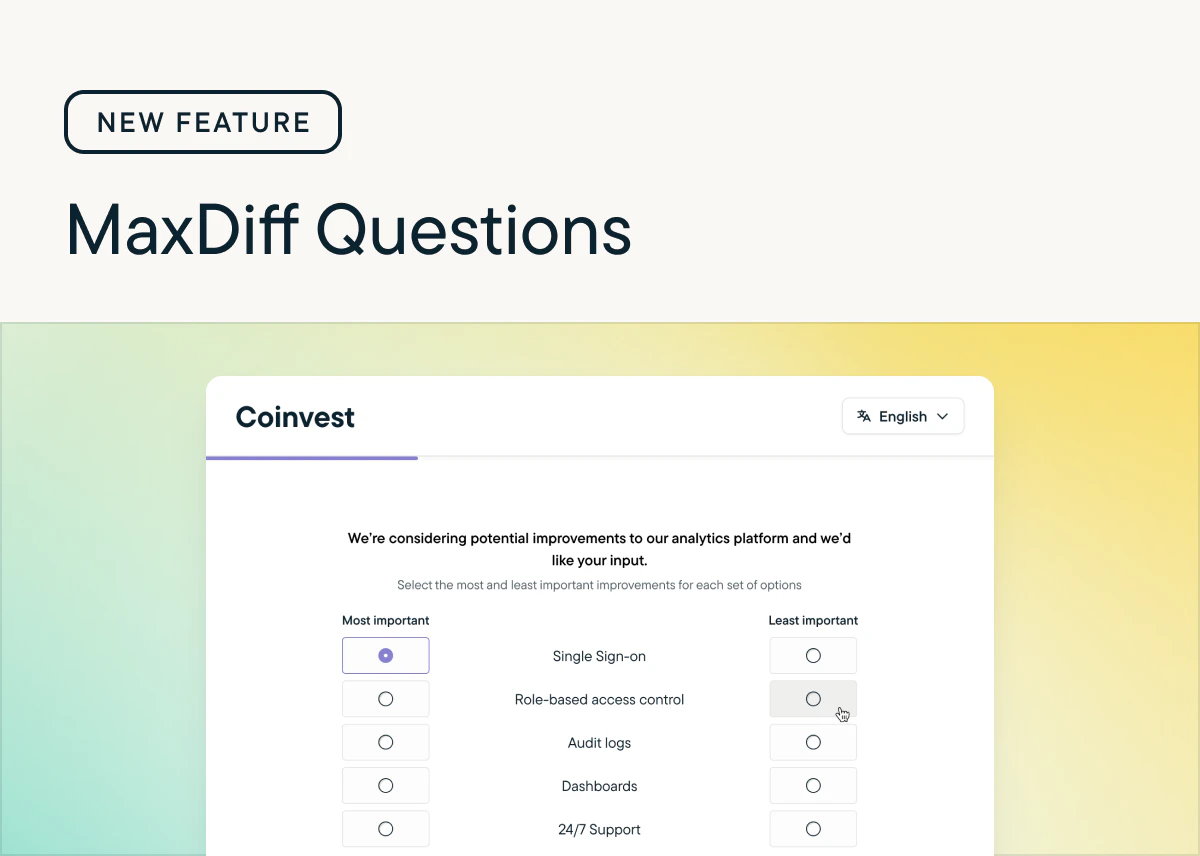
Gather detailed insights from respondents as you consider how to prioritize improvements or refine brand messaging with intuitive researcher and respondent experiences. Use the recommended setting to configure the question quickly or define your own experiment structure with the custom setting. Get a sense for how respondents feel about what you're asking them to rate using the built-in best-worst summary or download the CSV to run your own analysis. Check out [the documentation](/docs/shared-study-foundations/main-tasks/questions#maxdiff) to learn more.
## New Question Type: MaxDiff
*by Laura Desmond-Black*
MaxDiff questions are here! 🎉 🥳
Gather detailed insights from respondents as you consider how to prioritize improvements or refine brand messaging with intuitive researcher and respondent experiences. Use the recommended setting to configure the question quickly or define your own experiment structure with the custom setting. Get a sense for how respondents feel about what you're asking them to rate using the built-in best-worst summary or download the CSV to run your own analysis. Check out [the documentation](/docs/shared-study-foundations/main-tasks/questions#maxdiff) to learn more.
 ## Conversational Surveys
*by Paresh Vakhariya*
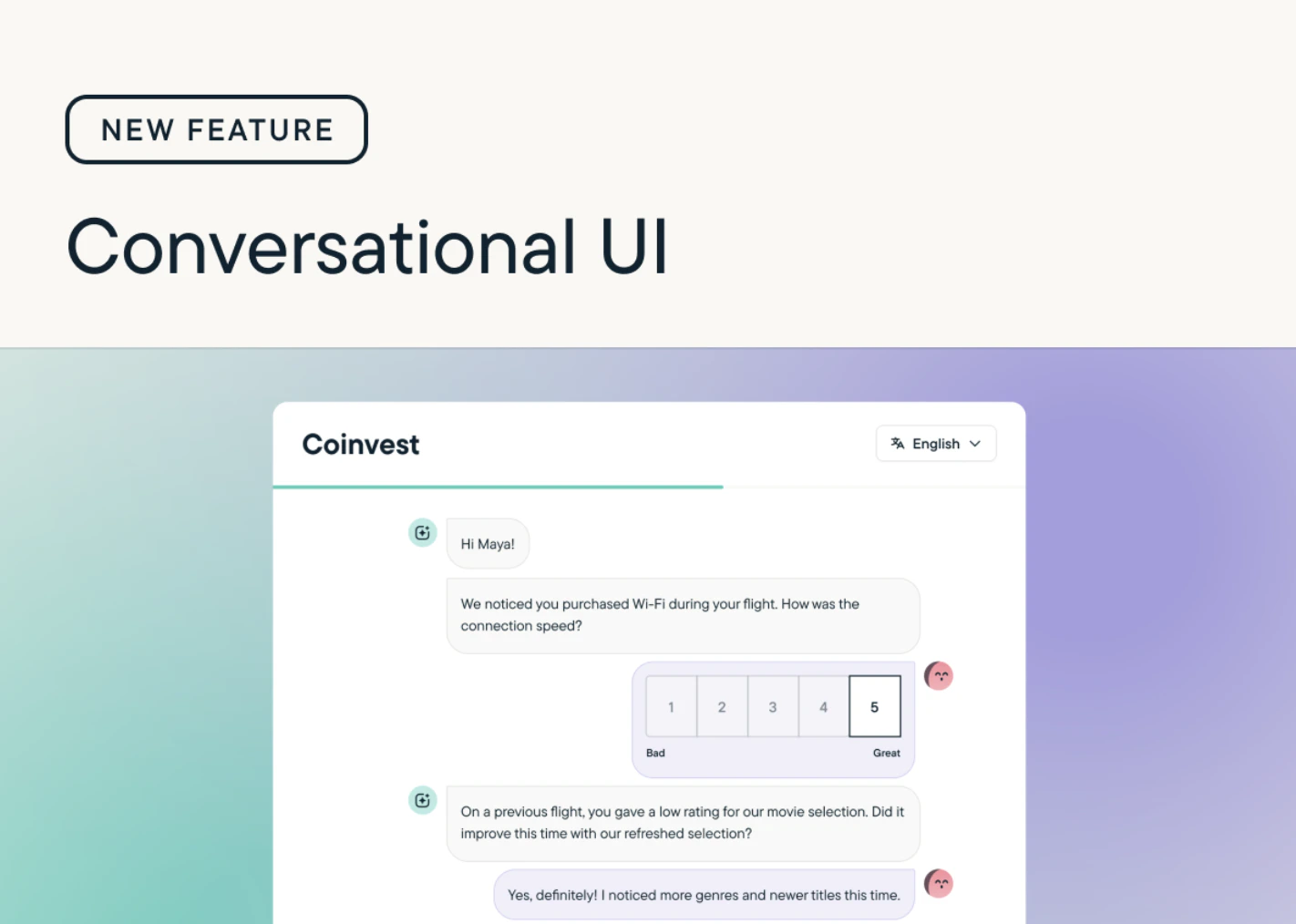
We have introduced Conversational Surveys: a new, chat-style survey experience that makes responding feel more natural and engaging.
Instead of displaying multiple questions on a single page, Conversational Surveys present questions one at a time, creating a smooth, dialogue-like flow. Respondents interact as if they’re in a friendly conversation, leading to a more human, immersive, and enjoyable experience.
Check out [Conversational surveys](/docs/shared-study-foundations/main-tasks/conversational-surveys#/) to learn more about using this new functionality in your surveys!
## Conversational Surveys
*by Paresh Vakhariya*
We have introduced Conversational Surveys: a new, chat-style survey experience that makes responding feel more natural and engaging.
Instead of displaying multiple questions on a single page, Conversational Surveys present questions one at a time, creating a smooth, dialogue-like flow. Respondents interact as if they’re in a friendly conversation, leading to a more human, immersive, and enjoyable experience.
Check out [Conversational surveys](/docs/shared-study-foundations/main-tasks/conversational-surveys#/) to learn more about using this new functionality in your surveys!
 ## Validation for Multiple Choice Multi-Select questions
*by Laura Desmond-Black*
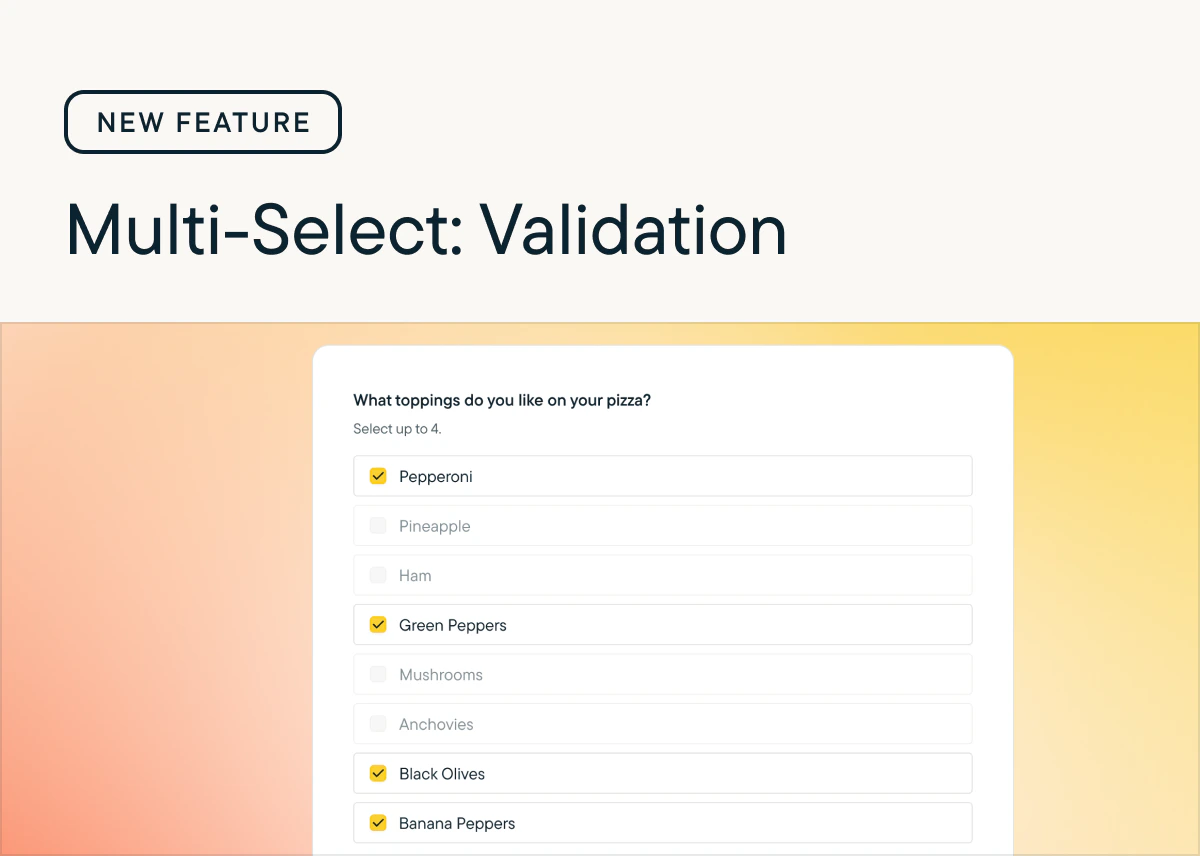
We've added new validation options for Multiple Choice Multi-Select questions so that you can capture exactly the data you need from respondents. There are now three settings for validating responses to these questions:
* Unlimited - Respondents can select as many choices from the list as they'd like.
* Maximum - Set an upper limit for how many choices respondents can select.
* Range - Set both lower and upper limits for how many choices respondents can select.
Check out [the documentation](/docs/shared-study-foundations/main-tasks/questions#response-validation-options) to learn more about using this new functionality in your surveys!
## Validation for Multiple Choice Multi-Select questions
*by Laura Desmond-Black*
We've added new validation options for Multiple Choice Multi-Select questions so that you can capture exactly the data you need from respondents. There are now three settings for validating responses to these questions:
* Unlimited - Respondents can select as many choices from the list as they'd like.
* Maximum - Set an upper limit for how many choices respondents can select.
* Range - Set both lower and upper limits for how many choices respondents can select.
Check out [the documentation](/docs/shared-study-foundations/main-tasks/questions#response-validation-options) to learn more about using this new functionality in your surveys!
 ## Surveys are out of beta
*by Laura Desmond-Black*
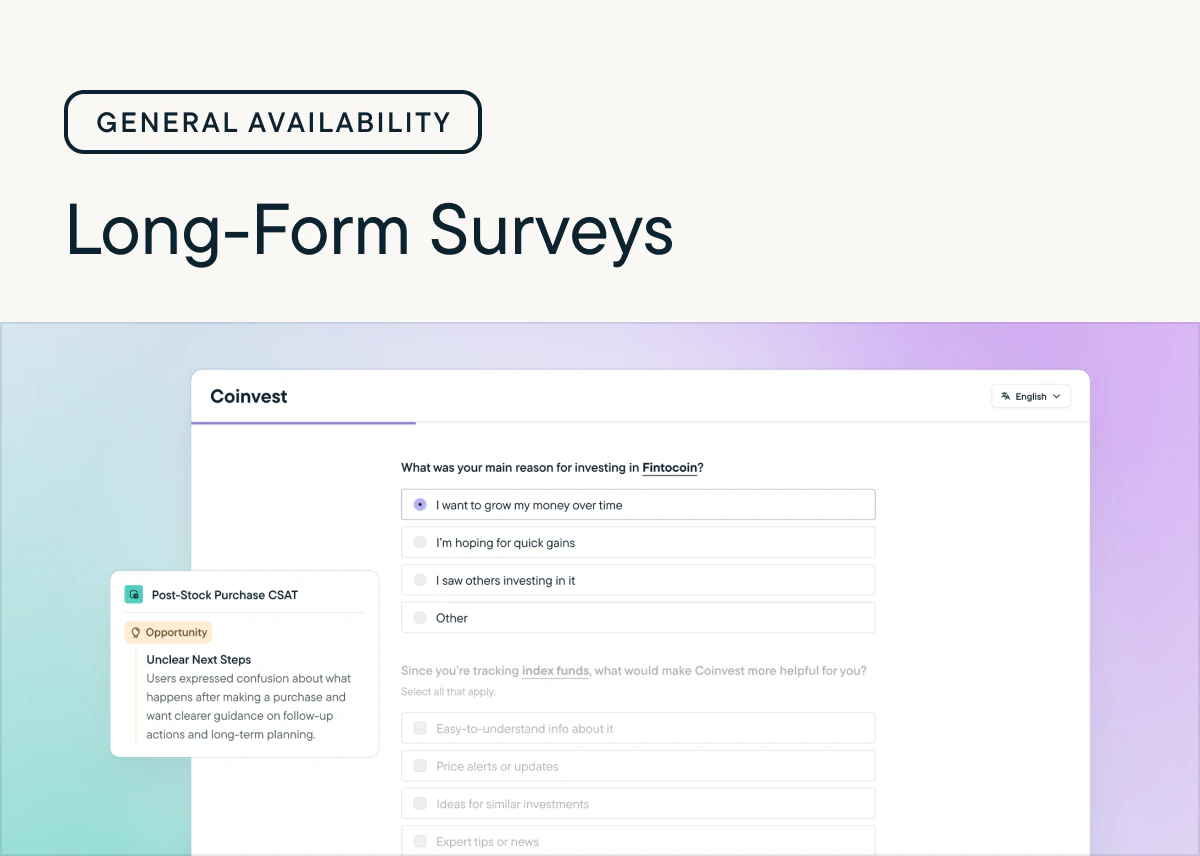
We're pleased to announce that Surveys have reached general availability!
Over the course of the 3 month beta we added tons of new functionality including page-level Randomization, Rank Order questions, multiple questions per page, and Response Piping. We loved seeing how quickly you incorporated these new capabilities into your surveys and and appreciate all of the feedback you shared as you tested and launched surveys.
While the beta is over, we're just getting started--we have many releases planned for the next few months including:
* **Conversational Respondent UI**: A modern, chat-style survey experience that feels more human and drives better response rates. Choose when to deliver surveys in this format or the standard format with a per-study setting.
* **MaxDiff questions**: Quickly get detailed information about your users' preferences with an easily configurable question.
* **AI Study Builder:** Upload your research plan and generate a complete survey in moments.
Wondering what happens now that the beta is over? Starting November 1st, access to Surveys will be limited to 25 responses per month for customers who don't have Surveys in their contract. If you're interested in continuing to send Surveys, reach out to our [Sales team](https://sprig.com/sales-demos) or your Customer Success Manager!
## Surveys are out of beta
*by Laura Desmond-Black*
We're pleased to announce that Surveys have reached general availability!
Over the course of the 3 month beta we added tons of new functionality including page-level Randomization, Rank Order questions, multiple questions per page, and Response Piping. We loved seeing how quickly you incorporated these new capabilities into your surveys and and appreciate all of the feedback you shared as you tested and launched surveys.
While the beta is over, we're just getting started--we have many releases planned for the next few months including:
* **Conversational Respondent UI**: A modern, chat-style survey experience that feels more human and drives better response rates. Choose when to deliver surveys in this format or the standard format with a per-study setting.
* **MaxDiff questions**: Quickly get detailed information about your users' preferences with an easily configurable question.
* **AI Study Builder:** Upload your research plan and generate a complete survey in moments.
Wondering what happens now that the beta is over? Starting November 1st, access to Surveys will be limited to 25 responses per month for customers who don't have Surveys in their contract. If you're interested in continuing to send Surveys, reach out to our [Sales team](https://sprig.com/sales-demos) or your Customer Success Manager!
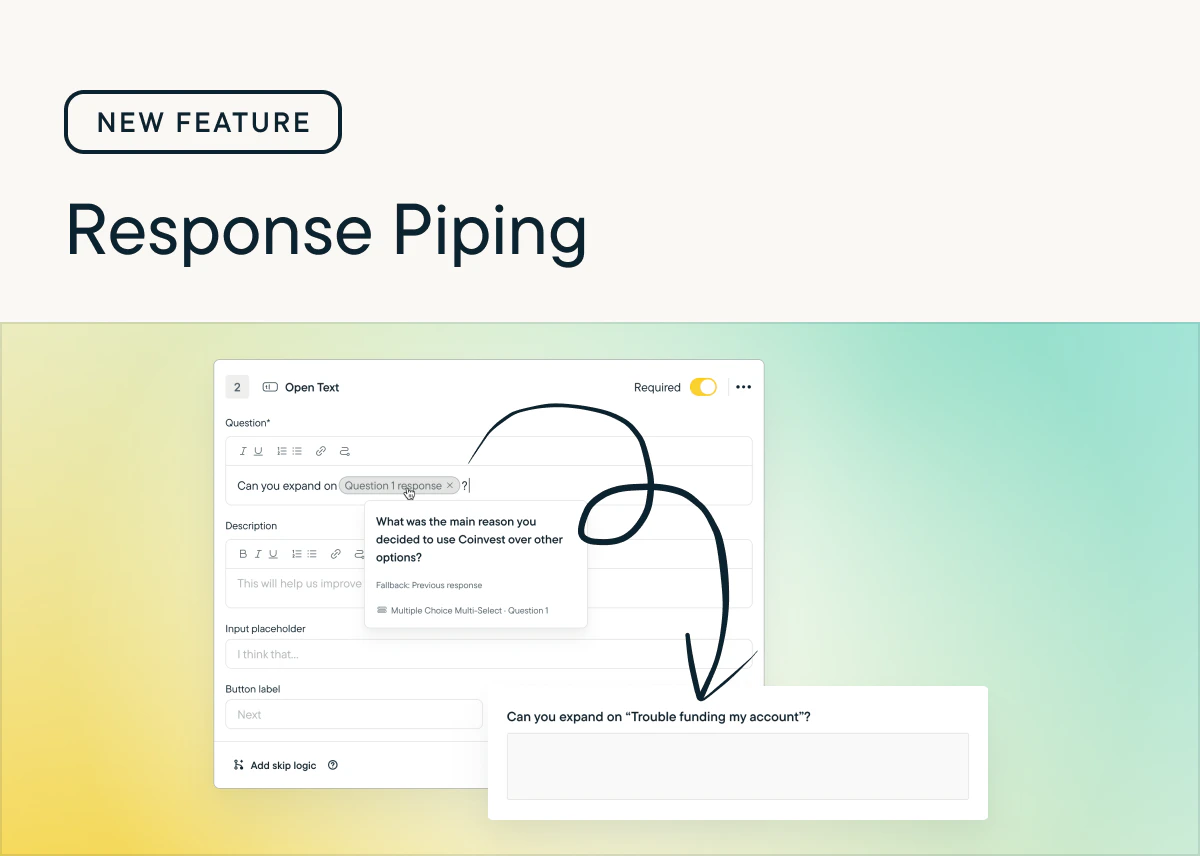
 ## New: Response Piping
*by Laura Desmond-Black*
Response Piping is now available for In-Product Surveys, Surveys, and Feedback studies.
Now you can provide a highly-personalized experience for respondents and ensure they get the most relevant survey-taking experience possible, which will result in increased response rates and better response data for you.
Check out [the documentation](/docs/shared-study-foundations/main-tasks/survey-logic#response-piping) to learn more and include it in your next survey!
## New: Response Piping
*by Laura Desmond-Black*
Response Piping is now available for In-Product Surveys, Surveys, and Feedback studies.
Now you can provide a highly-personalized experience for respondents and ensure they get the most relevant survey-taking experience possible, which will result in increased response rates and better response data for you.
Check out [the documentation](/docs/shared-study-foundations/main-tasks/survey-logic#response-piping) to learn more and include it in your next survey!
 ## Introducing: Rank Order Questions
*by Laura Desmond-Black*
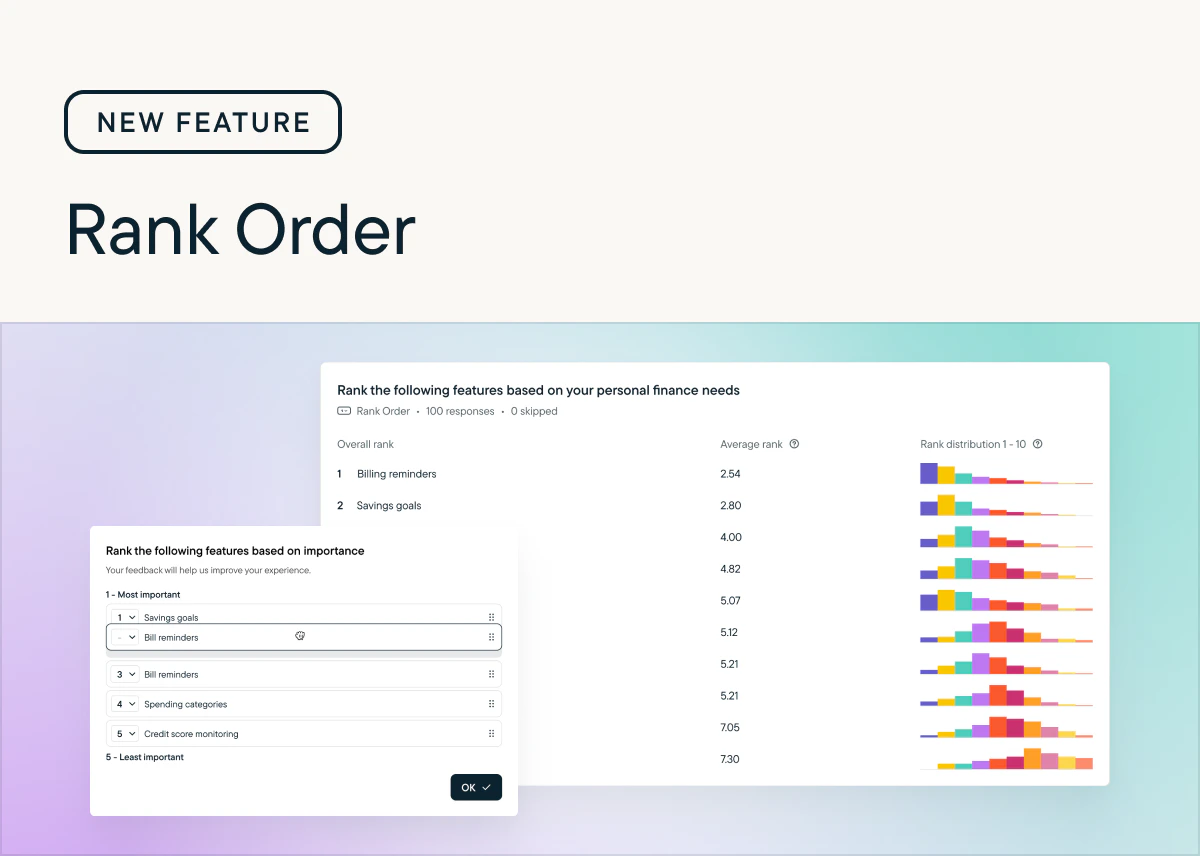
Now available for In-Product and Surveys: Rank Order Questions 🎉
With this new question type, you can see exactly how your users rank multiple options. That clarity helps you make confident, data-driven decisions. No more guessing which features, messages, or experiences matter most.
Rank Order questions are available today in Surveys. To use them with In-Product surveys you'll need the latest version of the web SDK which was released yesterday. Native mobile SDKs will be available by the end of the week, and React Native and Segment.io SDKs will be available next week. Check the [Changelog](/docs/developer-center/sdk-changelog/index) for updates. Also available are [new CSS classes and styles](/docs/sprig-studies/in-product-surveys/microsurvey-look-and-feel) so Rank Order questions can match your brand.
Learn more about setting up Rank Order Questions in [Help Center](/docs/shared-study-foundations/main-tasks/questions#rank-order).
## Introducing: Rank Order Questions
*by Laura Desmond-Black*
Now available for In-Product and Surveys: Rank Order Questions 🎉
With this new question type, you can see exactly how your users rank multiple options. That clarity helps you make confident, data-driven decisions. No more guessing which features, messages, or experiences matter most.
Rank Order questions are available today in Surveys. To use them with In-Product surveys you'll need the latest version of the web SDK which was released yesterday. Native mobile SDKs will be available by the end of the week, and React Native and Segment.io SDKs will be available next week. Check the [Changelog](/docs/developer-center/sdk-changelog/index) for updates. Also available are [new CSS classes and styles](/docs/sprig-studies/in-product-surveys/microsurvey-look-and-feel) so Rank Order questions can match your brand.
Learn more about setting up Rank Order Questions in [Help Center](/docs/shared-study-foundations/main-tasks/questions#rank-order).
 ## Sprig Mobile Replays: Capture WKWebView views and SwiftUI text and images
*by Laura Desmond-Black*
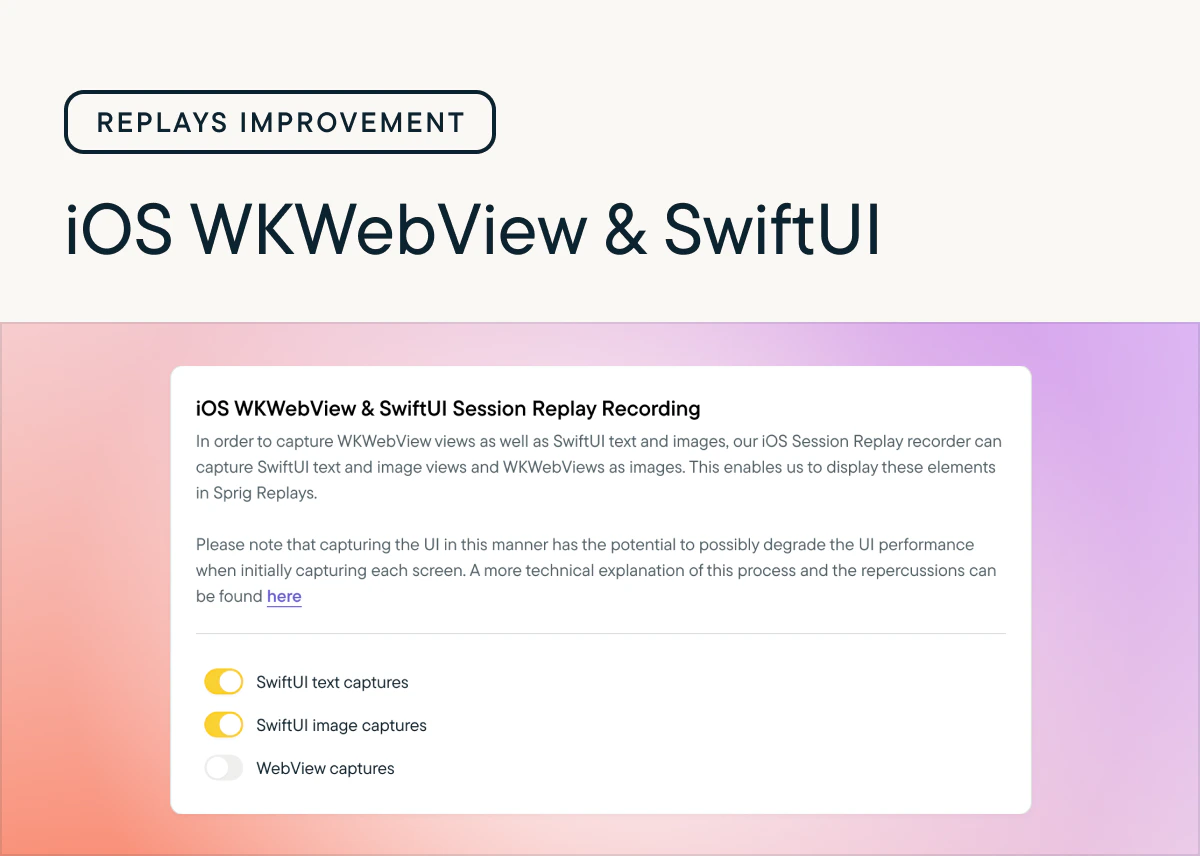
Starting with iOS SDK version 4.24.7, you can opt-in to capturing WKWebView views as well as SwiftUI text and images so that more content from your app is visible in Replays. These options can be found in Settings > Replays > Configure > iOS.
These new settings give you the ability to capture more content from iOS apps while also respecting any selections you've made from the Basic, Moderate, and Strict privacy options.
## Sprig Mobile Replays: Capture WKWebView views and SwiftUI text and images
*by Laura Desmond-Black*
Starting with iOS SDK version 4.24.7, you can opt-in to capturing WKWebView views as well as SwiftUI text and images so that more content from your app is visible in Replays. These options can be found in Settings > Replays > Configure > iOS.
These new settings give you the ability to capture more content from iOS apps while also respecting any selections you've made from the Basic, Moderate, and Strict privacy options.
 ## Randomization for pages and questions
*by Laura Desmond-Black*
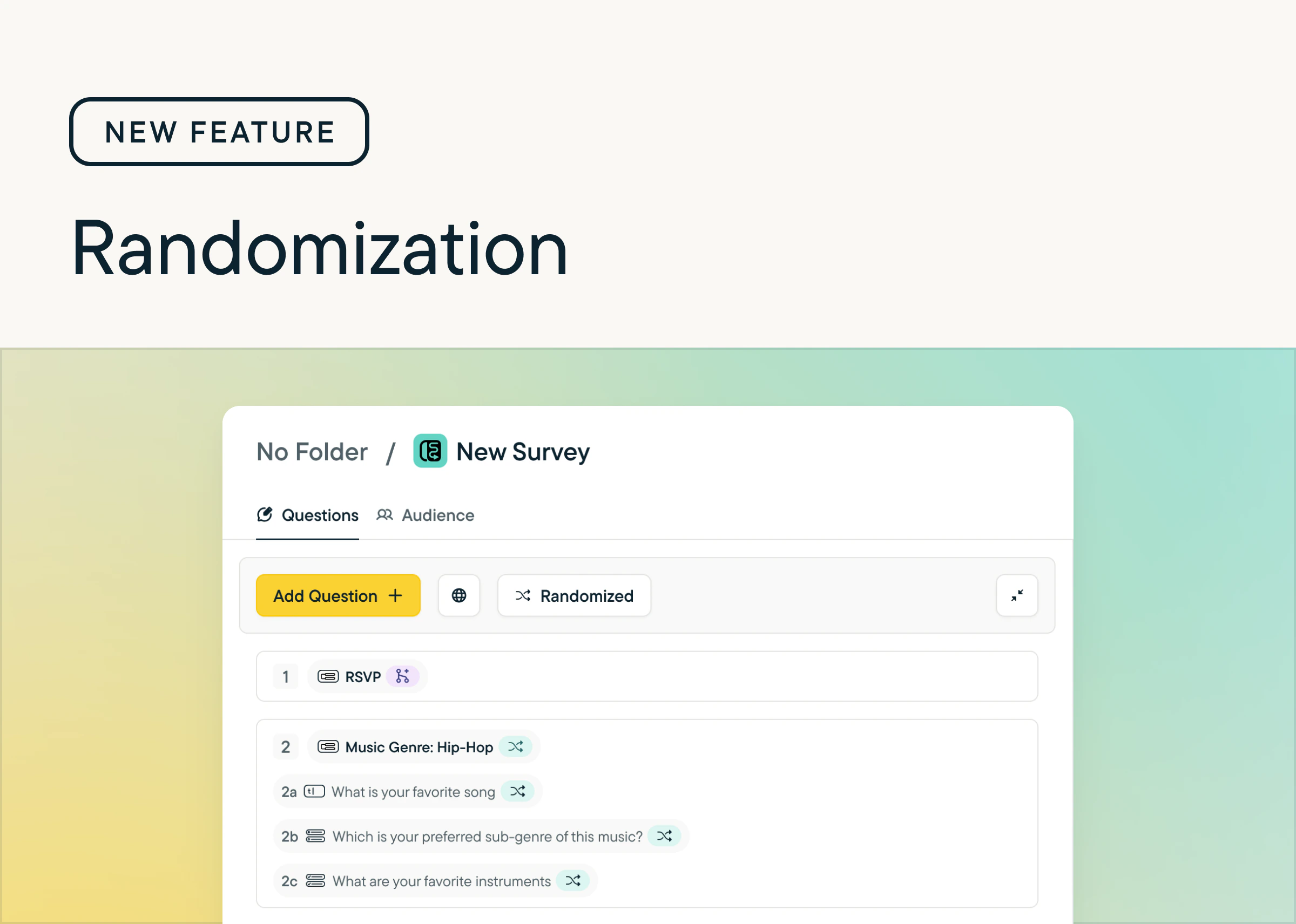
We’ve added the ability to [randomize](/docs/shared-study-foundations/main-tasks/questions#randomization) pages and questions within Surveys. Now you can:
* Randomize all the pages and questions in a survey with one click (and undo it with one click too)
* Pin specific questions so they stay in place
* Easily see which questions are randomized or pinned with new indicators that show next to question and page titles
To try it, look for the new “Randomize” button in the Action Bar at the top of the Study Editor, it'll appear once the survey has at least one question.
We’ve also added this functionality to Feedback and In-Product Surveys–look for the same button in the Action Bar.
## Randomization for pages and questions
*by Laura Desmond-Black*
We’ve added the ability to [randomize](/docs/shared-study-foundations/main-tasks/questions#randomization) pages and questions within Surveys. Now you can:
* Randomize all the pages and questions in a survey with one click (and undo it with one click too)
* Pin specific questions so they stay in place
* Easily see which questions are randomized or pinned with new indicators that show next to question and page titles
To try it, look for the new “Randomize” button in the Action Bar at the top of the Study Editor, it'll appear once the survey has at least one question.
We’ve also added this functionality to Feedback and In-Product Surveys–look for the same button in the Action Bar.
 ## Surveys: Beta now open
*by Laura Desmond-Black*
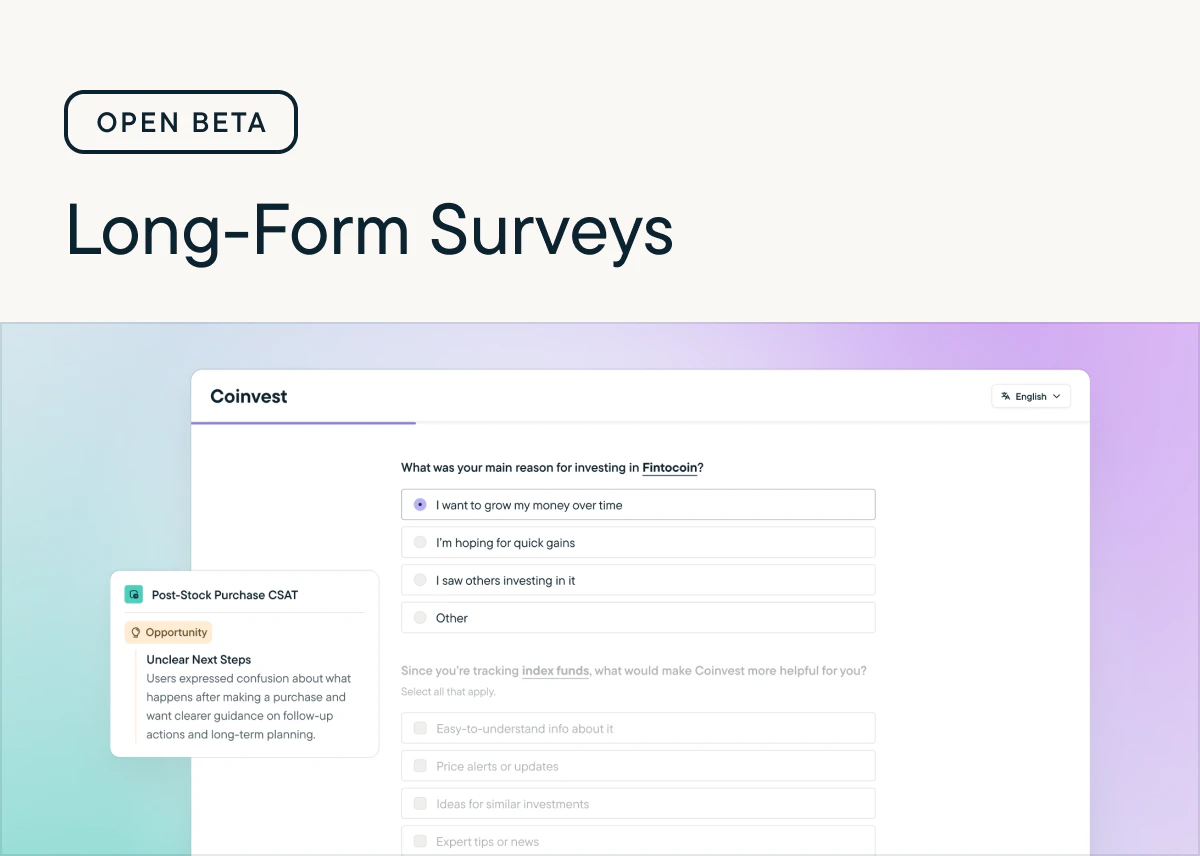
The beta for Long-From Surveys is now open to all customers on paid plans. From now until October 15, 2025 you can use Long-From Surveys, up to 2,500 responses/month, for free. Share longer surveys, with multiple questions per page with your user base wherever you can embed a link. Send personalized surveys in multiple languages, with logic that ensures respondents answer the right questions. Get insights quickly from Sprig AI, the same way you can for In-Product Surveys. Check out [the documentation](/docs/sprig-studies/long-form-surveys/index) to learn more.
## Surveys: Beta now open
*by Laura Desmond-Black*
The beta for Long-From Surveys is now open to all customers on paid plans. From now until October 15, 2025 you can use Long-From Surveys, up to 2,500 responses/month, for free. Share longer surveys, with multiple questions per page with your user base wherever you can embed a link. Send personalized surveys in multiple languages, with logic that ensures respondents answer the right questions. Get insights quickly from Sprig AI, the same way you can for In-Product Surveys. Check out [the documentation](/docs/sprig-studies/long-form-surveys/index) to learn more.
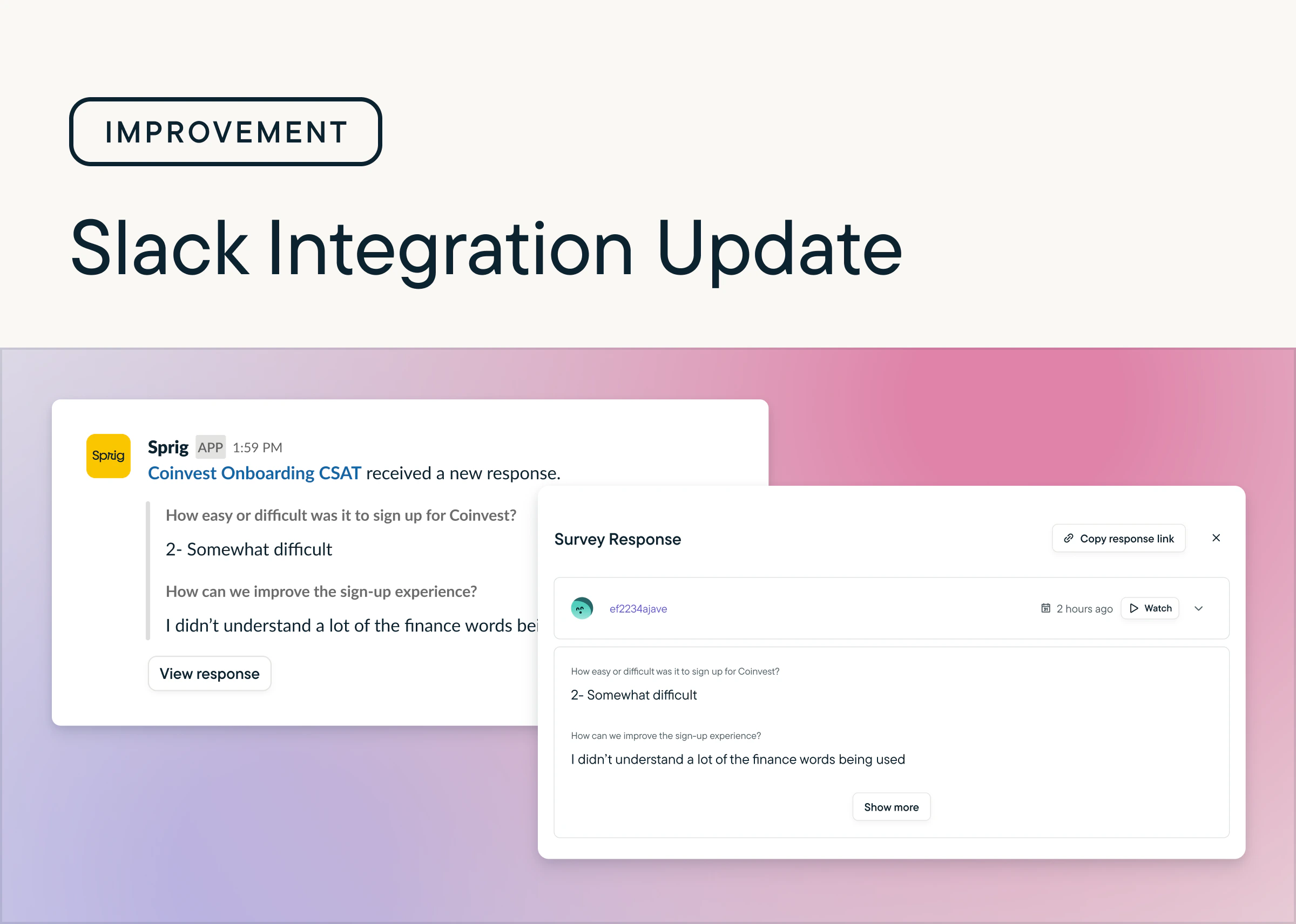
 ## Easily Collaborate With Direct Response Sharing in Slack
*by Maha Chaudhry*
It’s now easier to share Sprig insights with your team. Slack notifications for new responses include direct links to specific feedback so you can quickly dive in. In the Sprig app, the Responses tab also features a new Share Response dropdown option, making it simple to send individual responses to your teammates. [Set up your Slack integration](https://app.sprig.com/integrations/collaboration/slack), or [try sharing a response today](https://app.sprig.com/studylist/all).
## Easily Collaborate With Direct Response Sharing in Slack
*by Maha Chaudhry*
It’s now easier to share Sprig insights with your team. Slack notifications for new responses include direct links to specific feedback so you can quickly dive in. In the Sprig app, the Responses tab also features a new Share Response dropdown option, making it simple to send individual responses to your teammates. [Set up your Slack integration](https://app.sprig.com/integrations/collaboration/slack), or [try sharing a response today](https://app.sprig.com/studylist/all).
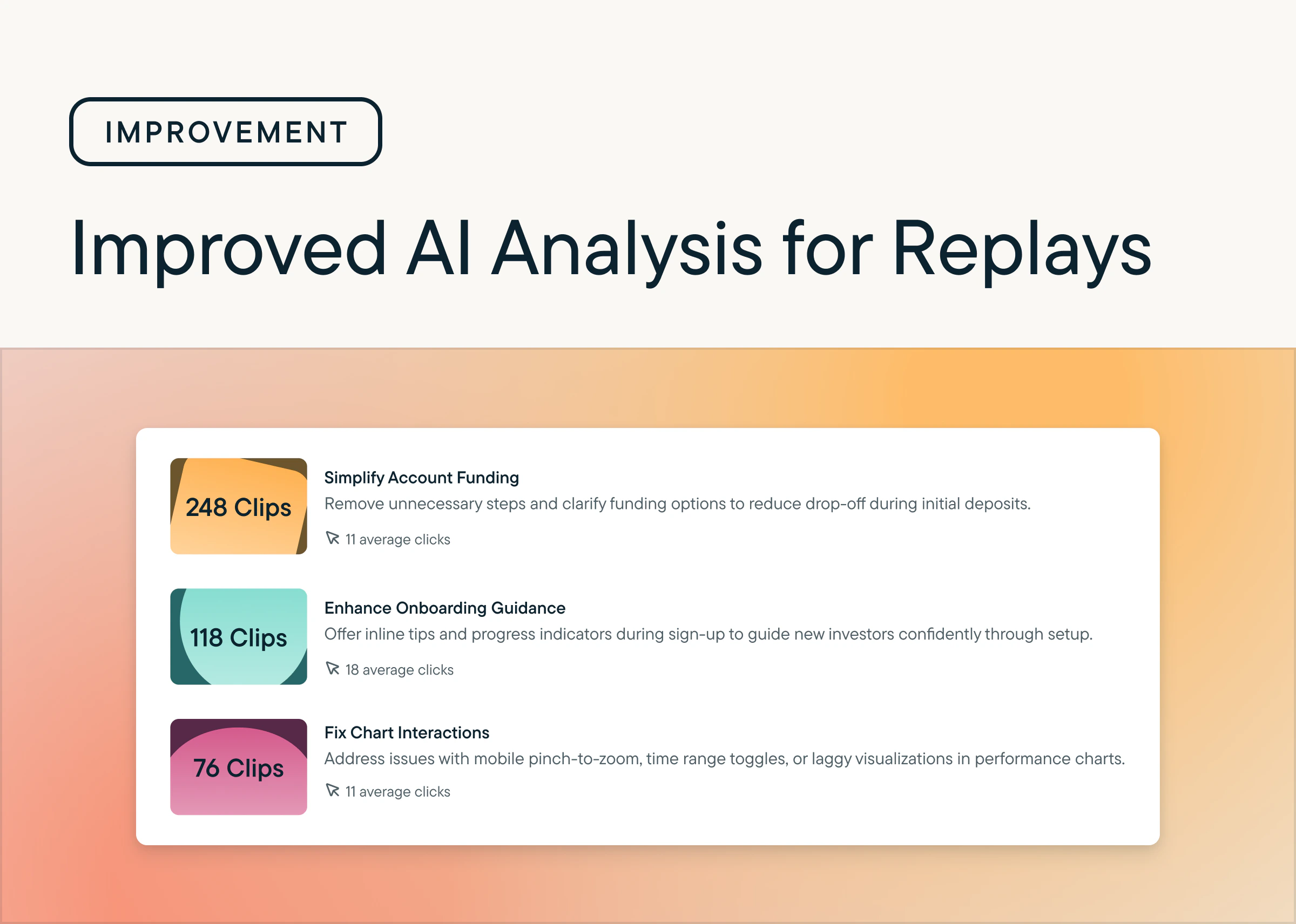
 ## Get More Actionable Themes With Improved Replays AI
*by Maha Chaudhry*
AI Analysis for Replays just got a powerful upgrade. Sprig AI now processes more clips more often and with greater accuracy. Your themes are now richer, more actionable, and always reflect the latest trends in your users' behavior. [Check out the improved AI themes in your Replays.](https://app.sprig.com/studylist/all)
## Get More Actionable Themes With Improved Replays AI
*by Maha Chaudhry*
AI Analysis for Replays just got a powerful upgrade. Sprig AI now processes more clips more often and with greater accuracy. Your themes are now richer, more actionable, and always reflect the latest trends in your users' behavior. [Check out the improved AI themes in your Replays.](https://app.sprig.com/studylist/all)
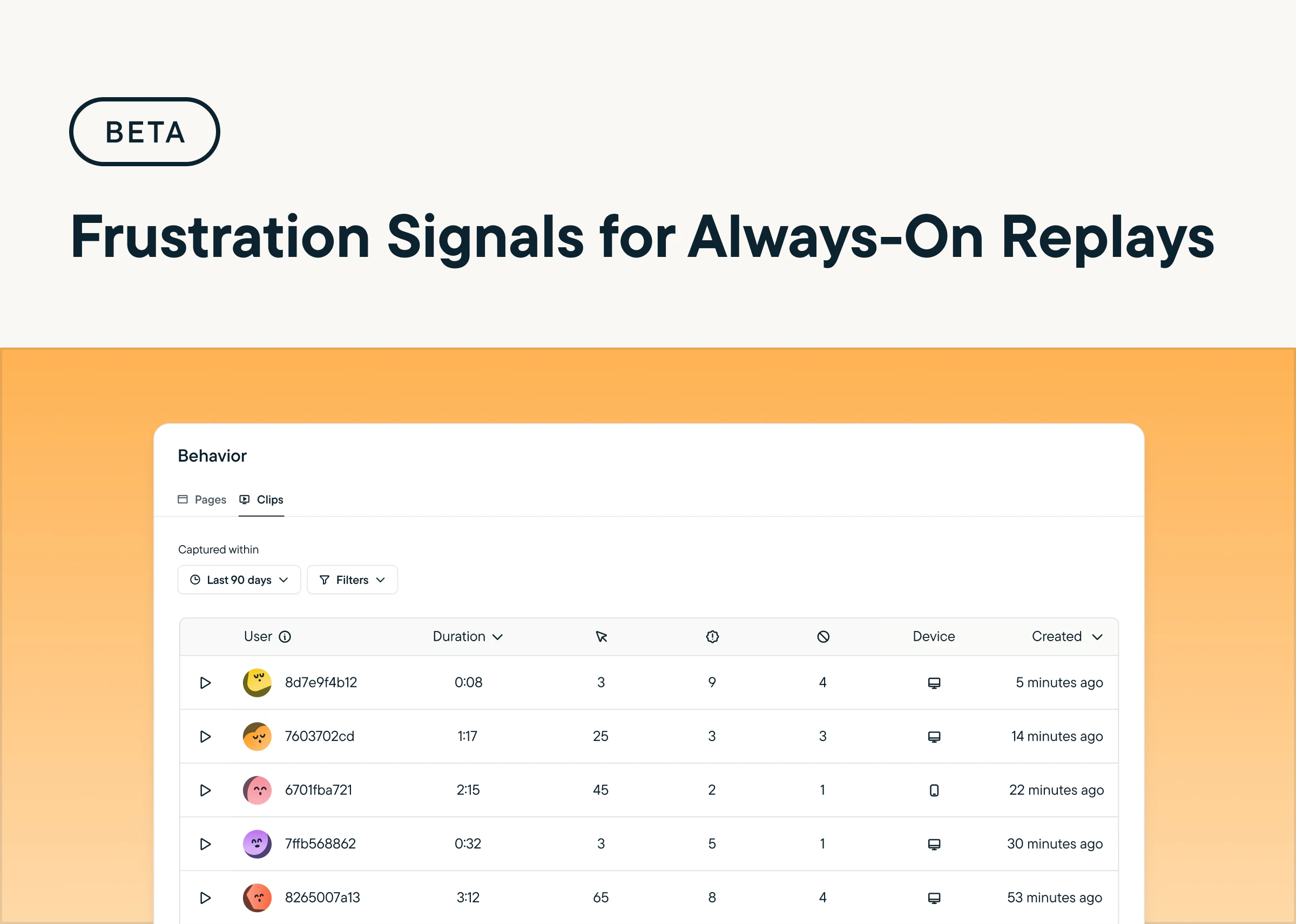
 ## Detect Friction At Scale With Frustration Signals for Always-On Replays
*by Maha Chaudhry*
Frustration Signals are now in beta for Always-On Replays. Sprig automatically flags sessions with rage and dead clicks, making it easier to identify points of friction and take action to improve the user experience.
## Detect Friction At Scale With Frustration Signals for Always-On Replays
*by Maha Chaudhry*
Frustration Signals are now in beta for Always-On Replays. Sprig automatically flags sessions with rage and dead clicks, making it easier to identify points of friction and take action to improve the user experience.
 ## Surface the Highest-Signal Sessions With Daily Clip Limits
*by Maha Chaudhry*
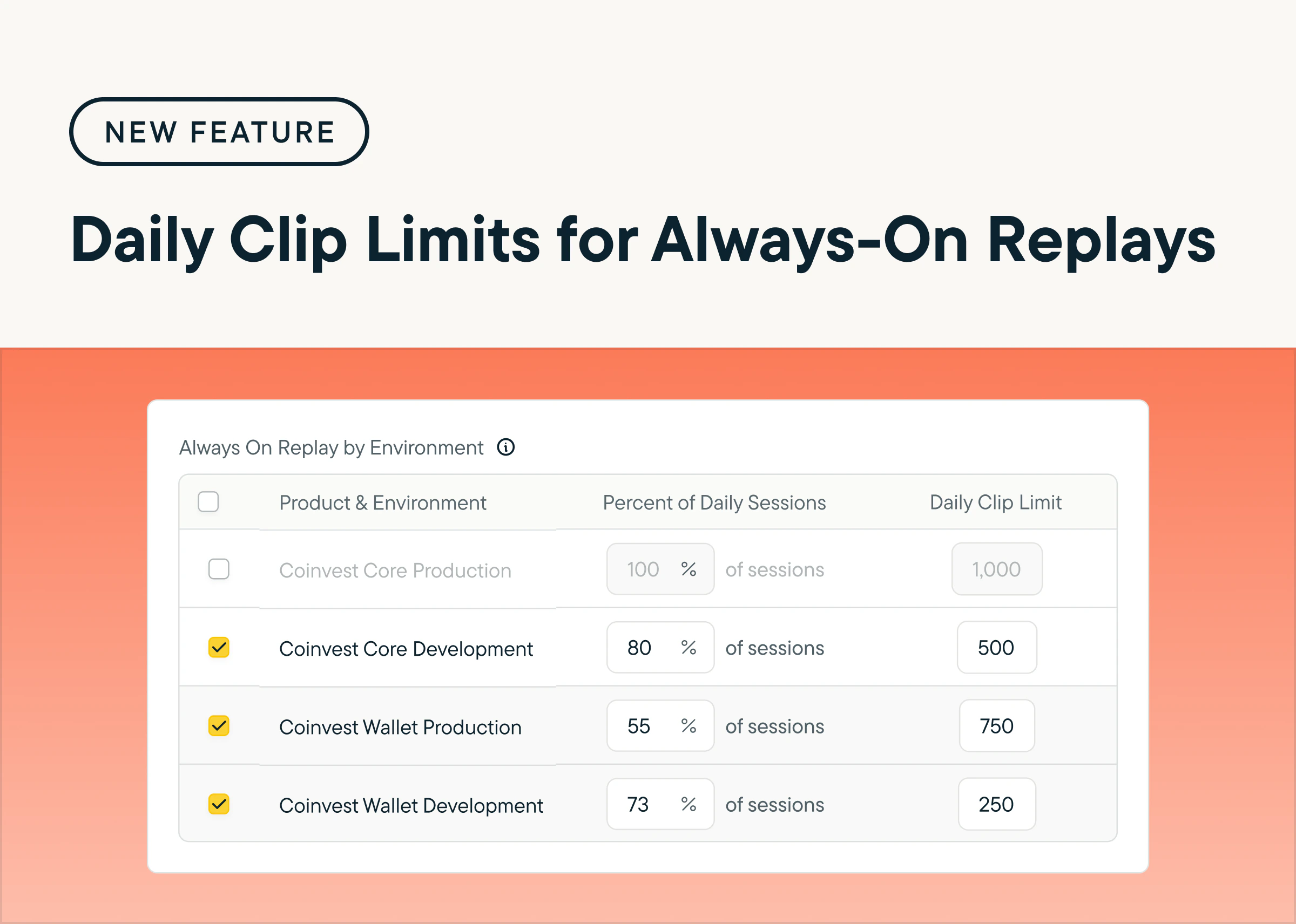
You can now set a daily cap on Always-On Replay clips by product and environment, giving you more control over volume and helping your team stay focused on the sessions that matter most. By reducing noise, you can more easily prioritize high-signal behavior and uncover actionable insights faster. [Head to the Configure tab within your Heatmaps & Replays settings to try it out.](https://app.sprig.com/settings/heatmaps-replays-configure)
## Surface the Highest-Signal Sessions With Daily Clip Limits
*by Maha Chaudhry*
You can now set a daily cap on Always-On Replay clips by product and environment, giving you more control over volume and helping your team stay focused on the sessions that matter most. By reducing noise, you can more easily prioritize high-signal behavior and uncover actionable insights faster. [Head to the Configure tab within your Heatmaps & Replays settings to try it out.](https://app.sprig.com/settings/heatmaps-replays-configure)
 ## Reveal Friction Automatically with AI-Powered Always-On Replays
*by Maha Chaudhry*
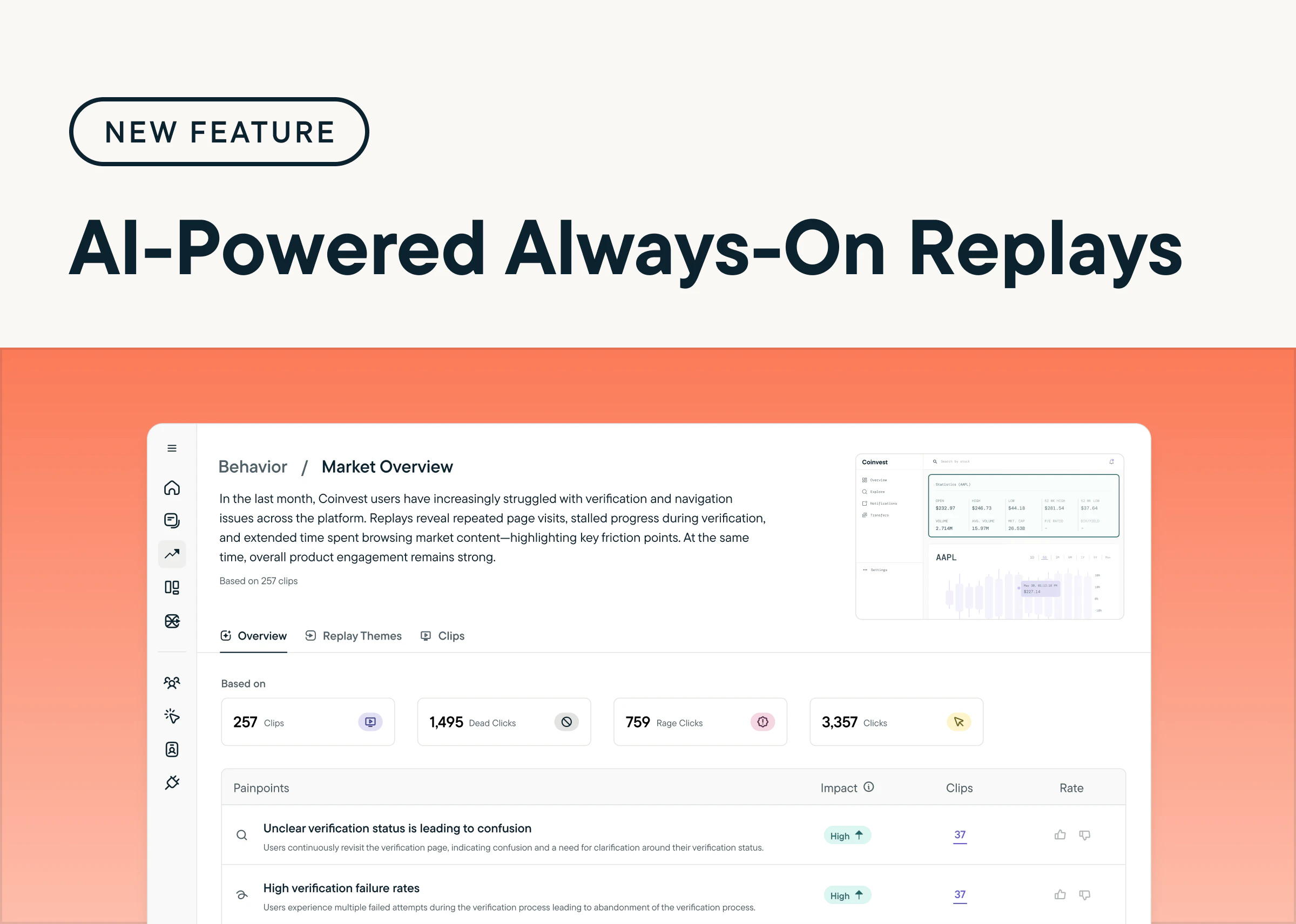
Understand how users move through your product and spot friction faster with AI-Powered Always-On Replays. Sprig AI automatically recreates sessions, organizes behaviors into clear flows, and highlights key pain points. Plus, built-in advanced privacy controls make it easy to mask sensitive fields and customize exclusions. [Explore AI-Powered Always-On Replays by heading to the Behavior tab in your Sprig account.](https://app.sprig.com/behavior/pages) *(Requires Sprig SDK update)*
## Reveal Friction Automatically with AI-Powered Always-On Replays
*by Maha Chaudhry*
Understand how users move through your product and spot friction faster with AI-Powered Always-On Replays. Sprig AI automatically recreates sessions, organizes behaviors into clear flows, and highlights key pain points. Plus, built-in advanced privacy controls make it easy to mask sensitive fields and customize exclusions. [Explore AI-Powered Always-On Replays by heading to the Behavior tab in your Sprig account.](https://app.sprig.com/behavior/pages) *(Requires Sprig SDK update)*
 ## Earn \$250 for Every Qualified Referral to Sprig
*by Maha Chaudhry*
[**Sprig’s Referral Program**](https://sprig.com/customer-referral-program?utm_source=new-in-sprig) makes it easy to share Sprig with your network—and get rewarded for it.
If you know someone who’d benefit from Sprig's product experience platform, [**refer them to our team**](https://sprig.com/customer-referral-program?utm_source=new-in-sprig). Whenever your referral leads to a qualified meeting, we’ll send you a \$250 gift card as a thank-you.
Here’s how it works:
1. **Submit a qualified referral**
* Your referral must meet all of the following:
* Role: UXR or Product Design, manager level+
* Company: 150+ employees, U.S.-based
* Budget: Can purchase Sprig Enterprise
* Sales status: Not in an active deal with Sprig
1. **Receive your bonus**
* Payout timing: After an annual contract is signed
* Bonus amount: \$250 via digital gift card
* Referral limit: Unlimited—get rewarded for each qualified referral
* Payout method: Sent via Sendoso
[**👉 Click here to refer a contact here**](https://sprig.com/customer-referral-program?utm_source=new-in-sprig)
## Earn \$250 for Every Qualified Referral to Sprig
*by Maha Chaudhry*
[**Sprig’s Referral Program**](https://sprig.com/customer-referral-program?utm_source=new-in-sprig) makes it easy to share Sprig with your network—and get rewarded for it.
If you know someone who’d benefit from Sprig's product experience platform, [**refer them to our team**](https://sprig.com/customer-referral-program?utm_source=new-in-sprig). Whenever your referral leads to a qualified meeting, we’ll send you a \$250 gift card as a thank-you.
Here’s how it works:
1. **Submit a qualified referral**
* Your referral must meet all of the following:
* Role: UXR or Product Design, manager level+
* Company: 150+ employees, U.S.-based
* Budget: Can purchase Sprig Enterprise
* Sales status: Not in an active deal with Sprig
1. **Receive your bonus**
* Payout timing: After an annual contract is signed
* Bonus amount: \$250 via digital gift card
* Referral limit: Unlimited—get rewarded for each qualified referral
* Payout method: Sent via Sendoso
[**👉 Click here to refer a contact here**](https://sprig.com/customer-referral-program?utm_source=new-in-sprig)
 ## Uncover Friction Points with Frustration Signals in Sprig Replays
*by Maha Chaudhry*
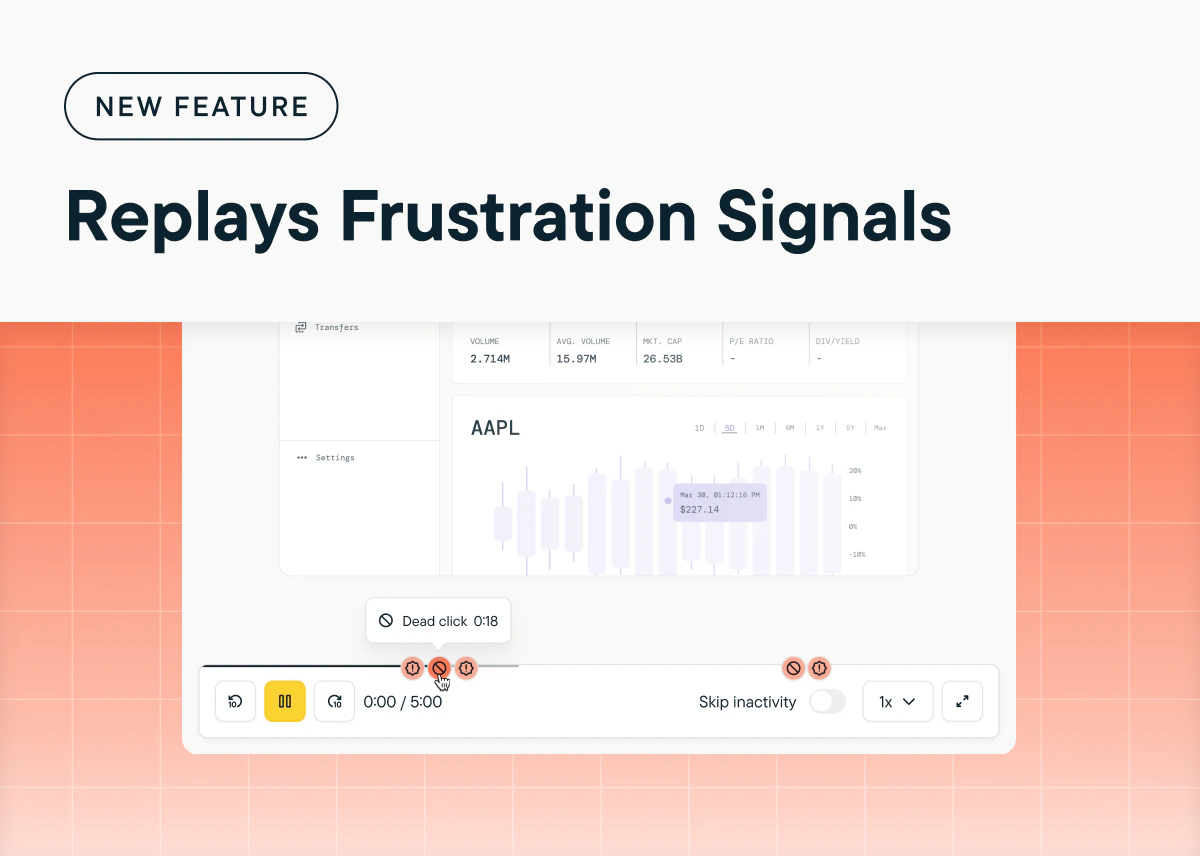
Quickly spot friction points in your product with **frustration signals** in Sprig Replays. Now, Sprig can detect and highlight **dead clicks** (clicks that have no effect on a page) and **rage clicks** (multiple rapid clicks in one area) within a user's session. By surfacing these moments of user frustration, you can take immediate action to streamline workflows, reduce user pain points, and improve conversion rates. [Go to any Replay study and play back the session clips to see any frustration signals in your user's experience.](https://app.sprig.com/studylist/all)
## Uncover Friction Points with Frustration Signals in Sprig Replays
*by Maha Chaudhry*
Quickly spot friction points in your product with **frustration signals** in Sprig Replays. Now, Sprig can detect and highlight **dead clicks** (clicks that have no effect on a page) and **rage clicks** (multiple rapid clicks in one area) within a user's session. By surfacing these moments of user frustration, you can take immediate action to streamline workflows, reduce user pain points, and improve conversion rates. [Go to any Replay study and play back the session clips to see any frustration signals in your user's experience.](https://app.sprig.com/studylist/all)
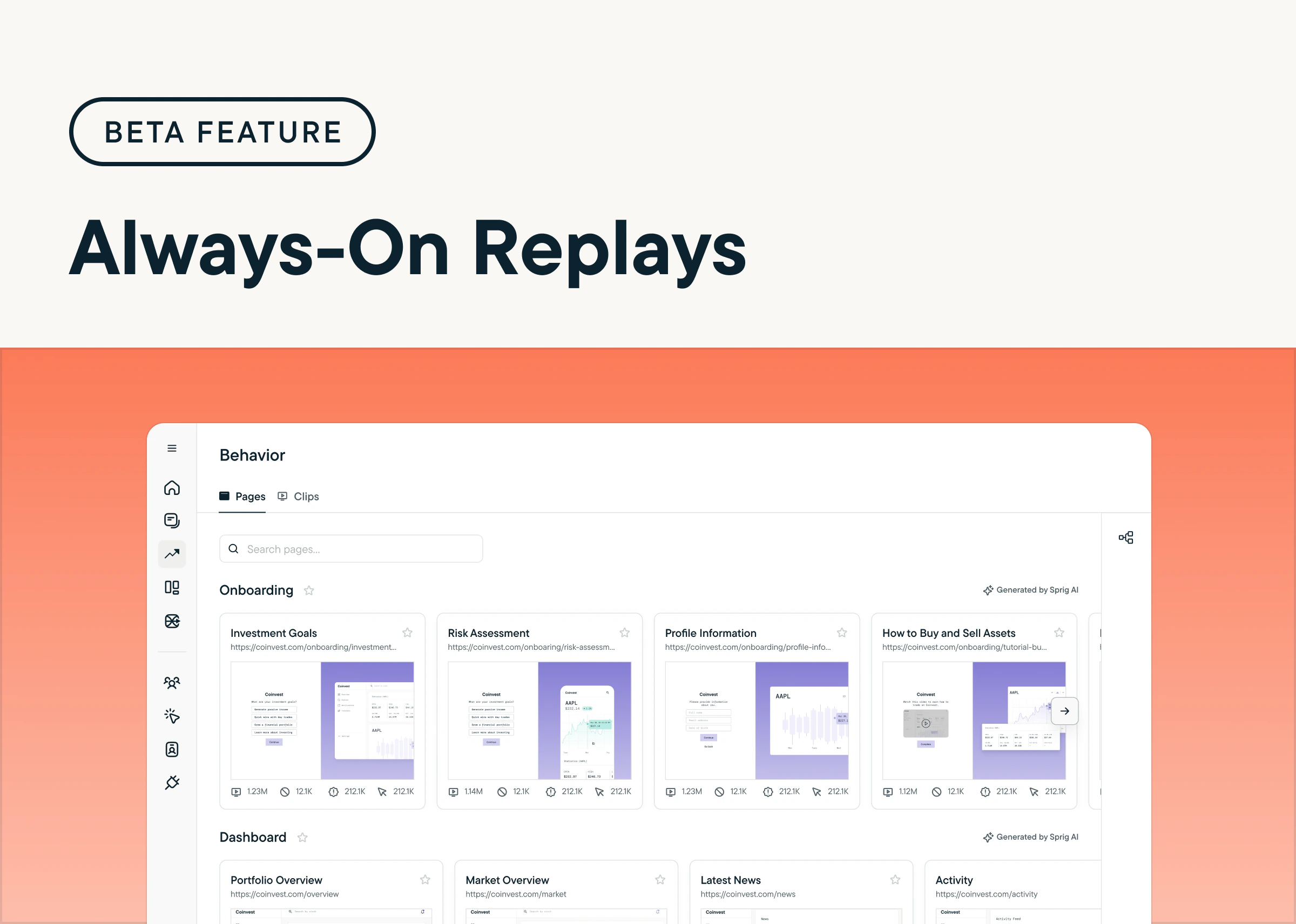
 ## Unlock Continuous User Insights with Always-On Replays
*by Maha Chaudhry*
Get continuous, real-time insights into user behavior across your product with Always-On Replays. This feature (currently in beta) automatically reproduces user sessions across your product without any manual setup, enabling you to surface behavioral patterns and usability pain points passively. If you want to try Always-On Replays firsthand, [request access to our beta program today](https://a.sprig.com/U0pjVmZxLTdRUX5zaWQ6MzhiYjM0OGMtMWZjZC00Y2U4LWIwMzktYjFlNmQ0N2QzZDdl)! *(Sprig SDK update required)*
## Unlock Continuous User Insights with Always-On Replays
*by Maha Chaudhry*
Get continuous, real-time insights into user behavior across your product with Always-On Replays. This feature (currently in beta) automatically reproduces user sessions across your product without any manual setup, enabling you to surface behavioral patterns and usability pain points passively. If you want to try Always-On Replays firsthand, [request access to our beta program today](https://a.sprig.com/U0pjVmZxLTdRUX5zaWQ6MzhiYjM0OGMtMWZjZC00Y2U4LWIwMzktYjFlNmQ0N2QzZDdl)! *(Sprig SDK update required)*
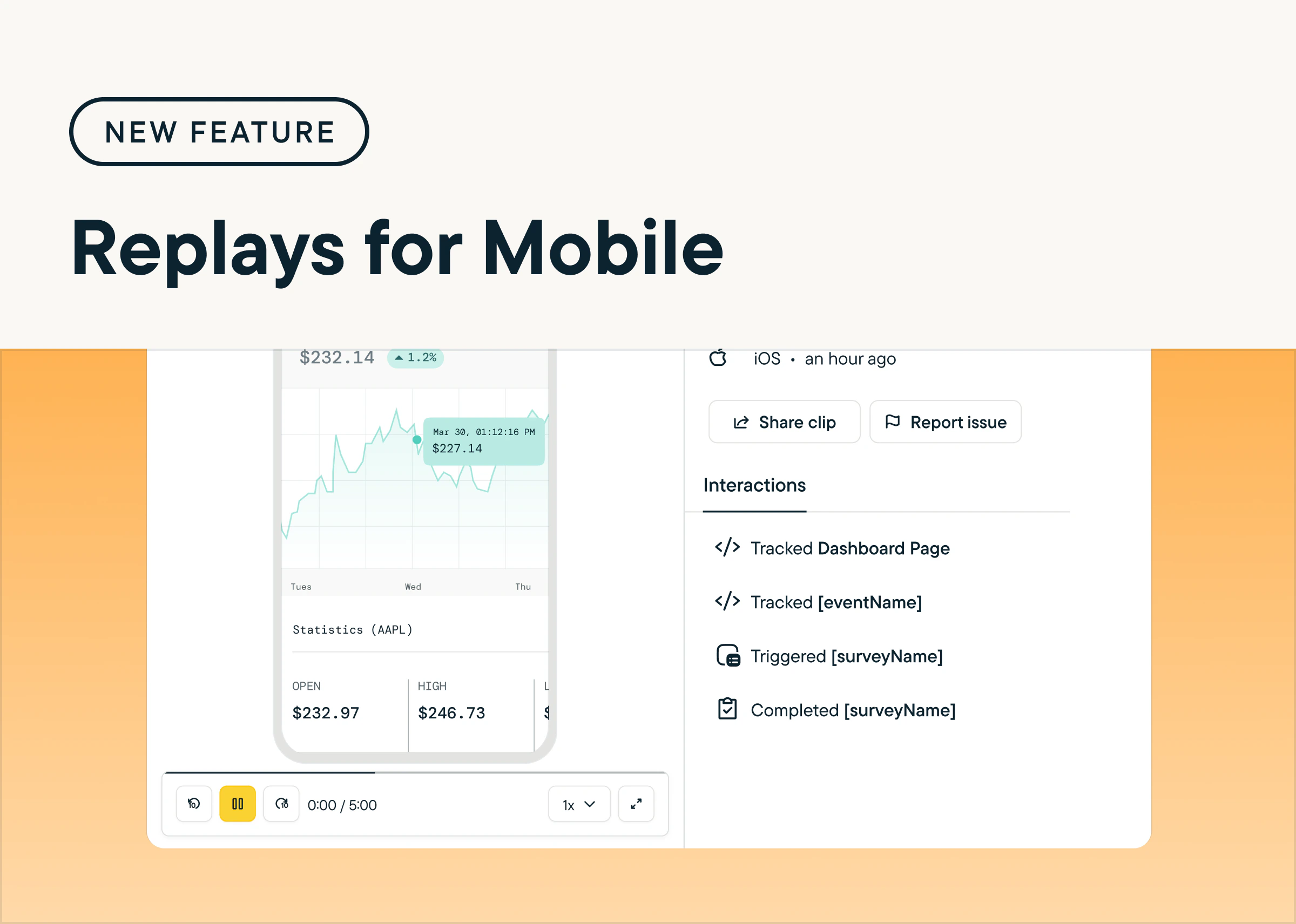
 ## Reproduce Users’ App Journey with Replays for Mobile
*by Maha Chaudhry*
Understand how users navigate your mobile app and uncover opportunities to improve the experience with Sprig Replays for iOS, Android, and React Native. Replays for Mobile lets you reproduce key moments from the user journey, helping you identify friction points, validate changes, and prioritize new features for your mobile experience. To try it out, [create a new Replay study and select Mobile App under Delivery Platform](https://app.sprig.com/create). *(Sprig SDK update required)*
## Reproduce Users’ App Journey with Replays for Mobile
*by Maha Chaudhry*
Understand how users navigate your mobile app and uncover opportunities to improve the experience with Sprig Replays for iOS, Android, and React Native. Replays for Mobile lets you reproduce key moments from the user journey, helping you identify friction points, validate changes, and prioritize new features for your mobile experience. To try it out, [create a new Replay study and select Mobile App under Delivery Platform](https://app.sprig.com/create). *(Sprig SDK update required)*
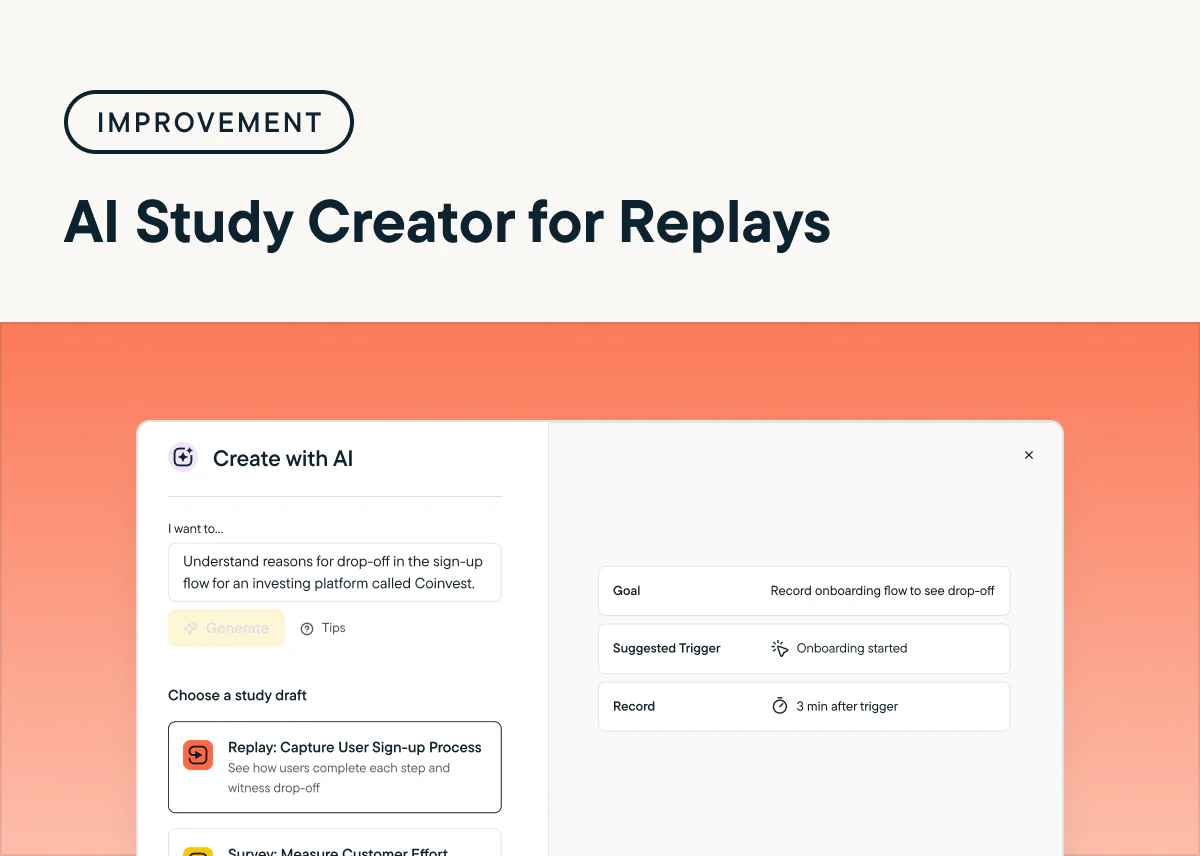
 ## Achieve Faster Insights Using AI Study Creator for Replays
*by Maha Chaudhry*
The Sprig AI Study Creator now includes Replay study templates, allowing you to quickly and effortlessly generate Replays tailored to your specific product goals. To get started, navigate to the Sprig dashboard and click **New Study** in the navigation menu. At the top of the page, simply enter your study goal and select **Generate Ideas**. Based on your input, Sprig AI may recommend a Replay template that aligns with your objectives, helping you gain actionable insights faster.
## Achieve Faster Insights Using AI Study Creator for Replays
*by Maha Chaudhry*
The Sprig AI Study Creator now includes Replay study templates, allowing you to quickly and effortlessly generate Replays tailored to your specific product goals. To get started, navigate to the Sprig dashboard and click **New Study** in the navigation menu. At the top of the page, simply enter your study goal and select **Generate Ideas**. Based on your input, Sprig AI may recommend a Replay template that aligns with your objectives, helping you gain actionable insights faster.
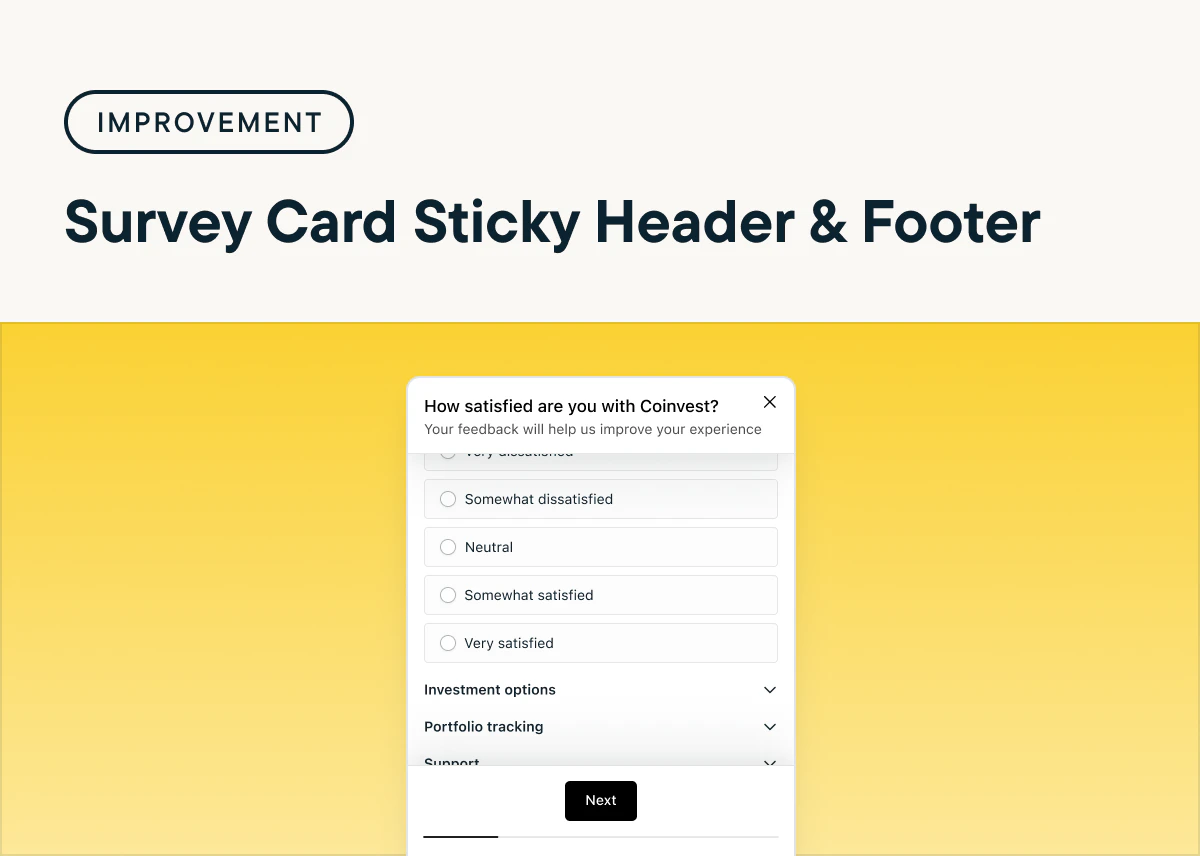
 ## Enhance Survey Usability with Sticky Headers and Footers on Web
*by Maha Chaudhry*
In-product Surveys now feature fixed headers and footers, making it easier for users to complete surveys by keeping important information visible at all times. This design update is currently available on web surveys, with mobile support coming soon. To enable this feature, ensure you’re using **Sprig Web SDK v2.32.4** or later—your web in-product Surveys will automatically include sticky headers and footers with no additional set up.
## Enhance Survey Usability with Sticky Headers and Footers on Web
*by Maha Chaudhry*
In-product Surveys now feature fixed headers and footers, making it easier for users to complete surveys by keeping important information visible at all times. This design update is currently available on web surveys, with mobile support coming soon. To enable this feature, ensure you’re using **Sprig Web SDK v2.32.4** or later—your web in-product Surveys will automatically include sticky headers and footers with no additional set up.
 ## Turn Product Insights into Impact with Sprig AI Recommendations
*by Maha Chaudhry*
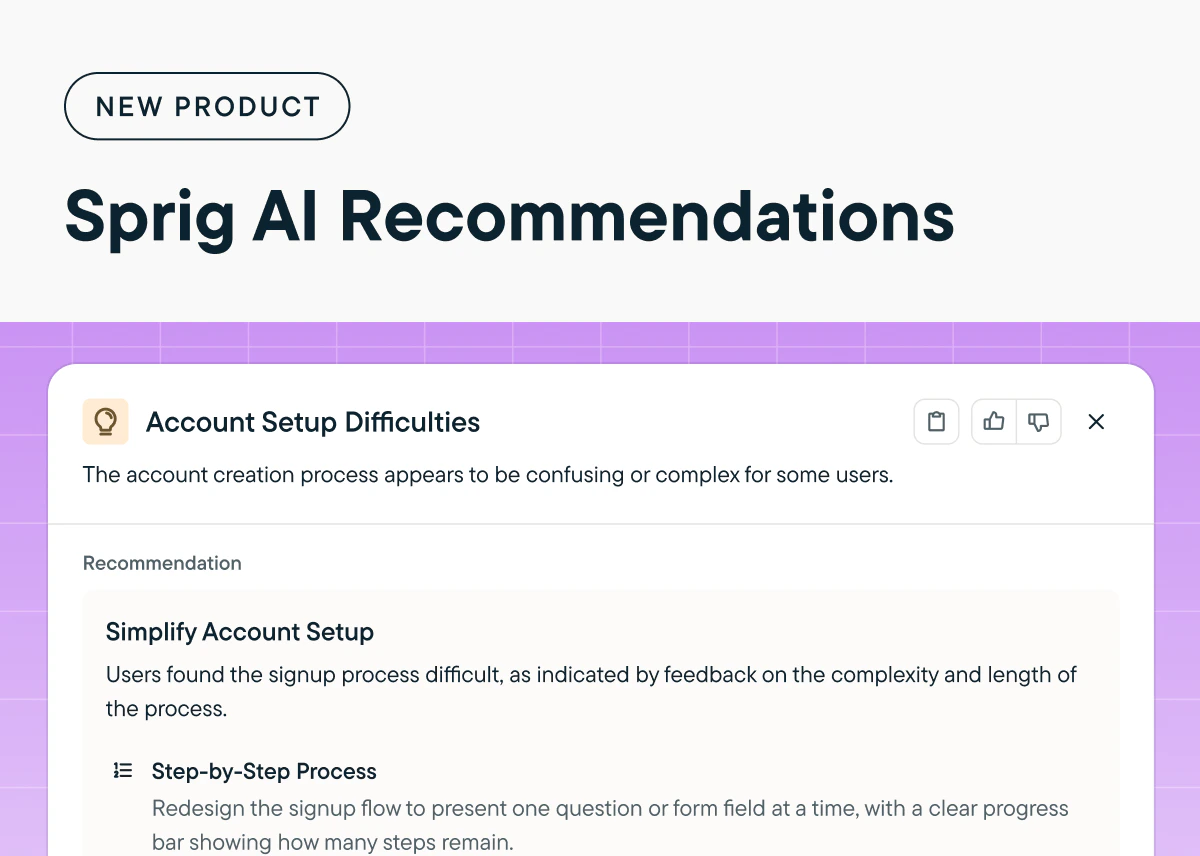
Now, Sprig AI provides actionable suggestions to improve your product by analyzing user behavior and sentiment data from your Sprig studies. Click on any Opportunity to reveal the unique product challenge Sprig AI has uncovered, along with actionable recommendations to address it. Beyond the Sprig Home page, you’ll find Opportunity insights and their corresponding AI Recommendations on the [Sprig Home page](https://app.sprig.com/welcome), as well as the [Summary page for Survey and Feedback studies](https://app.sprig.com/studylist/all), with support for Replays and Heatmaps coming soon.
## Turn Product Insights into Impact with Sprig AI Recommendations
*by Maha Chaudhry*
Now, Sprig AI provides actionable suggestions to improve your product by analyzing user behavior and sentiment data from your Sprig studies. Click on any Opportunity to reveal the unique product challenge Sprig AI has uncovered, along with actionable recommendations to address it. Beyond the Sprig Home page, you’ll find Opportunity insights and their corresponding AI Recommendations on the [Sprig Home page](https://app.sprig.com/welcome), as well as the [Summary page for Survey and Feedback studies](https://app.sprig.com/studylist/all), with support for Replays and Heatmaps coming soon.
 ## Expand Survey Flexibility with Matrix Questions Now Available on Mobile
*by Maha Chaudhry*
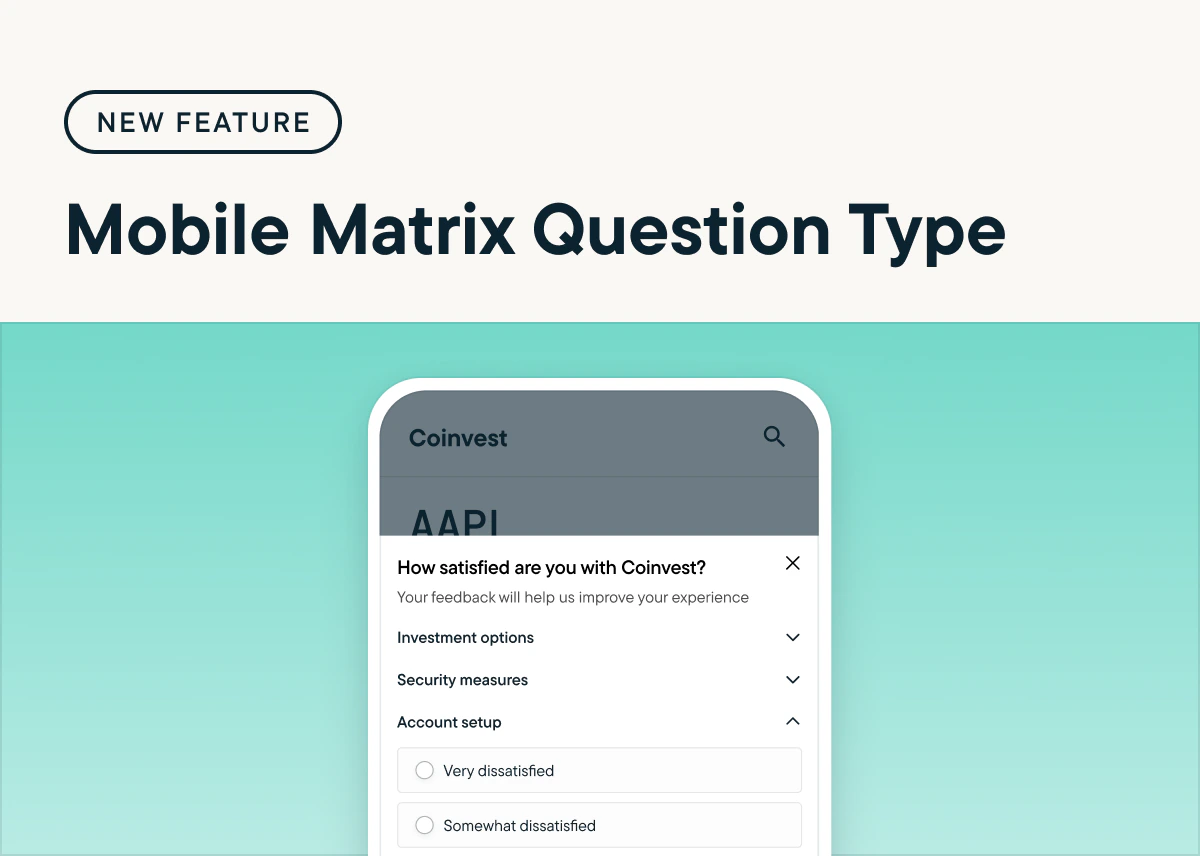
Matrix questions are now available for mobile web and app surveys, extending their use beyond desktop web surveys. On mobile, matrix questions automatically use an accordion format for easy navigation, and this display option is now also available for desktop surveys. [To add a Matrix question to your survey, select "Add Question" in the Study Editor and choose "Matrix".](https://app.sprig.com/create) *(Sprig SDK update required)*
## Expand Survey Flexibility with Matrix Questions Now Available on Mobile
*by Maha Chaudhry*
Matrix questions are now available for mobile web and app surveys, extending their use beyond desktop web surveys. On mobile, matrix questions automatically use an accordion format for easy navigation, and this display option is now also available for desktop surveys. [To add a Matrix question to your survey, select "Add Question" in the Study Editor and choose "Matrix".](https://app.sprig.com/create) *(Sprig SDK update required)*
 ## Generate Insights Across Your Entire Product with Sprig AI Explorer
*by Maha Chaudhry*
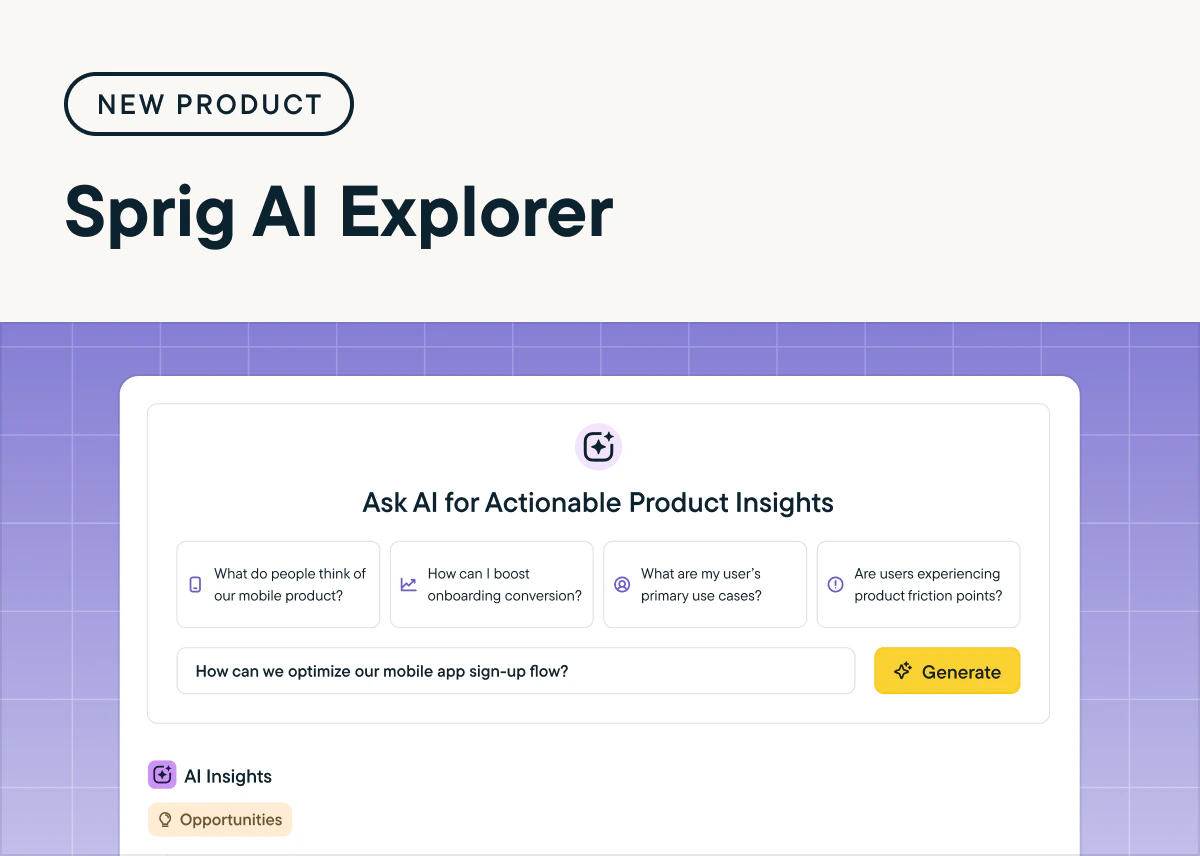
Surface actionable insights about your entire product experience with Sprig AI Explorer’s cross-study analysis. AI Explorer reviews data across all of your Survey and Feedback studies, generating customized reports that answer your unique product questions. Plus, you can filter your insights based on specific Sprig studies and date ranges. [Try it out by heading to the **Explorer** page in the Sprig navigation bar and clicking **+ New Report**.](https://app.sprig.com/explorer)
## Generate Insights Across Your Entire Product with Sprig AI Explorer
*by Maha Chaudhry*
Surface actionable insights about your entire product experience with Sprig AI Explorer’s cross-study analysis. AI Explorer reviews data across all of your Survey and Feedback studies, generating customized reports that answer your unique product questions. Plus, you can filter your insights based on specific Sprig studies and date ranges. [Try it out by heading to the **Explorer** page in the Sprig navigation bar and clicking **+ New Report**.](https://app.sprig.com/explorer)
 ## Get More Precise Insights with the Heatmap Background Selector
*by Maha Chaudhry*
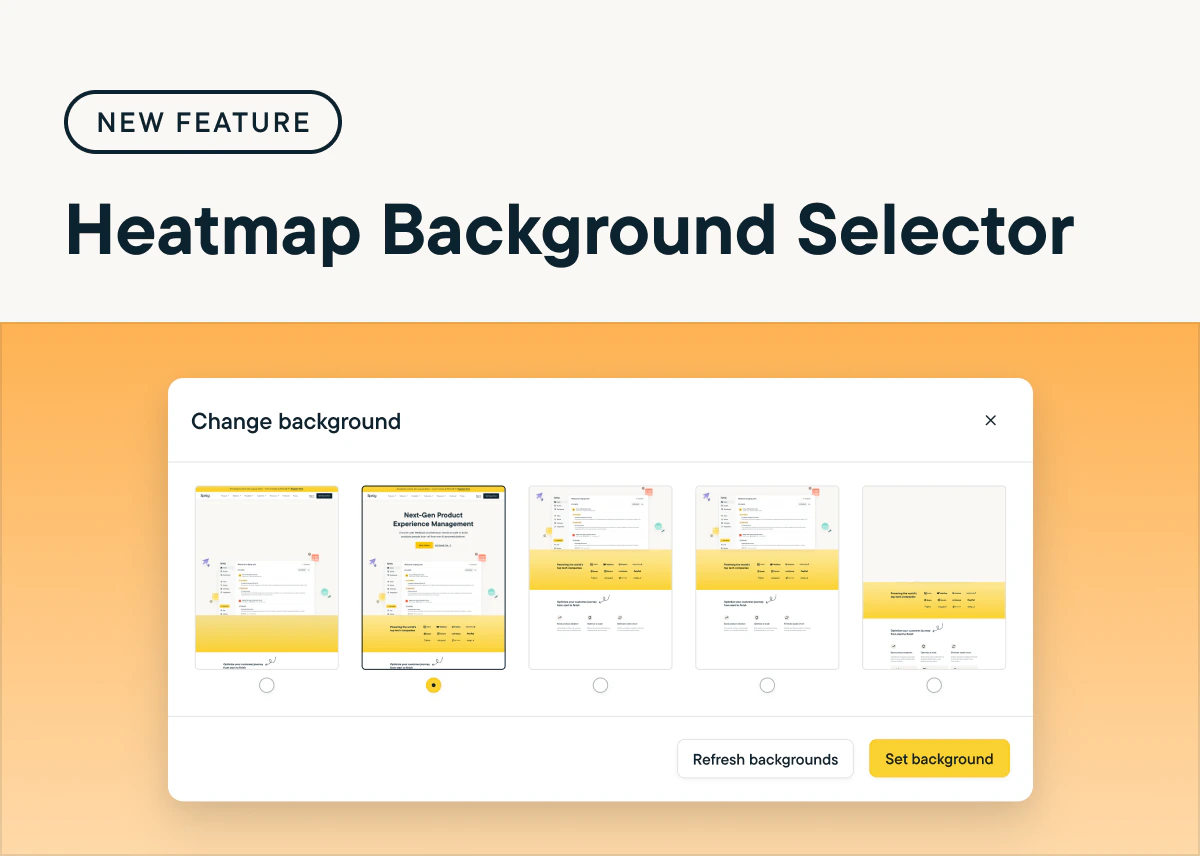
Now, you can select the most relevant background for your Heatmap study, allowing you to choose a page variant that best aligns with your study goals—no longer limited to the first captured session. This enhancement provides more flexibility and precision in gathering insights. [Just go to a launched Heatmap study, select the gear icon next to the heatmap visual, and click “Change Background”.](https://app.sprig.com/studylist/all)
## Get More Precise Insights with the Heatmap Background Selector
*by Maha Chaudhry*
Now, you can select the most relevant background for your Heatmap study, allowing you to choose a page variant that best aligns with your study goals—no longer limited to the first captured session. This enhancement provides more flexibility and precision in gathering insights. [Just go to a launched Heatmap study, select the gear icon next to the heatmap visual, and click “Change Background”.](https://app.sprig.com/studylist/all)
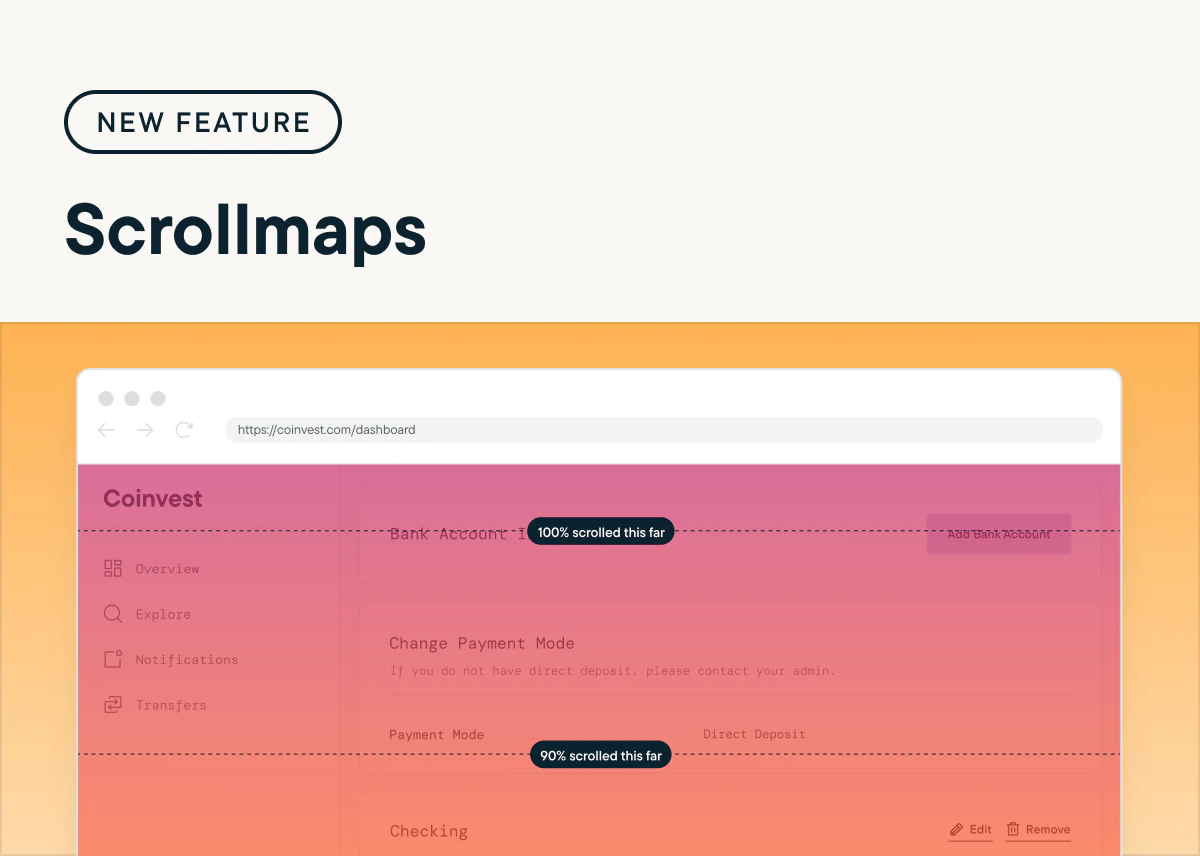
 ## Discover Deeper Engagement Insights with Scrollmaps
*by Maha Chaudhry*
Sprig Heatmaps now includes scrollmaps, enabling you to visualize how far your users scroll down a page in your product or website. This new addition can help you identify features and content that may capture or lose attention, so you can make smarter decisions to boost user experience. [Check out scrollmaps by heading to the Summary page of any of your Heatmaps.](https://app.sprig.com/studylist/all)
## Discover Deeper Engagement Insights with Scrollmaps
*by Maha Chaudhry*
Sprig Heatmaps now includes scrollmaps, enabling you to visualize how far your users scroll down a page in your product or website. This new addition can help you identify features and content that may capture or lose attention, so you can make smarter decisions to boost user experience. [Check out scrollmaps by heading to the Summary page of any of your Heatmaps.](https://app.sprig.com/studylist/all)
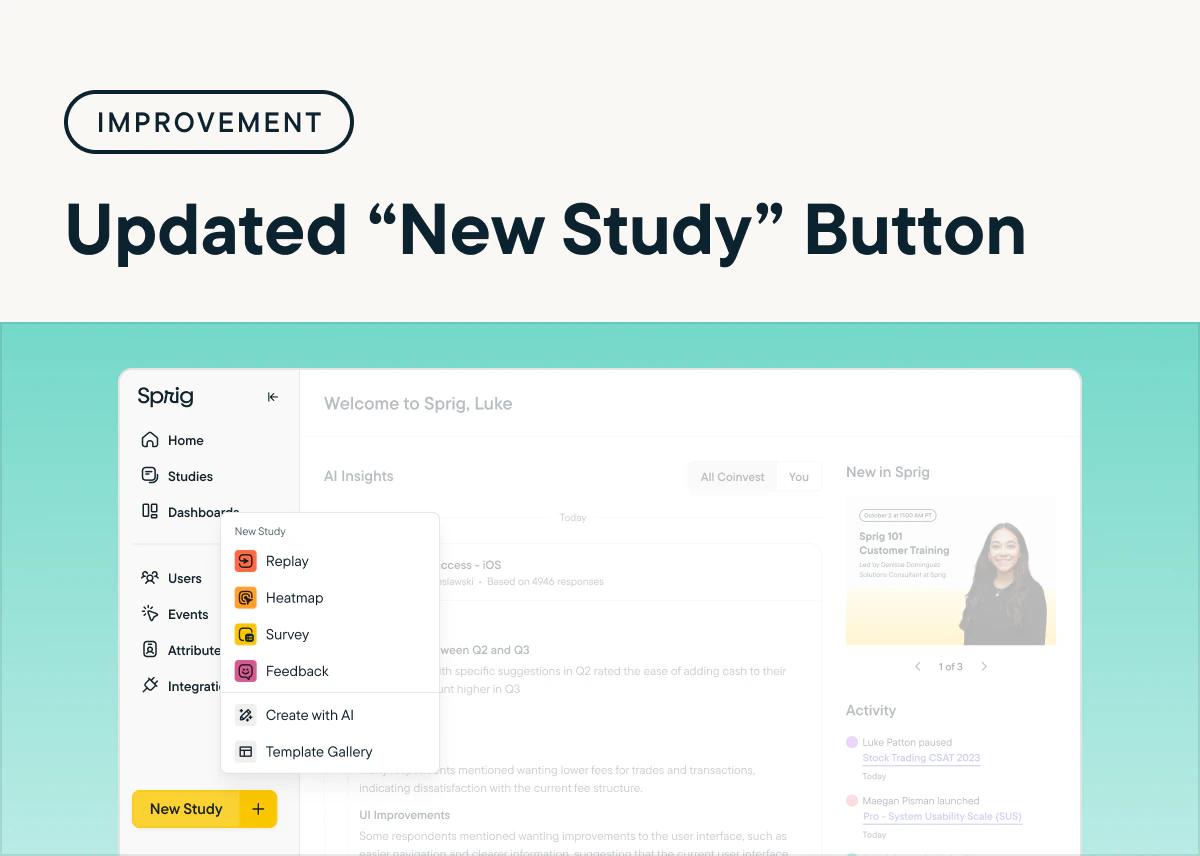
 ## Simplify Your Workflow with the Improved "New Study" Button
*by Maha Chaudhry*
We’ve made it even easier to get started in Sprig! Now, you can create a study directly within the “New Study” button located in the Sprig app's sidebar, instead of having to go through the Sprig Template Gallery. This update allows you to quickly launch studies without any extra steps, so you can focus on collecting product experience insights faster. [Give this improvement a try by creating a new study today.](https://app.sprig.com/welcome)
## Simplify Your Workflow with the Improved "New Study" Button
*by Maha Chaudhry*
We’ve made it even easier to get started in Sprig! Now, you can create a study directly within the “New Study” button located in the Sprig app's sidebar, instead of having to go through the Sprig Template Gallery. This update allows you to quickly launch studies without any extra steps, so you can focus on collecting product experience insights faster. [Give this improvement a try by creating a new study today.](https://app.sprig.com/welcome)
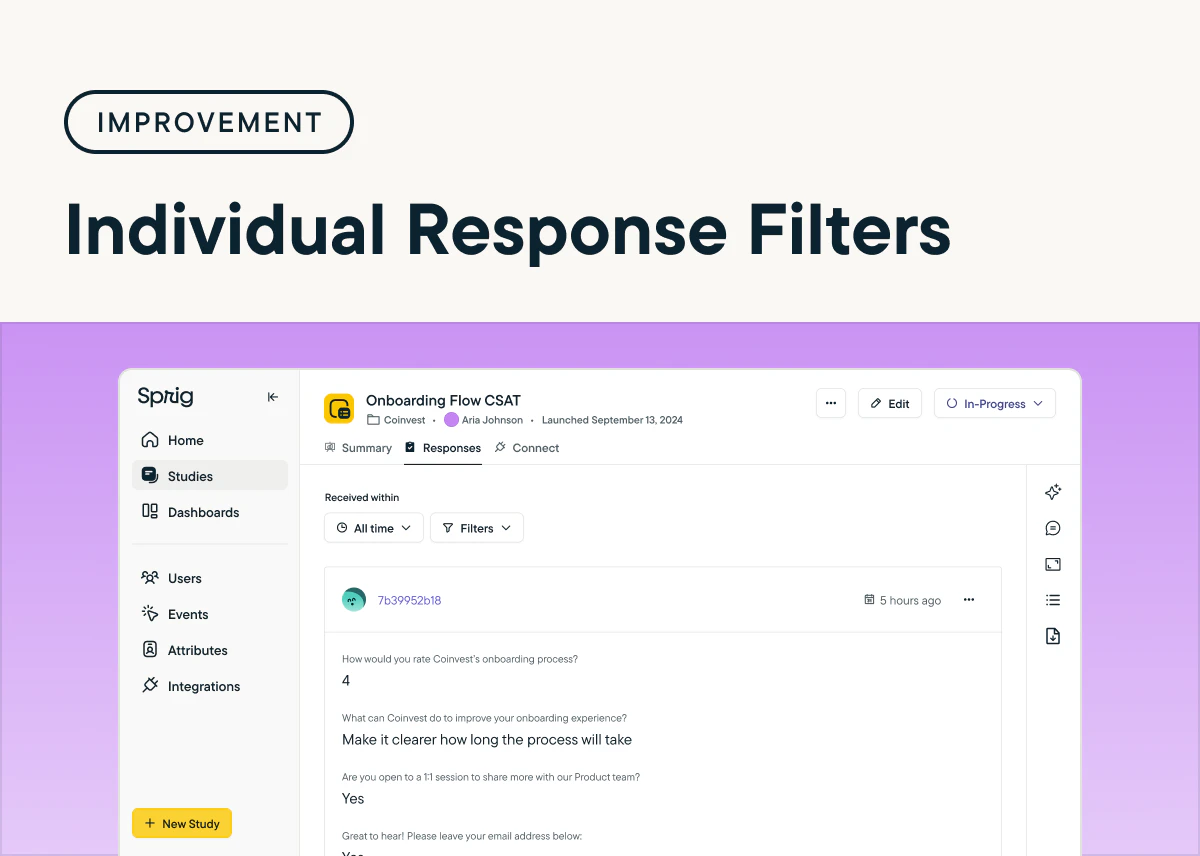
 ## Enhance Your Analysis with Filters for Individual Study Responses
*by Maha Chaudhry*
Sprig now offers a new way to dive deeper into your study results with individual response filtering. This update gives you the ability to filter down on specific study responses based on the time period or how users answered particular questions. This makes it easier to parse through individual responses to find the insights that matter most. [Try out the new filtering option by heading to the "Responses" tab in any of your studies.](https://app.sprig.com/studylist/all)
## Enhance Your Analysis with Filters for Individual Study Responses
*by Maha Chaudhry*
Sprig now offers a new way to dive deeper into your study results with individual response filtering. This update gives you the ability to filter down on specific study responses based on the time period or how users answered particular questions. This makes it easier to parse through individual responses to find the insights that matter most. [Try out the new filtering option by heading to the "Responses" tab in any of your studies.](https://app.sprig.com/studylist/all)
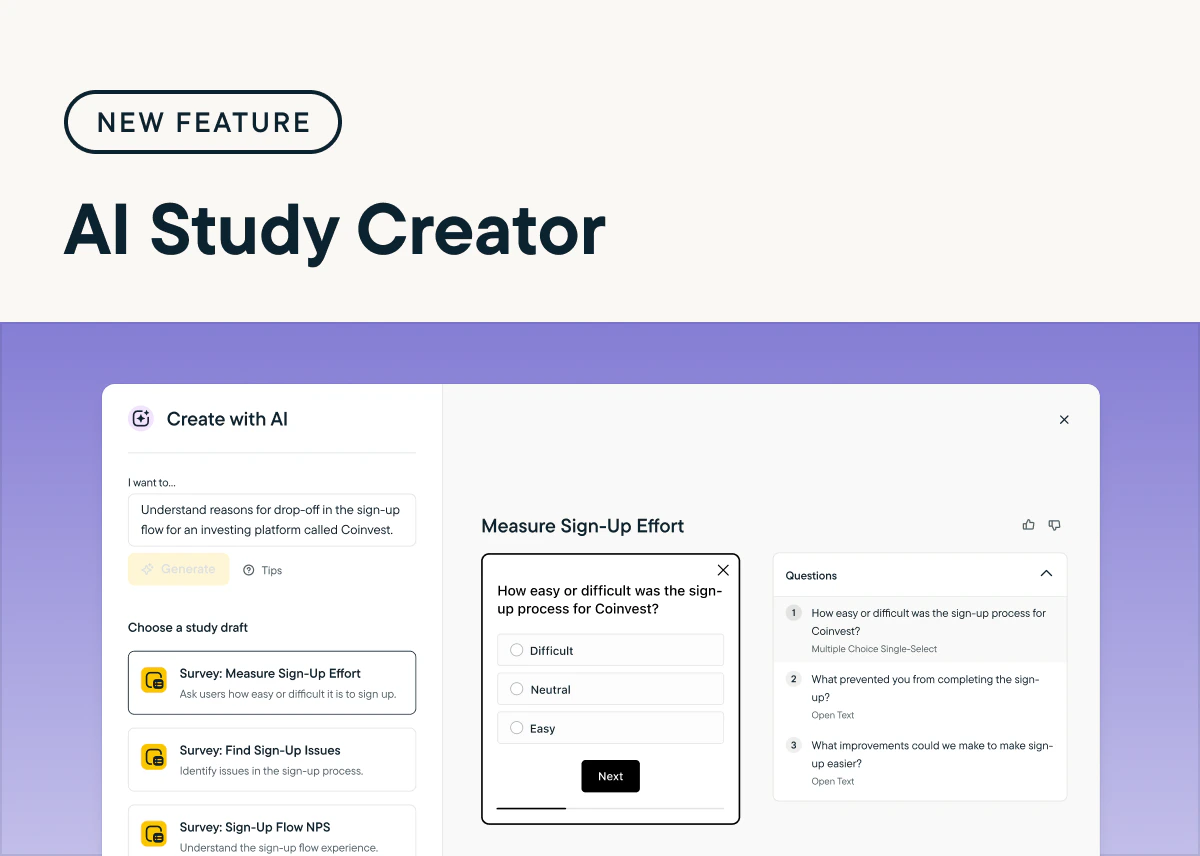
 ## Rapidly Launch Sprig Studies with the AI Study Creator
*by Maha Chaudhry*
With the new AI Study Creator, anyone on your team can instantly generate Sprig Surveys that are tailored to solve your specific product goal. Sprig AI even generates custom multiple choice, rating scale, and open text questions for your survey, so you’ll always ask your users the right questions. [To try the AI Study Creator, click “New Study” in the Sprig nav, enter your study goal, and click “Generate ideas.”](https://app.sprig.com/create)
## Rapidly Launch Sprig Studies with the AI Study Creator
*by Maha Chaudhry*
With the new AI Study Creator, anyone on your team can instantly generate Sprig Surveys that are tailored to solve your specific product goal. Sprig AI even generates custom multiple choice, rating scale, and open text questions for your survey, so you’ll always ask your users the right questions. [To try the AI Study Creator, click “New Study” in the Sprig nav, enter your study goal, and click “Generate ideas.”](https://app.sprig.com/create)
 ## Understand Product Behavior at Scale with Sprig Heatmaps
*by Maha Chaudhry*
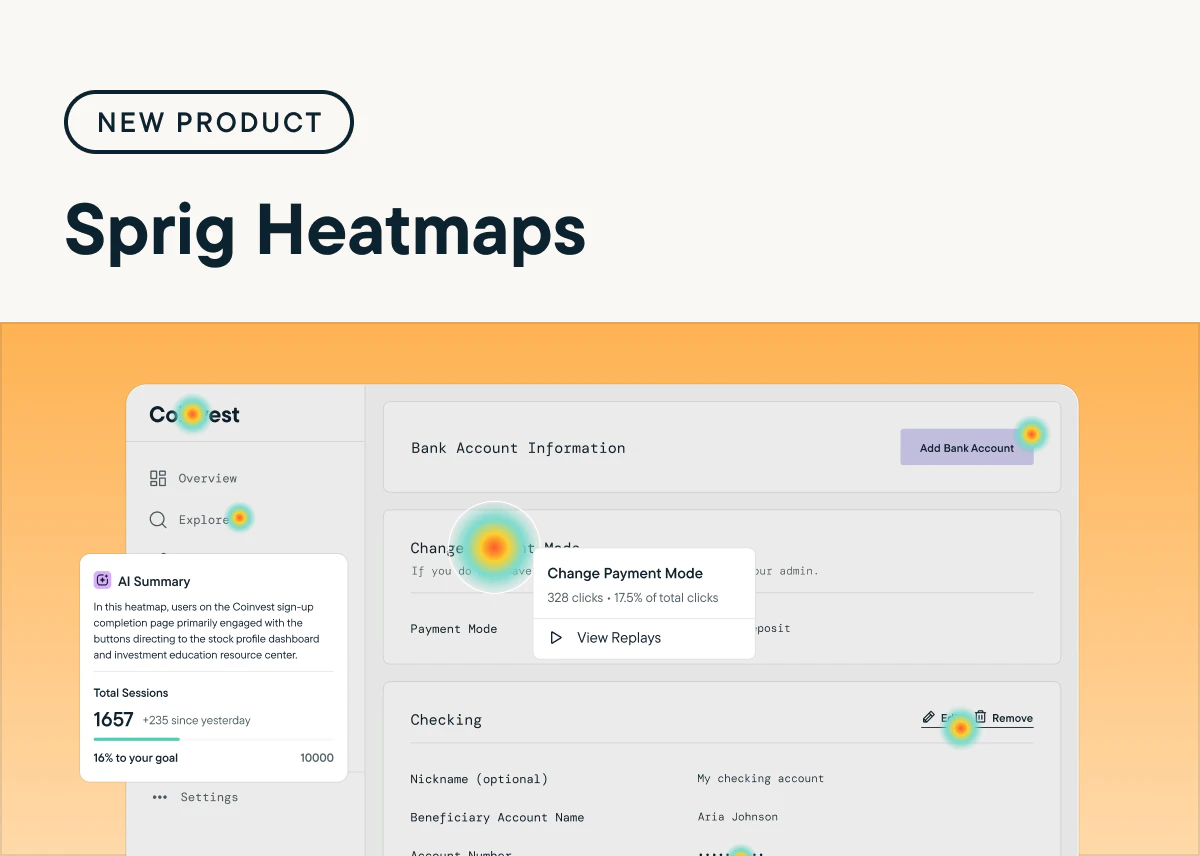
Sprig’s newest product, Heatmaps, lets you visualize your users’ in-product clicks, scrolls, and movements to see exactly how they interact with your product. Plus, Sprig AI analyzes your Heatmap results to automatically uncover opportunities to improve your product experience. [Launch a Heatmap by clicking “New Study” in the Sprig nav and selecting “Heatmap” under “Create from Scratch.”](https://app.sprig.com/create)
## Understand Product Behavior at Scale with Sprig Heatmaps
*by Maha Chaudhry*
Sprig’s newest product, Heatmaps, lets you visualize your users’ in-product clicks, scrolls, and movements to see exactly how they interact with your product. Plus, Sprig AI analyzes your Heatmap results to automatically uncover opportunities to improve your product experience. [Launch a Heatmap by clicking “New Study” in the Sprig nav and selecting “Heatmap” under “Create from Scratch.”](https://app.sprig.com/create)
 ## Organize Your Sprig Study Insights with Dashboard Improvements
*by Maha Chaudhry*
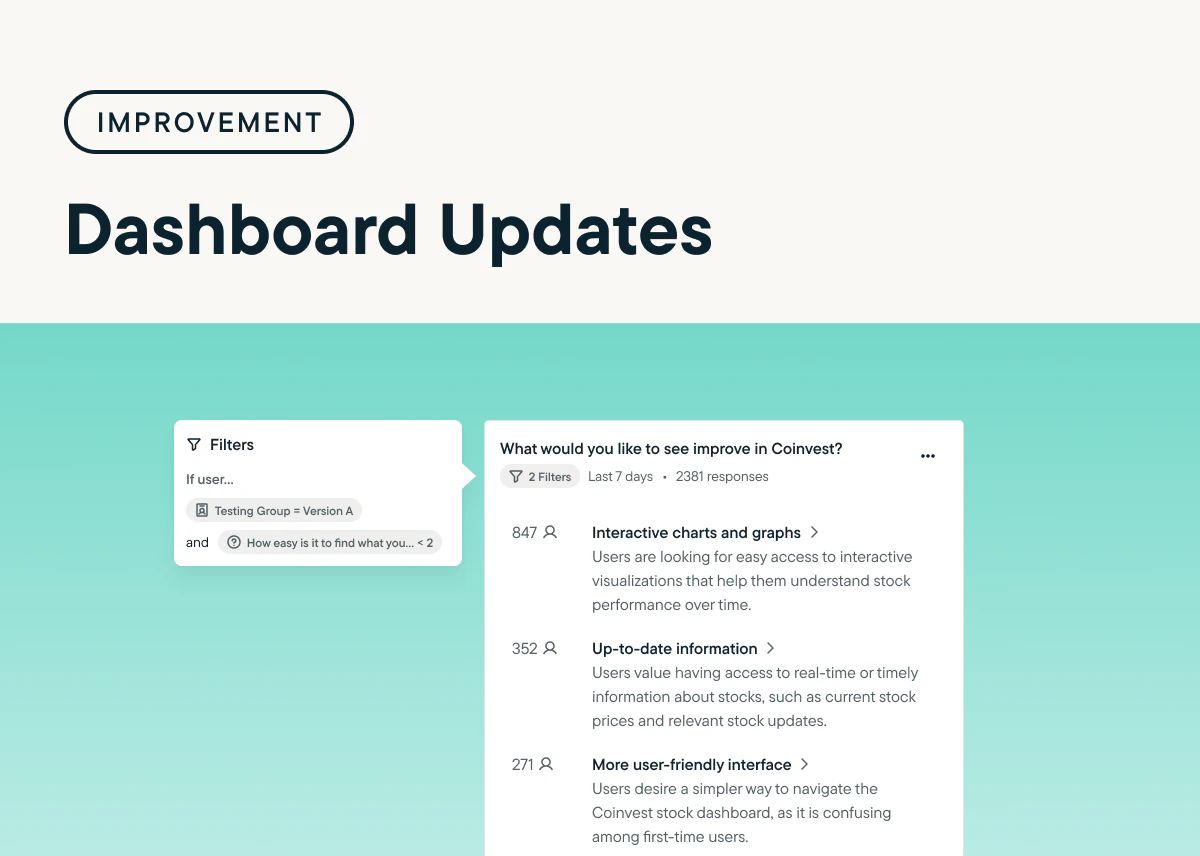
We’ve made a ton of user-requested updates to Sprig Dashboards! With these new Dashboard updates, you can now save and pin charts with advanced filters, drag and drop charts, name your charts, and see the responses behind Open Text AI themes within a chart. To try this new Dashboard functionality, [pin a results chart from a recent study](https://app.sprig.com/studylist/all) or [update one of your existing Dashboards](https://app.sprig.com/dashboards).
## Organize Your Sprig Study Insights with Dashboard Improvements
*by Maha Chaudhry*
We’ve made a ton of user-requested updates to Sprig Dashboards! With these new Dashboard updates, you can now save and pin charts with advanced filters, drag and drop charts, name your charts, and see the responses behind Open Text AI themes within a chart. To try this new Dashboard functionality, [pin a results chart from a recent study](https://app.sprig.com/studylist/all) or [update one of your existing Dashboards](https://app.sprig.com/dashboards).
 ## Instantly Launch Sprig Feedback Studies With New Templates
*by Maha Chaudhry*
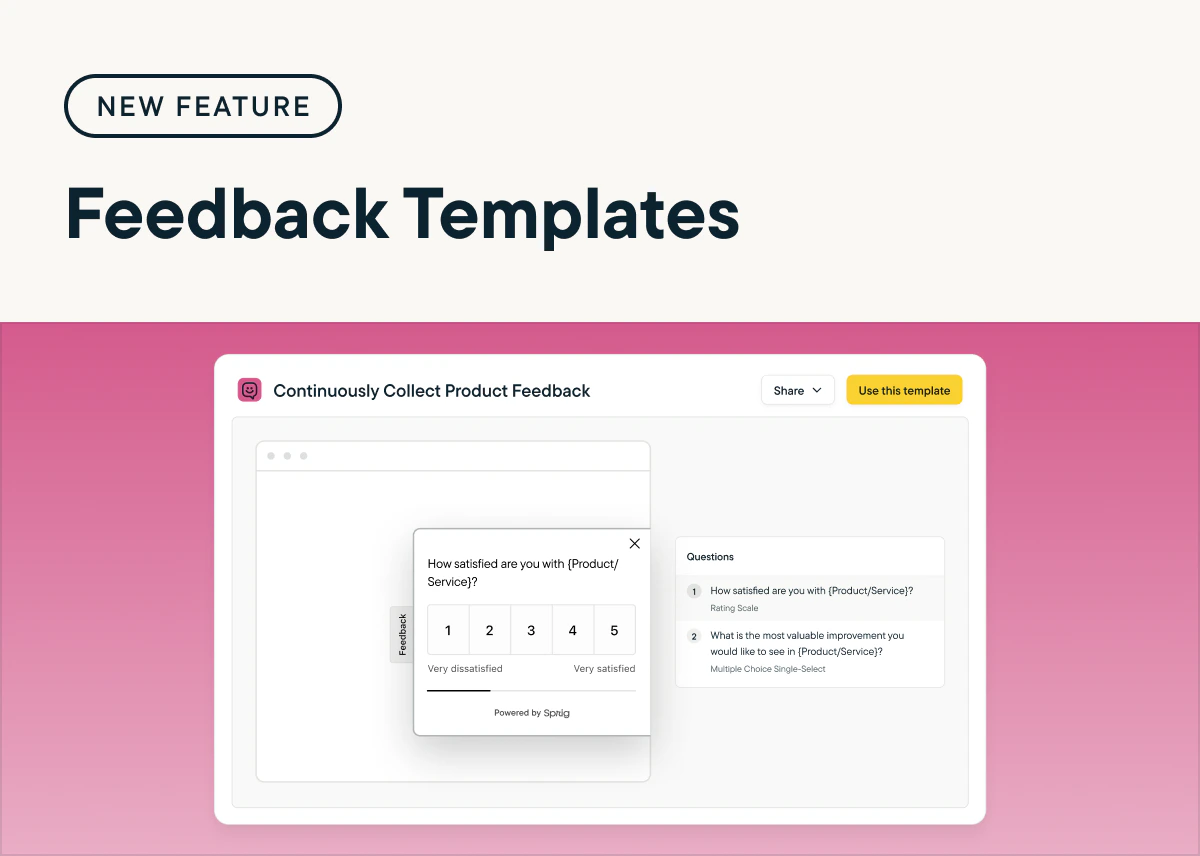
Sprig’s expert-made Template Gallery now includes Feedback templates so that you can launch Feedback buttons in just a few clicks. These templates are designed to address common product goals, from continuously collecting product feedback to finding and fixing pain points. [Just enter “Feedback” in the Template Gallery search bar, filter by Feedback study type, and pick a template that matches your goal.](https://app.sprig.com/templates)
## Instantly Launch Sprig Feedback Studies With New Templates
*by Maha Chaudhry*
Sprig’s expert-made Template Gallery now includes Feedback templates so that you can launch Feedback buttons in just a few clicks. These templates are designed to address common product goals, from continuously collecting product feedback to finding and fixing pain points. [Just enter “Feedback” in the Template Gallery search bar, filter by Feedback study type, and pick a template that matches your goal.](https://app.sprig.com/templates)
 ## Customize Your Sprig AI Analysis Insights With New Study Goals
*by Maha Chaudhry*
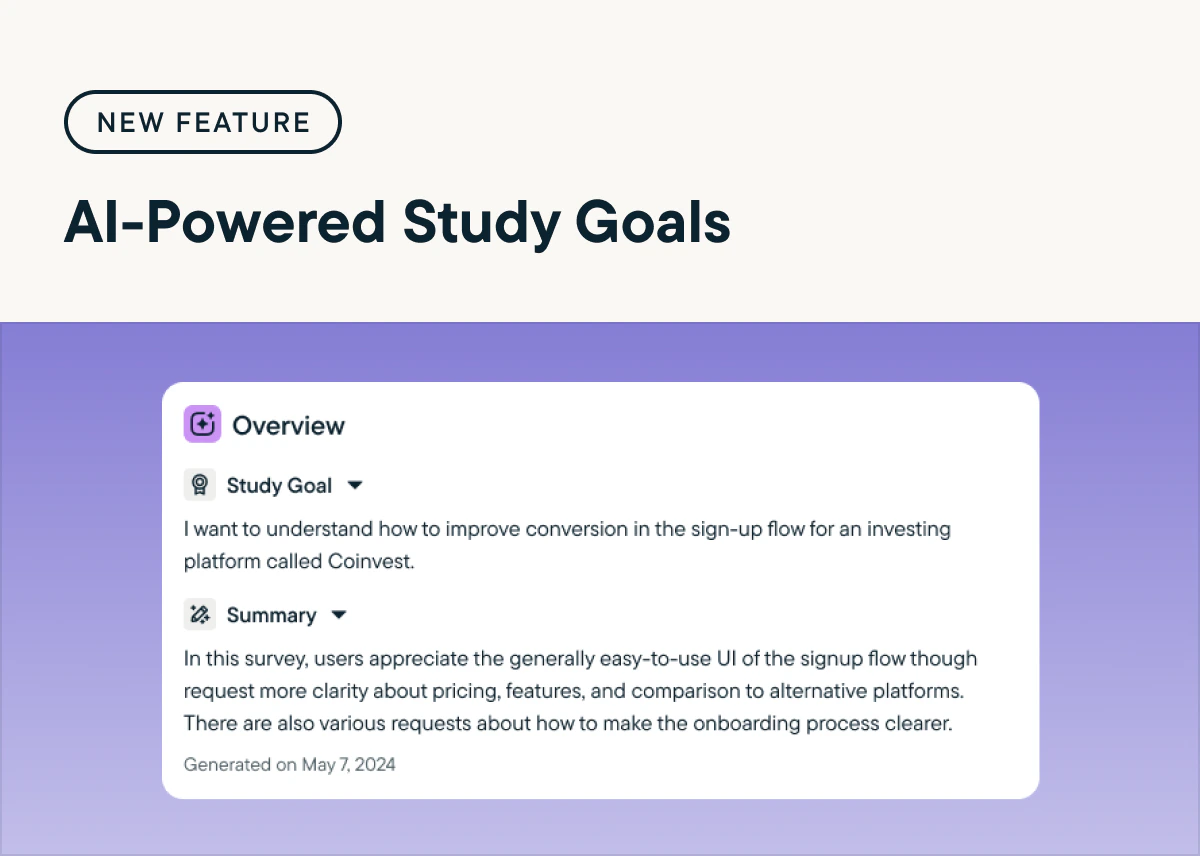
Now, you can share your study goal with Sprig AI to receive results that are tailored toward your study objectives across your AI Summary, Open Text Analysis themes, and ongoing insight generation. [Try it out by going to any of your Sprig Survey and Feedback results and adding your specific study goal.](https://app.sprig.com/surveylist/all) Your AI Analysis will refine based on your goal, and your study’s underlying response data will remain unchanged.
## Customize Your Sprig AI Analysis Insights With New Study Goals
*by Maha Chaudhry*
Now, you can share your study goal with Sprig AI to receive results that are tailored toward your study objectives across your AI Summary, Open Text Analysis themes, and ongoing insight generation. [Try it out by going to any of your Sprig Survey and Feedback results and adding your specific study goal.](https://app.sprig.com/surveylist/all) Your AI Analysis will refine based on your goal, and your study’s underlying response data will remain unchanged.
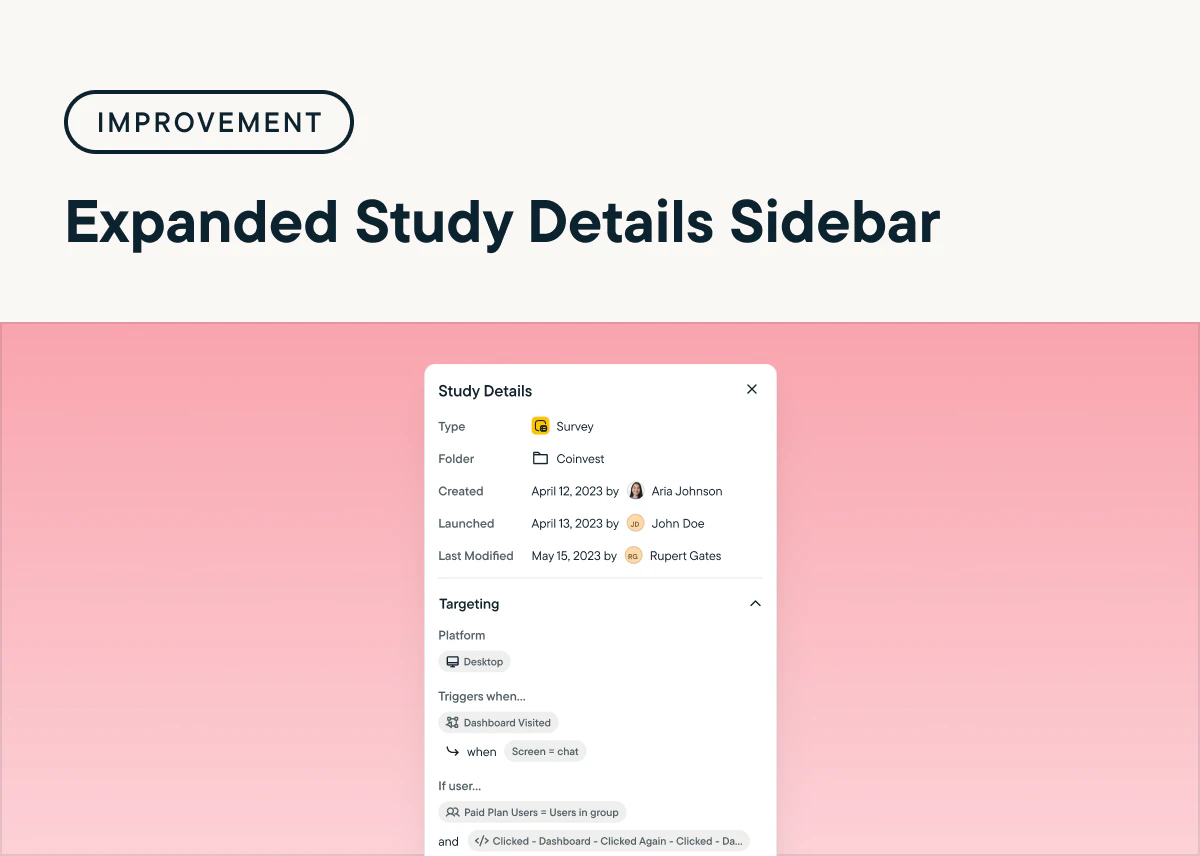
 ## Quickly Find Essential Study Details With The Expanded Study Sidebar
*by Maha Chaudhry*
Now, you no longer need to enter the Sprig Study Editor to audit or debug a study. You can find additional settings displayed in your study sidebar, including targeting, multi-language settings, logic grouping, and Replay clip configuration. [Just head over to the Studies tab and click into any of your studies to see the expanded sidebar details.](https://app.sprig.com/surveylist/all)
## Quickly Find Essential Study Details With The Expanded Study Sidebar
*by Maha Chaudhry*
Now, you no longer need to enter the Sprig Study Editor to audit or debug a study. You can find additional settings displayed in your study sidebar, including targeting, multi-language settings, logic grouping, and Replay clip configuration. [Just head over to the Studies tab and click into any of your studies to see the expanded sidebar details.](https://app.sprig.com/surveylist/all)
 ## Effortlessly Launch Sprig Replays With Newly Added Templates
*by Maha Chaudhry*
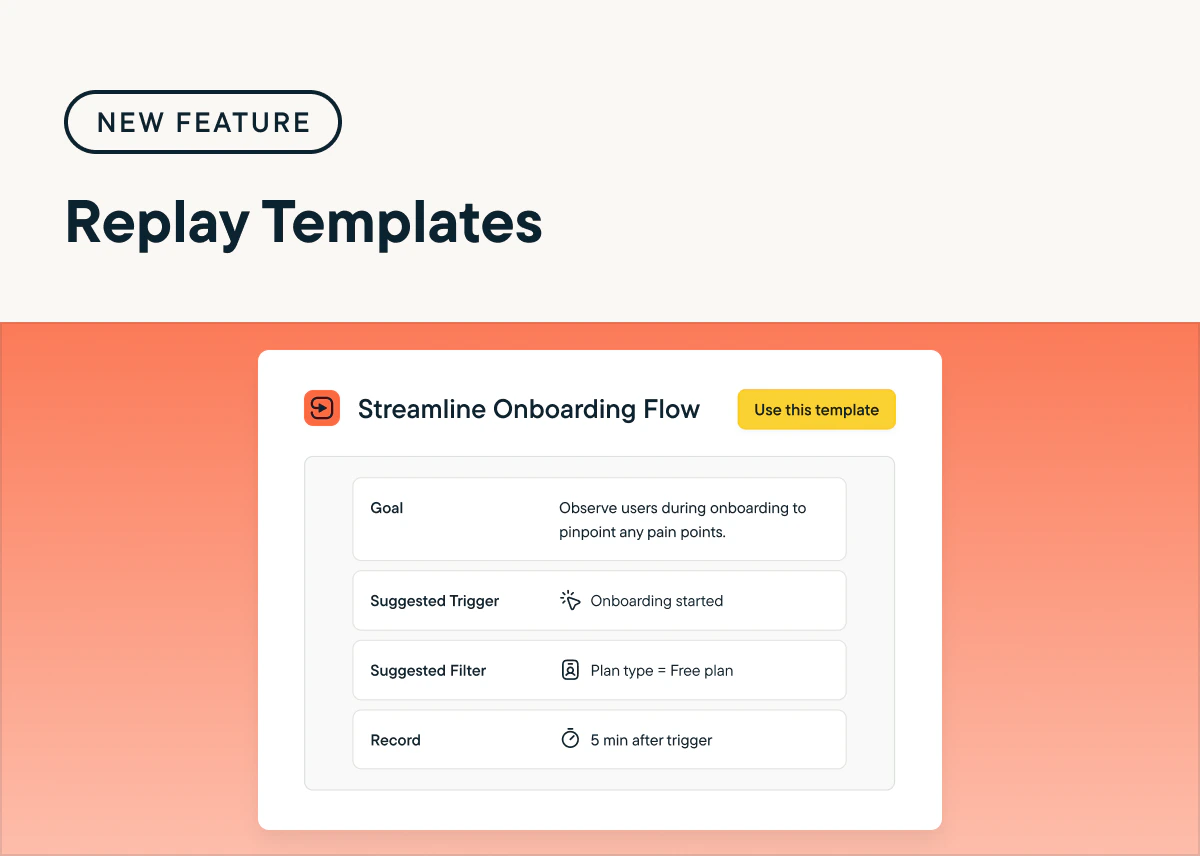
Sprig’s expert-made Template Gallery now includes Replay templates, so you can launch Replays in just a few clicks. These templates are designed to answer common product questions, from spotting UX friction points or optimizing new features. [Just enter “Replay” in the Template Gallery search bar and select a Replays template that matches your goal.](https://app.sprig.com/templates)
## Effortlessly Launch Sprig Replays With Newly Added Templates
*by Maha Chaudhry*
Sprig’s expert-made Template Gallery now includes Replay templates, so you can launch Replays in just a few clicks. These templates are designed to answer common product questions, from spotting UX friction points or optimizing new features. [Just enter “Replay” in the Template Gallery search bar and select a Replays template that matches your goal.](https://app.sprig.com/templates)
 ## Seamlessly Launch Sprig Studies With New Study Editor Improvements
*by Maha Chaudhry*
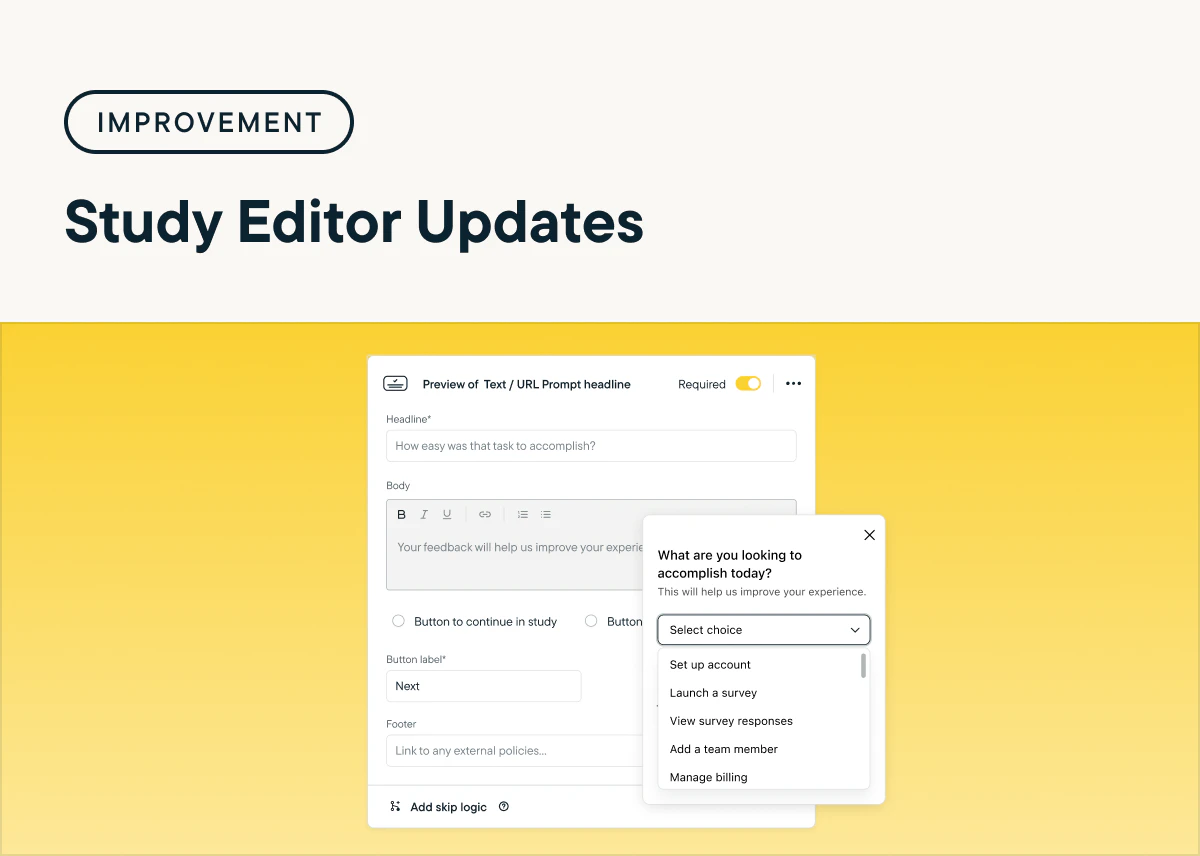
We’ve made a host of user-requested optimizations to the Sprig Study Editor! These updates include the ability to: add rich text editing to all question types, drag and drop Multiple Choice responses, show Multiple Choice responses in a dropdown, add a footer to Open Text questions, and skip adding video prompts for Voice and Video questions. [Test out these updates by creating a study from scratch or a template.](https://app.sprig.com/templates)
## Seamlessly Launch Sprig Studies With New Study Editor Improvements
*by Maha Chaudhry*
We’ve made a host of user-requested optimizations to the Sprig Study Editor! These updates include the ability to: add rich text editing to all question types, drag and drop Multiple Choice responses, show Multiple Choice responses in a dropdown, add a footer to Open Text questions, and skip adding video prompts for Voice and Video questions. [Test out these updates by creating a study from scratch or a template.](https://app.sprig.com/templates)
 ## Capture Continuous Feedback Right In Your Product Or Website With Sprig Feedback
*by Maha Chaudhry*
Sprig Feedback, the newest addition to our product experience platform, empowers you to effortlessly capture continuous user feedback right in your product or website, so you always know what your users are thinking.
Here's how Sprig Feedback enables you to continuously learn from your users:
* **Seamless Setup**: Launch Feedback buttons across your core flows in minutes and enjoy ongoing insights without having to lift a finger again.
* **More Feedback, Less Effort**: With passive Feedback buttons built into your product experience, expect to receive up to 3x more responses from your users.
* **Actionable Recommendations**: Use the Sprig AI you know and love to instantly analyze feedback and receive recommendations to take your product to the next level.
Feedback is now available to all Sprig users.[Launch a Feedback study here](https://app.sprig.com/templates?\&utm_source=int_mktg_2024-05-01\&utm_medium=email\&utm_campaign=feedback-launch) to try it out!
## Capture Continuous Feedback Right In Your Product Or Website With Sprig Feedback
*by Maha Chaudhry*
Sprig Feedback, the newest addition to our product experience platform, empowers you to effortlessly capture continuous user feedback right in your product or website, so you always know what your users are thinking.
Here's how Sprig Feedback enables you to continuously learn from your users:
* **Seamless Setup**: Launch Feedback buttons across your core flows in minutes and enjoy ongoing insights without having to lift a finger again.
* **More Feedback, Less Effort**: With passive Feedback buttons built into your product experience, expect to receive up to 3x more responses from your users.
* **Actionable Recommendations**: Use the Sprig AI you know and love to instantly analyze feedback and receive recommendations to take your product to the next level.
Feedback is now available to all Sprig users.[Launch a Feedback study here](https://app.sprig.com/templates?\&utm_source=int_mktg_2024-05-01\&utm_medium=email\&utm_campaign=feedback-launch) to try it out!
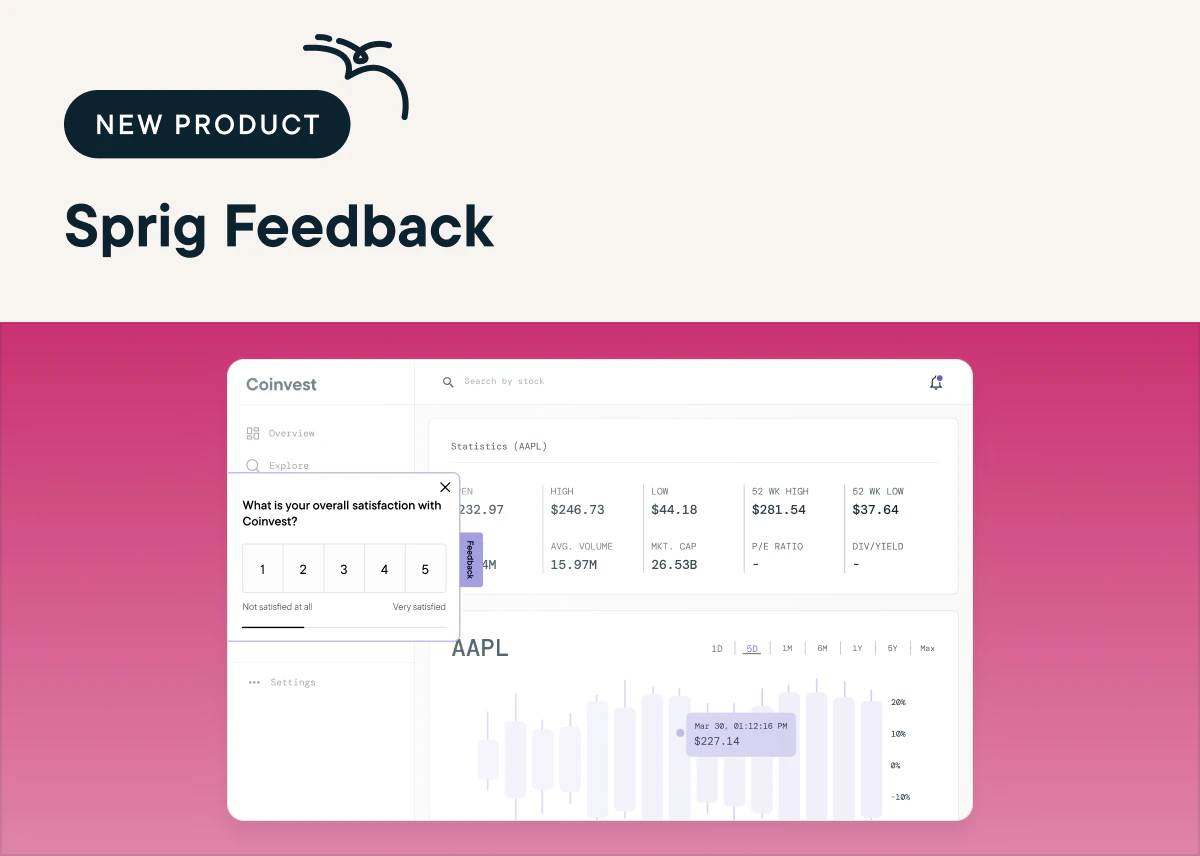 ## Launch Studies In A Flash With The New And Improved Sprig Template Gallery
*by Maha Chaudhry*
Our customer-favorite Template Gallery is now even better with our latest update, enabling you to explore study templates by product use cases. You can easily create and launch studies that are tailored to your specific product goal with templates that cover every product question, from gauging feature satisfaction to understanding user personas. [Try out the Template Gallery and effortlessly launch a Sprig study](https://app.sprig.com/templates) to solve your most important product challenges.
## Launch Studies In A Flash With The New And Improved Sprig Template Gallery
*by Maha Chaudhry*
Our customer-favorite Template Gallery is now even better with our latest update, enabling you to explore study templates by product use cases. You can easily create and launch studies that are tailored to your specific product goal with templates that cover every product question, from gauging feature satisfaction to understanding user personas. [Try out the Template Gallery and effortlessly launch a Sprig study](https://app.sprig.com/templates) to solve your most important product challenges.
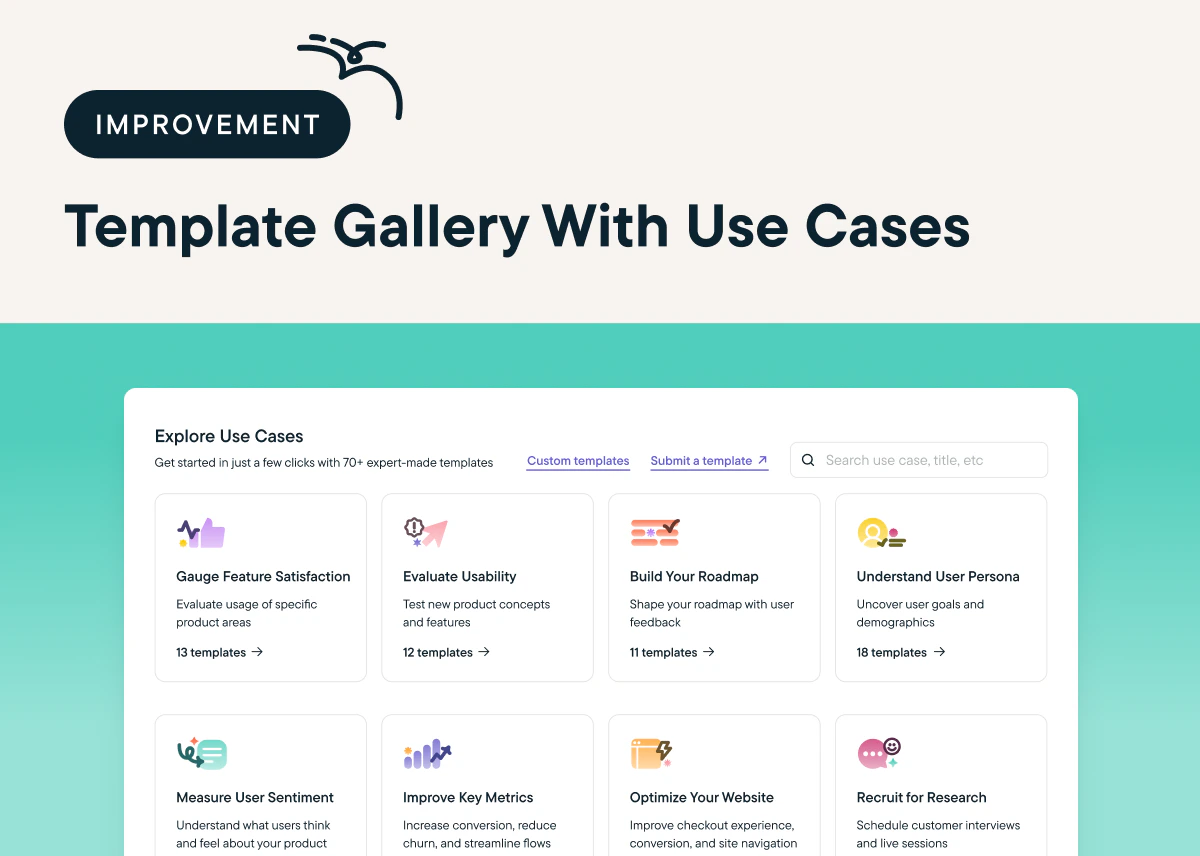 ## Easily Share Sprig Insights With Your Team With The Updated Channel-Specific Slack Integration
*by Maha Chaudhry*
We've revamped our popular [Slack integration](https://app.sprig.com/integrations/collaboration/slack), enabling you to send Sprig study response data to **specific Slack channels** of your choice. This new and improved integration makes it easy for your team to gain visibility into the Sprig insights that are most relevant to them.
To test it out, first [connect your Slack account](https://app.sprig.com/integrations/collaboration/slack) to Sprig. Then, add Slack notifications right after you launch for a [new study](https://app.sprig.com/templates) and on the **Connect** tab for an [in-progress study](https://app.sprig.com/surveylist/all). Check out our [Help Center](/docs/integrations/data-destinations/slack) for more details.
## Easily Share Sprig Insights With Your Team With The Updated Channel-Specific Slack Integration
*by Maha Chaudhry*
We've revamped our popular [Slack integration](https://app.sprig.com/integrations/collaboration/slack), enabling you to send Sprig study response data to **specific Slack channels** of your choice. This new and improved integration makes it easy for your team to gain visibility into the Sprig insights that are most relevant to them.
To test it out, first [connect your Slack account](https://app.sprig.com/integrations/collaboration/slack) to Sprig. Then, add Slack notifications right after you launch for a [new study](https://app.sprig.com/templates) and on the **Connect** tab for an [in-progress study](https://app.sprig.com/surveylist/all). Check out our [Help Center](/docs/integrations/data-destinations/slack) for more details.
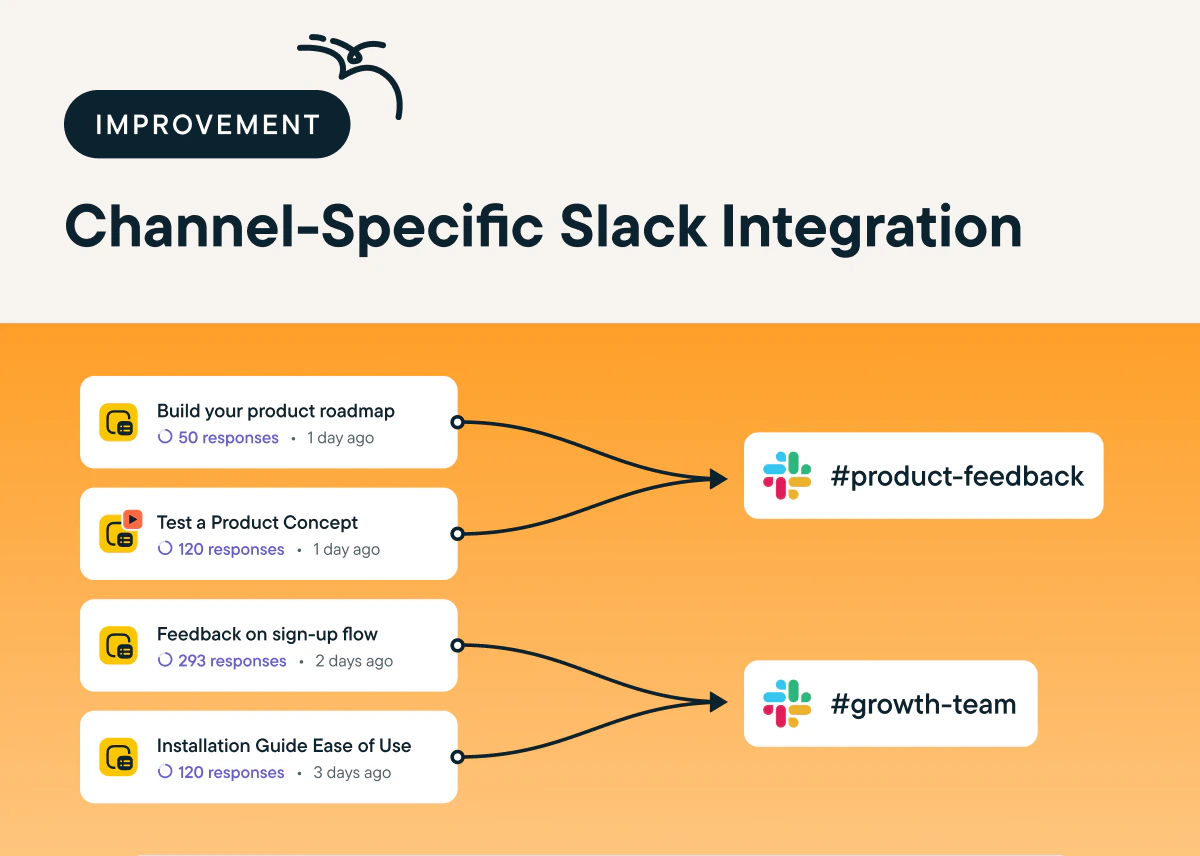 ## Accelerate Your Time To Insight With An AI-Optimized Study Results Page
*by Maha Chaudhry*
Now, your Sprig studies’ most valuable product takeaways are front and center with the updated study results page. You can easily find your study results’ AI Summary at the top, plus we’ve added an AI Insights sidebar featuring product opportunities, correlations, trends, and strengths surfaced from your study. To explore the AI-optimized study results page, [just head over to any of your in-progress or completed Sprig studies.](https://app.sprig.com/surveylist/all)
## Accelerate Your Time To Insight With An AI-Optimized Study Results Page
*by Maha Chaudhry*
Now, your Sprig studies’ most valuable product takeaways are front and center with the updated study results page. You can easily find your study results’ AI Summary at the top, plus we’ve added an AI Insights sidebar featuring product opportunities, correlations, trends, and strengths surfaced from your study. To explore the AI-optimized study results page, [just head over to any of your in-progress or completed Sprig studies.](https://app.sprig.com/surveylist/all)
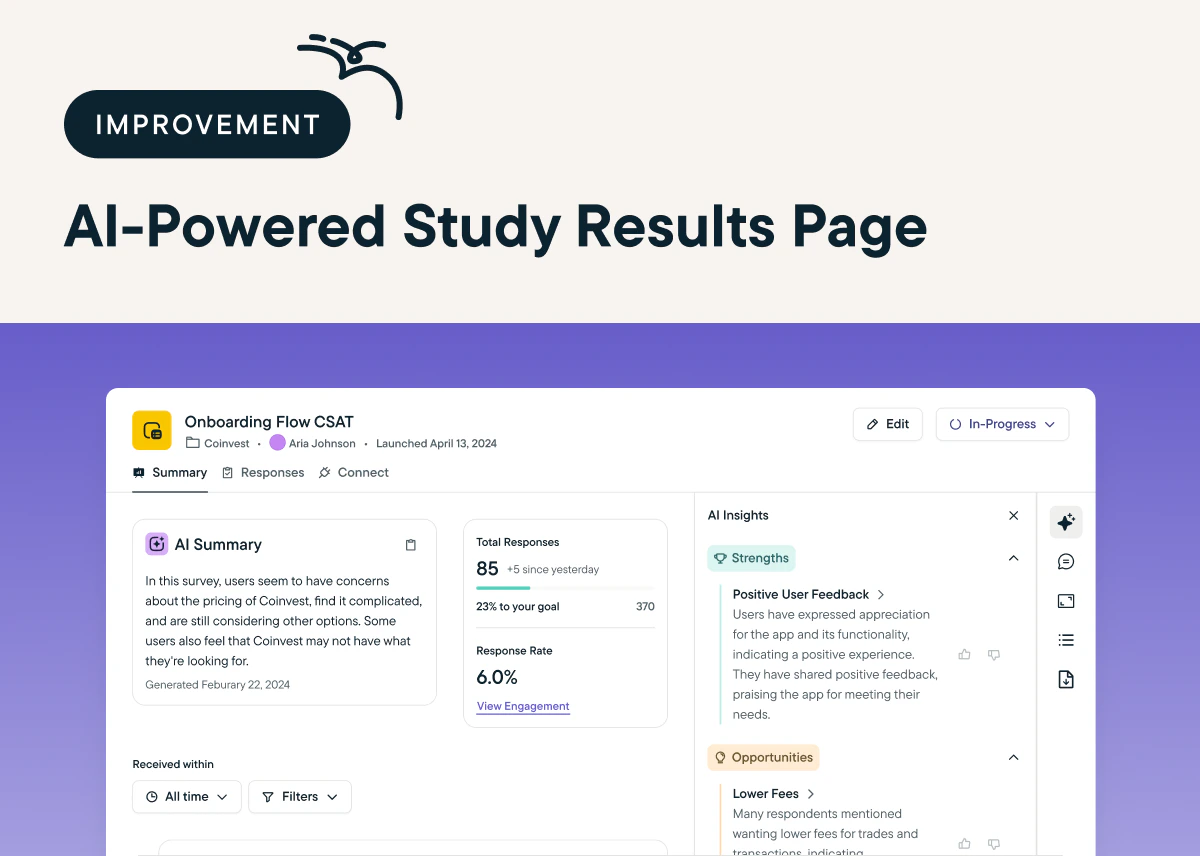 ## Automate Your User Insights With AI-Powered Session Replay Analysis
*by Maha Chaudhry*
Now, you can leverage the power of AI to instantly pull actionable insights from your Sprig Replays. [AI Analysis for Replays](https://sprig.com/blog/ai-analysis-for-replays) reviews and organizes your Replay clips into themes based on specific actions your users take in your product. Here's why it's a game-changer:
📈 Scalable Insights: It can be near impossible to watch every session recording that's captured in your product. But with Sprig AI, no clip goes un-analyzed. They'll get grouped into key themes to give you a holistic view of how users interact with your product.
⏱️ Time Savings: Say goodbye to manually sifting through session recordings in search of meaningful takeaways. Let Sprig AI identify user behavior patterns for you, so you can spend your time putting those insights into action.
🤝 Enhanced User Understanding: Gain an unprecedented understanding of your users’ experience. With the power of Sprig AI, you can automatically uncover valuable insights into your users’ behavior, needs, and pain points.
AI Analysis for Replays is now available to all Sprig users. [To try it out, just launch a standalone Replay in Sprig.](http://app.sprig.com/collections/featured) Once it's done capturing session clips, click *Generate Groups* and Sprig AI will categorize the clips to reveal trends in your users' behavior.
## Automate Your User Insights With AI-Powered Session Replay Analysis
*by Maha Chaudhry*
Now, you can leverage the power of AI to instantly pull actionable insights from your Sprig Replays. [AI Analysis for Replays](https://sprig.com/blog/ai-analysis-for-replays) reviews and organizes your Replay clips into themes based on specific actions your users take in your product. Here's why it's a game-changer:
📈 Scalable Insights: It can be near impossible to watch every session recording that's captured in your product. But with Sprig AI, no clip goes un-analyzed. They'll get grouped into key themes to give you a holistic view of how users interact with your product.
⏱️ Time Savings: Say goodbye to manually sifting through session recordings in search of meaningful takeaways. Let Sprig AI identify user behavior patterns for you, so you can spend your time putting those insights into action.
🤝 Enhanced User Understanding: Gain an unprecedented understanding of your users’ experience. With the power of Sprig AI, you can automatically uncover valuable insights into your users’ behavior, needs, and pain points.
AI Analysis for Replays is now available to all Sprig users. [To try it out, just launch a standalone Replay in Sprig.](http://app.sprig.com/collections/featured) Once it's done capturing session clips, click *Generate Groups* and Sprig AI will categorize the clips to reveal trends in your users' behavior.
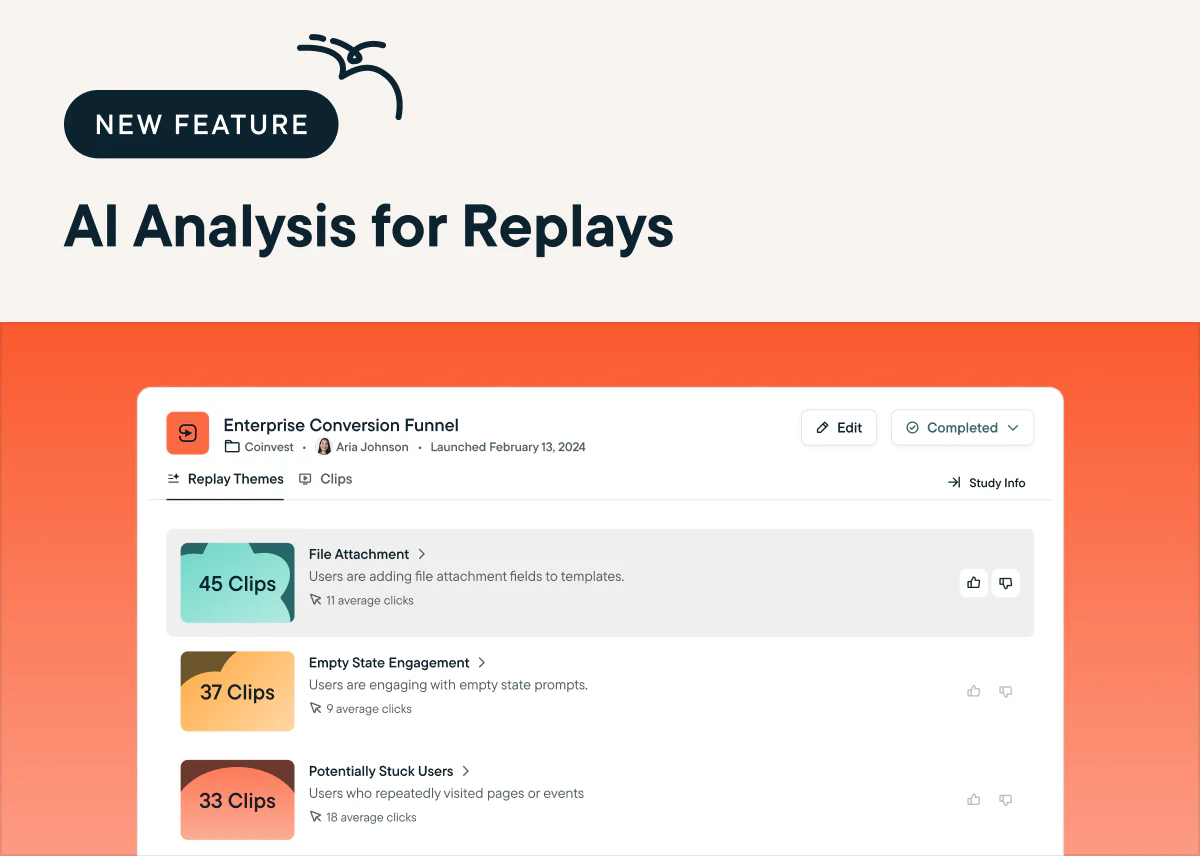 ## Get A Steady Stream Of Product Opportunities With Sprig AI Product Insights Feed
*by Maha Chaudhry*
Sprig AI Product Insights Feed is now available in your account! This AI-powered feed automatically surfaces the most valuable product takeaways across all your Sprig studies in one spot. You’ll see survey result summaries, plus product insights like opportunities, trends, correlations, and strengths. [Head over to the Home tab in the Sprig app to explore the insights your team has already captured.](https://app.sprig.com/welcome)
## Get A Steady Stream Of Product Opportunities With Sprig AI Product Insights Feed
*by Maha Chaudhry*
Sprig AI Product Insights Feed is now available in your account! This AI-powered feed automatically surfaces the most valuable product takeaways across all your Sprig studies in one spot. You’ll see survey result summaries, plus product insights like opportunities, trends, correlations, and strengths. [Head over to the Home tab in the Sprig app to explore the insights your team has already captured.](https://app.sprig.com/welcome)
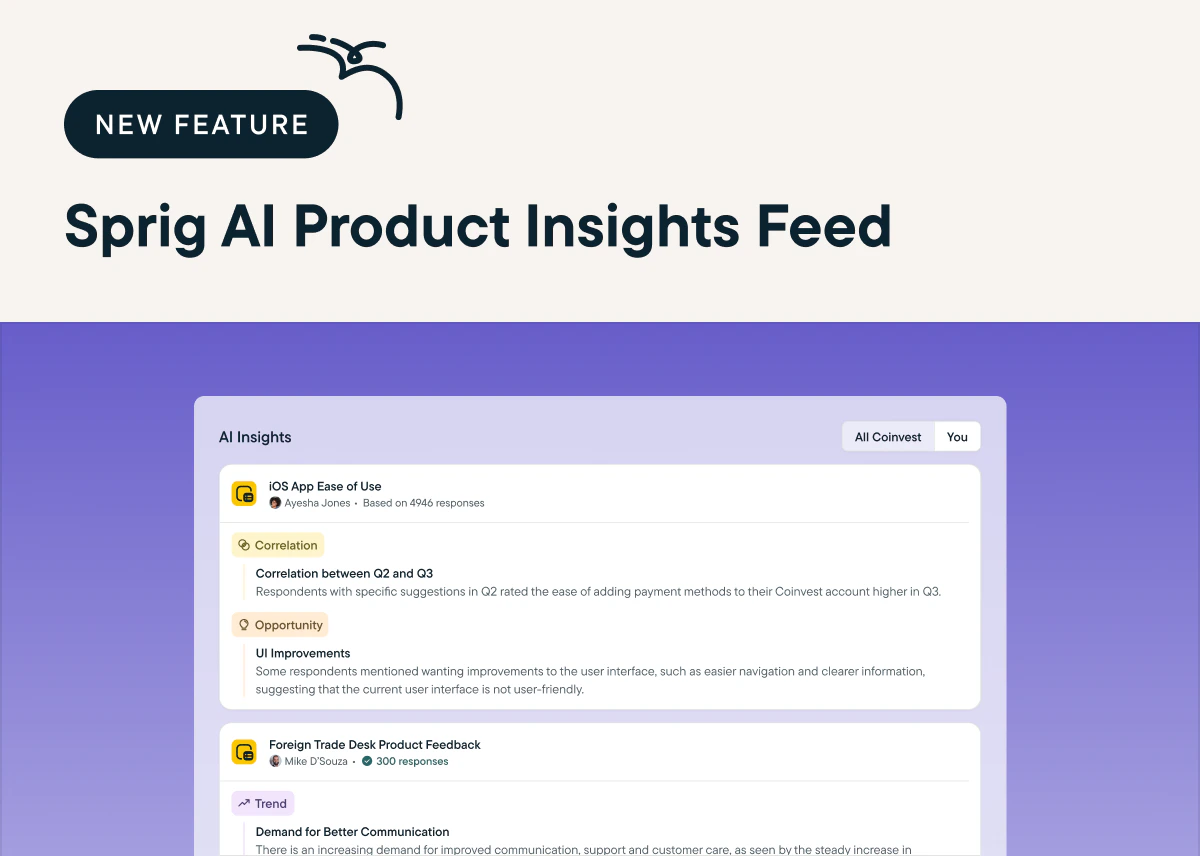 ## Customize Multiple Choice Survey Questions With New Response Choice Options
*by Maha Chaudhry*
By popular demand, we’ve added a **pinned response option**, which anchors specific Multiple Choice responses to the bottom of your choices, even if you randomize the order. And we’ve built a **“None of the Above” response option**, which stops respondents from selecting extra choices for Multi-Select questions. [To try them out, add a Multiple Choice survey question and click the Add Choice dropdown.](https://app.sprig.com/collections/featured) (Requires Sprig SDK update)
## Customize Multiple Choice Survey Questions With New Response Choice Options
*by Maha Chaudhry*
By popular demand, we’ve added a **pinned response option**, which anchors specific Multiple Choice responses to the bottom of your choices, even if you randomize the order. And we’ve built a **“None of the Above” response option**, which stops respondents from selecting extra choices for Multi-Select questions. [To try them out, add a Multiple Choice survey question and click the Add Choice dropdown.](https://app.sprig.com/collections/featured) (Requires Sprig SDK update)
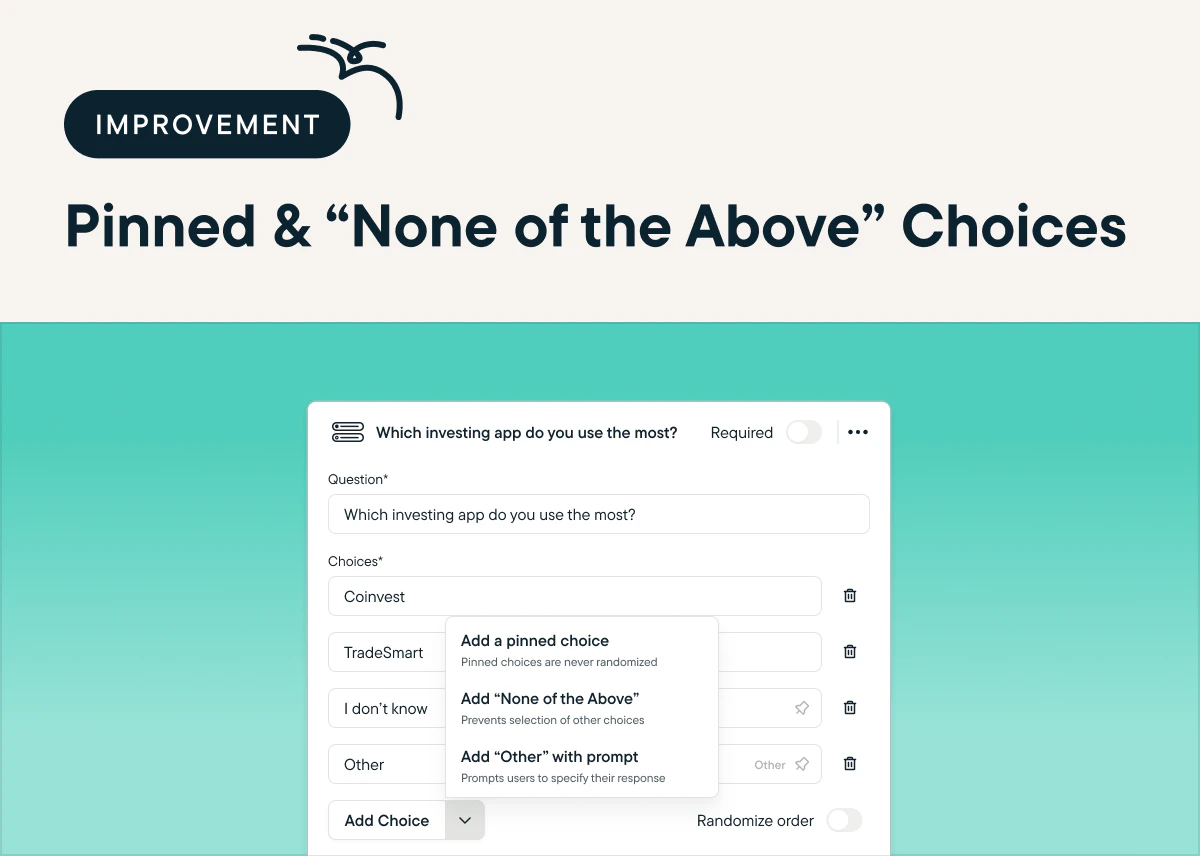 ## Target Studies Using Data From Your Stack With Our RudderStack Integration
*by Maha Chaudhry*
With the Sprig & RudderStack partner integration, you can get even more precise with filtering your study audience. This integration enables you to hyper-target your Sprig in-product Surveys and Replays using customer event data sourced from multiple platforms via RudderStack. [To connect Sprig & RudderStack, follow the directions listed here.](https://sprig.com/integrations/rudderstack) There’s even a code-free installation option!
## Target Studies Using Data From Your Stack With Our RudderStack Integration
*by Maha Chaudhry*
With the Sprig & RudderStack partner integration, you can get even more precise with filtering your study audience. This integration enables you to hyper-target your Sprig in-product Surveys and Replays using customer event data sourced from multiple platforms via RudderStack. [To connect Sprig & RudderStack, follow the directions listed here.](https://sprig.com/integrations/rudderstack) There’s even a code-free installation option!
 ## Get More Detailed User Feedback With Matrix Survey Questions
*by Maha Chaudhry*
Efficiently ask your users several questions about a similar idea with the new Matrix question type. [To add a Matrix question to your next survey, click Add Question in the Study Editor, and select Matrix in the dropdown menu.](https://app.sprig.com/collections/featured) Note that Matrix questions are optimized for Desktop Web delivery, so they won’t be shown to Mobile Web users and can’t be used in Mobile App surveys. (Requires Sprig SDK update)
## Get More Detailed User Feedback With Matrix Survey Questions
*by Maha Chaudhry*
Efficiently ask your users several questions about a similar idea with the new Matrix question type. [To add a Matrix question to your next survey, click Add Question in the Study Editor, and select Matrix in the dropdown menu.](https://app.sprig.com/collections/featured) Note that Matrix questions are optimized for Desktop Web delivery, so they won’t be shown to Mobile Web users and can’t be used in Mobile App surveys. (Requires Sprig SDK update)
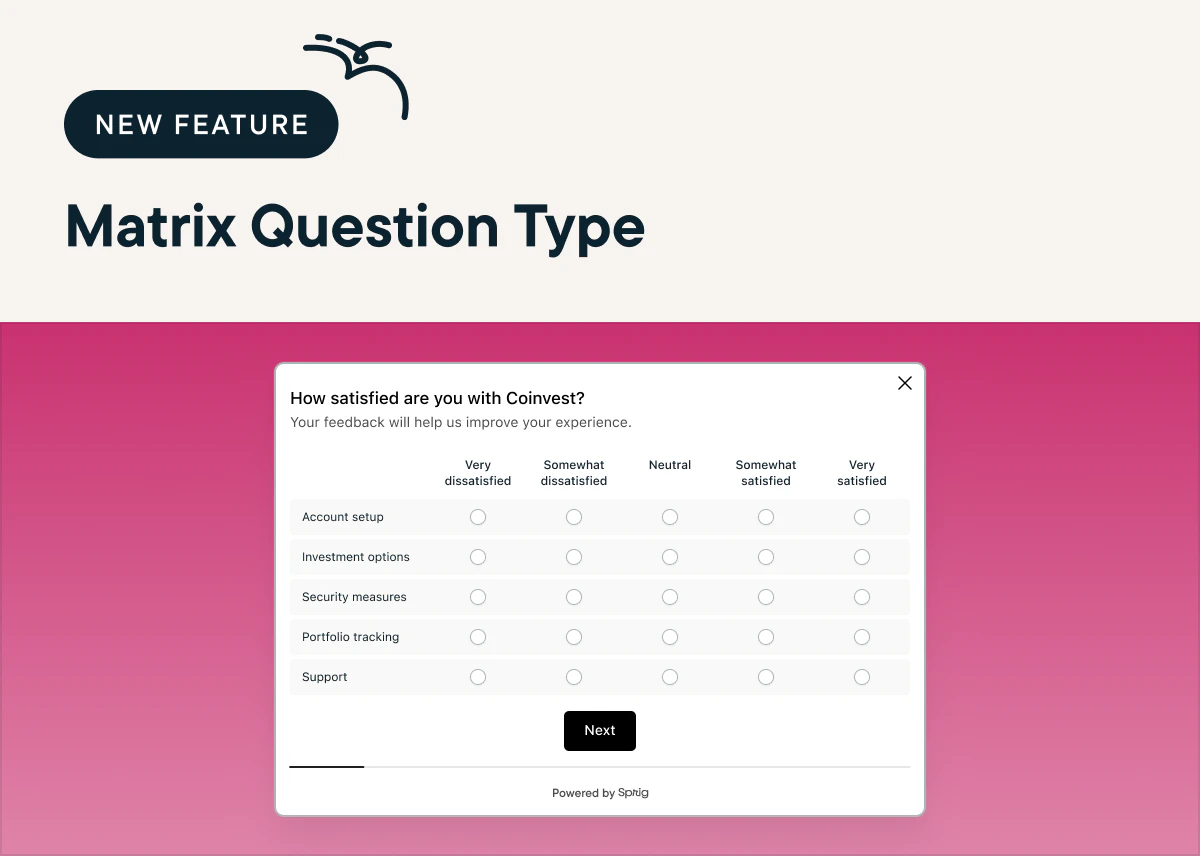 ## Auto-Deliver In-Product Surveys To The Right User In The Right Language
*by Maha Chaudhry*
Now, you can launch a Sprig study in multiple languages, plus leverage location attribute targeting to send them to the right user in the right language. [To use the new Multi-Language Studies feature, click Add language at the bottom of your study’s Questions tab](https://app.sprig.com/collections/featured), upload your translated study, and set your language targeting. (Requires Sprig SDK update for right-to-left languages)
## Auto-Deliver In-Product Surveys To The Right User In The Right Language
*by Maha Chaudhry*
Now, you can launch a Sprig study in multiple languages, plus leverage location attribute targeting to send them to the right user in the right language. [To use the new Multi-Language Studies feature, click Add language at the bottom of your study’s Questions tab](https://app.sprig.com/collections/featured), upload your translated study, and set your language targeting. (Requires Sprig SDK update for right-to-left languages)
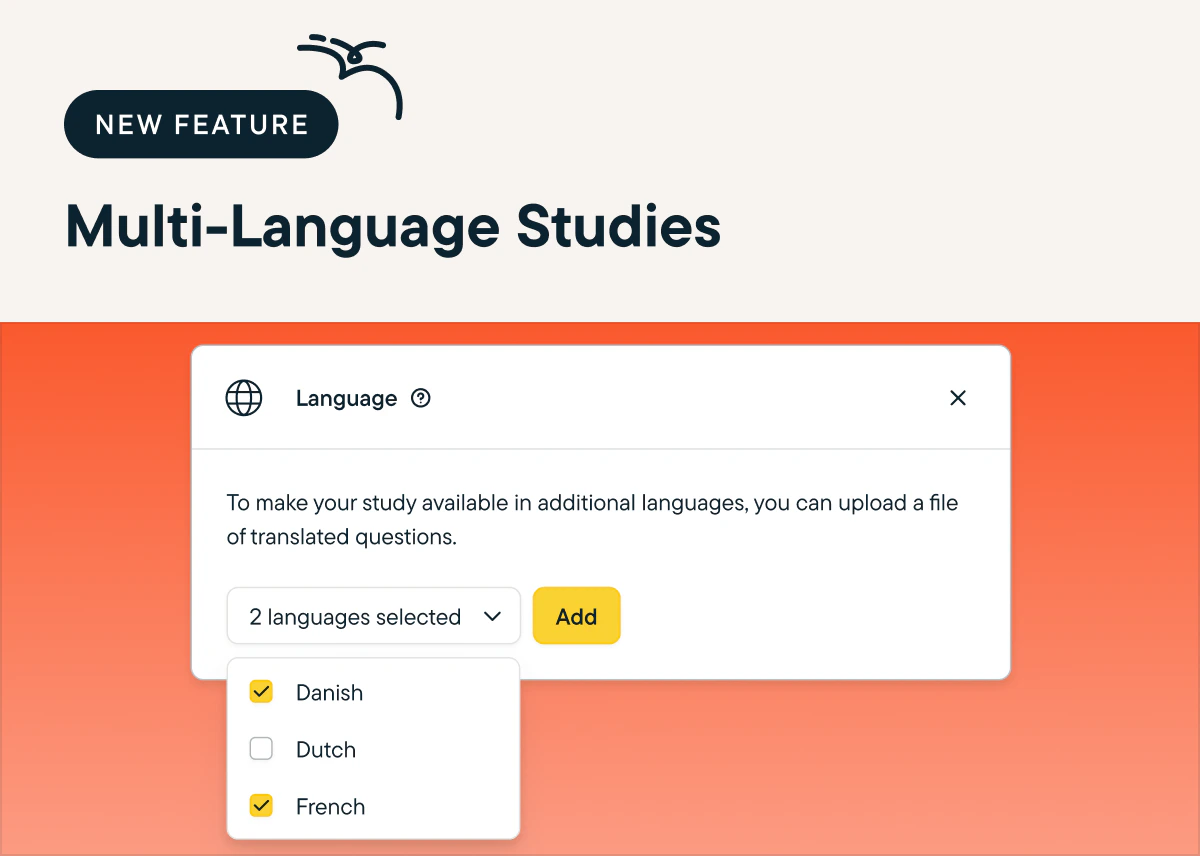 ## Share Sprig Product Experience Insights Across Your Org In Just A Few Clicks
*by Maha Chaudhry*
See an interesting Sprig study result and want to spread the word? You can instantly share a specific Sprig finding with your teammates using shareable result card links. [Just head to your study’s Summary page and click Share in the top right corner of any result card.](https://app.sprig.com/surveylist/all) This will copy the card’s specific URL to your clipboard, so you can quickly give your team visibility into what’s happening in your product experience.
## Share Sprig Product Experience Insights Across Your Org In Just A Few Clicks
*by Maha Chaudhry*
See an interesting Sprig study result and want to spread the word? You can instantly share a specific Sprig finding with your teammates using shareable result card links. [Just head to your study’s Summary page and click Share in the top right corner of any result card.](https://app.sprig.com/surveylist/all) This will copy the card’s specific URL to your clipboard, so you can quickly give your team visibility into what’s happening in your product experience.
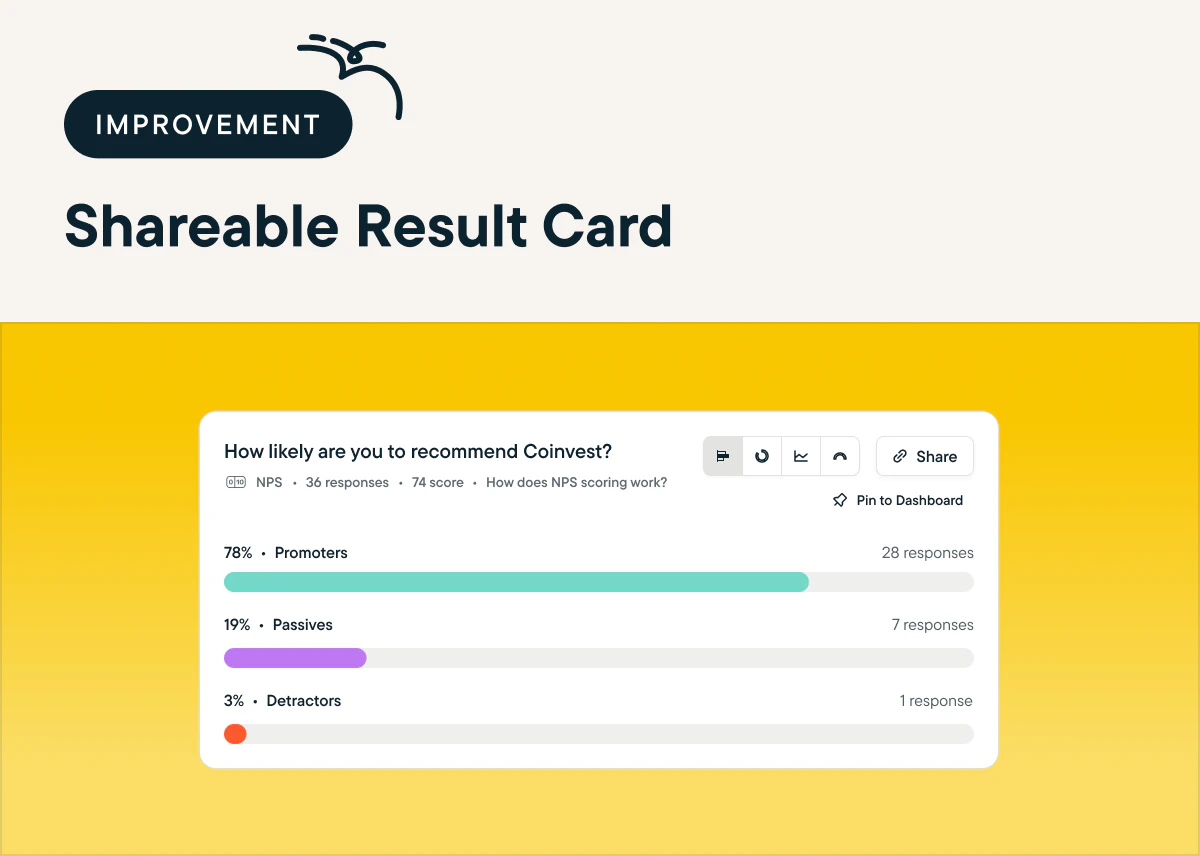 ## Find Your Sprig Studies In An Instant With The New List View
*by Maha Chaudhry*
Sorting and skimming through your Sprig studies is easier than ever with the new List View of the Studies page. This view includes chronological sorting, so you can quickly find the studies your team has most recently created or edited. Plus, we’ve also added new filters for study status, type, and platform. [Switching between Grid View and List View is as simple as selecting the icon on the top Navigation bar.](https://app.sprig.com/surveylist/all)
## Find Your Sprig Studies In An Instant With The New List View
*by Maha Chaudhry*
Sorting and skimming through your Sprig studies is easier than ever with the new List View of the Studies page. This view includes chronological sorting, so you can quickly find the studies your team has most recently created or edited. Plus, we’ve also added new filters for study status, type, and platform. [Switching between Grid View and List View is as simple as selecting the icon on the top Navigation bar.](https://app.sprig.com/surveylist/all)
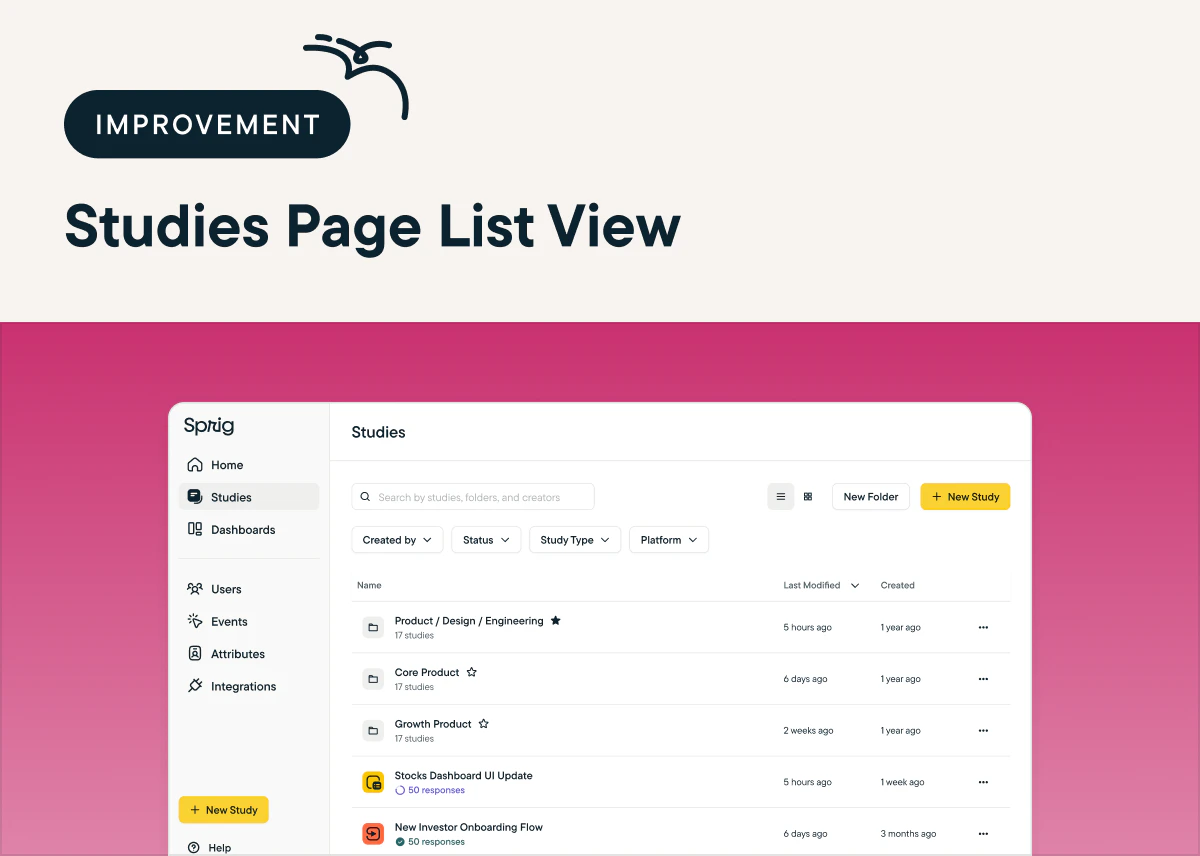 ## See Essential Details About Your Study’s Design In Just One Click
*by Maha Chaudhry*
To give you a quick yet complete snapshot of a specific study’s design, we’ve added extra details on each study’s Summary page. In the right panel, you’ll now see new metadata like the study type, folder, and creation/launch date, alongside your targeting settings. To see these expanded details, [head to a study’s Summary page and click on Details in the right-hand side bar.](https://app.sprig.com/surveylist/all)
## See Essential Details About Your Study’s Design In Just One Click
*by Maha Chaudhry*
To give you a quick yet complete snapshot of a specific study’s design, we’ve added extra details on each study’s Summary page. In the right panel, you’ll now see new metadata like the study type, folder, and creation/launch date, alongside your targeting settings. To see these expanded details, [head to a study’s Summary page and click on Details in the right-hand side bar.](https://app.sprig.com/surveylist/all)
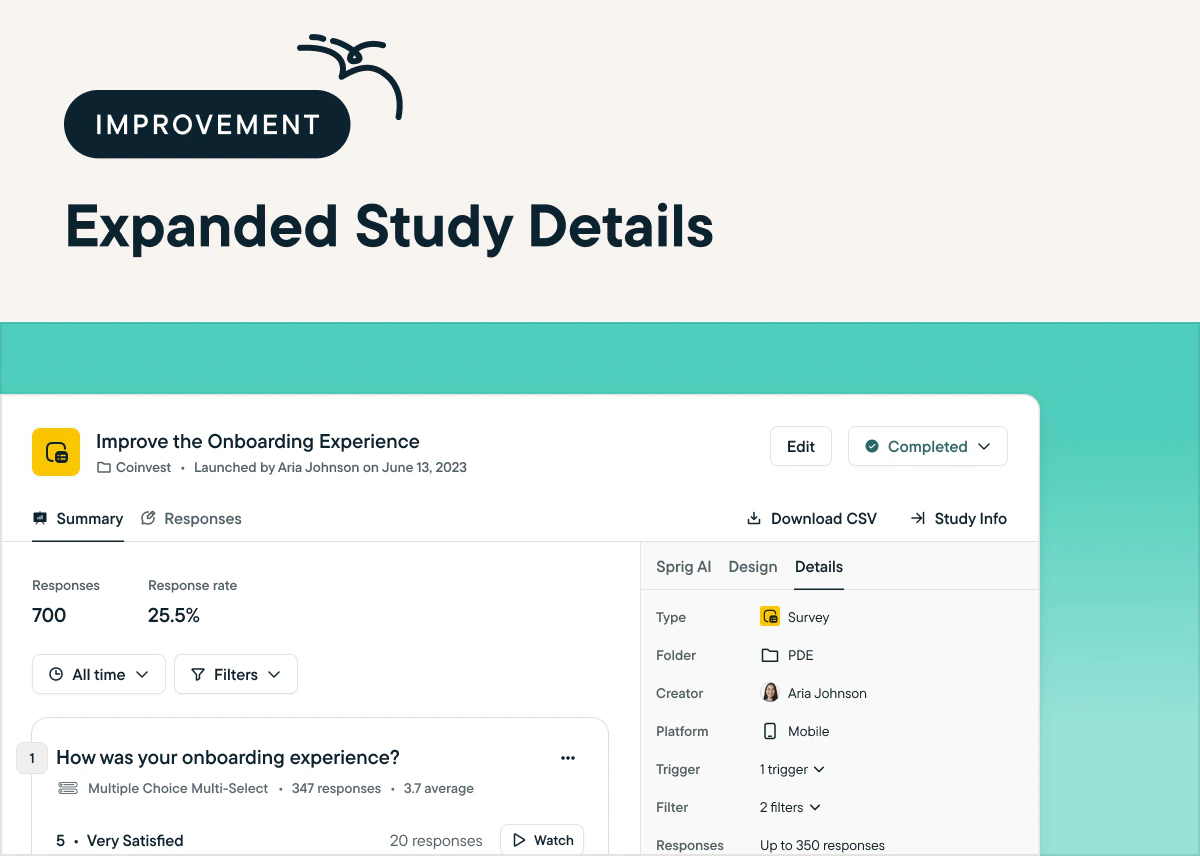 ## Quickly Troubleshoot Study Delivery With The Study Diagnostics Funnel
*by Maha Chaudhry*
Ever wonder why your study isn’t getting as many responses as you expected? The new Study Diagnostics Funnel breaks down your study’s audience across several stages, so you can understand exactly who is eligible to take your study and detect potential delivery bottlenecks. To explore the funnel, [head over to your study’s Summary page and click Inspect in the Response Rate field.](https://app.sprig.com/surveylist/all)
## Quickly Troubleshoot Study Delivery With The Study Diagnostics Funnel
*by Maha Chaudhry*
Ever wonder why your study isn’t getting as many responses as you expected? The new Study Diagnostics Funnel breaks down your study’s audience across several stages, so you can understand exactly who is eligible to take your study and detect potential delivery bottlenecks. To explore the funnel, [head over to your study’s Summary page and click Inspect in the Response Rate field.](https://app.sprig.com/surveylist/all)
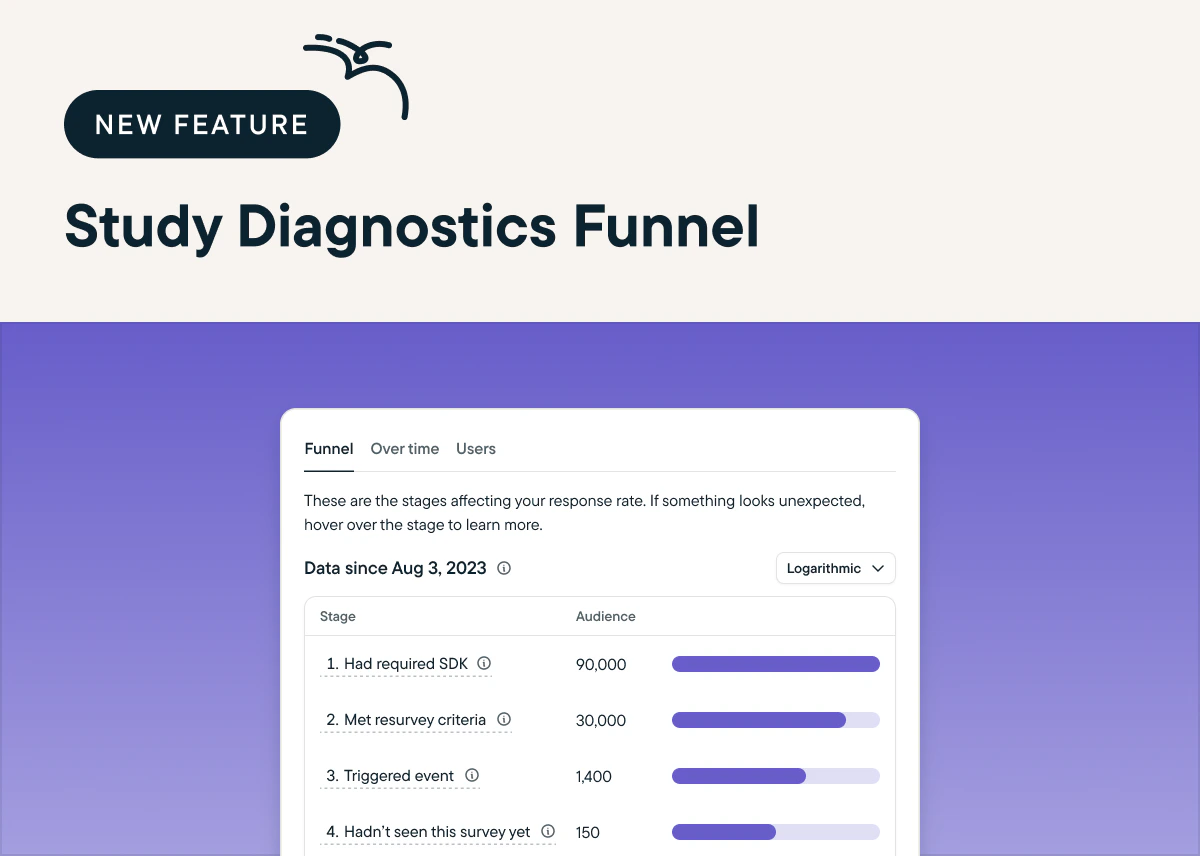 ## Filter and Analyze Study Results Based on Users' Open Text Responses
*by Maha Chaudhry*
You can now filter your study data based on users who respond to open text questions with certain words or phrases. These filters make it easy to dig deeper into your analysis, like see if respondents who give lower satisfaction scores have common open text feedback on pricing, functionality, etc. [To analyze with response filters, go to a study's Summary page, click More Filters, and select any open text question.](https://app.sprig.com/surveylist/all)
## Filter and Analyze Study Results Based on Users' Open Text Responses
*by Maha Chaudhry*
You can now filter your study data based on users who respond to open text questions with certain words or phrases. These filters make it easy to dig deeper into your analysis, like see if respondents who give lower satisfaction scores have common open text feedback on pricing, functionality, etc. [To analyze with response filters, go to a study's Summary page, click More Filters, and select any open text question.](https://app.sprig.com/surveylist/all)
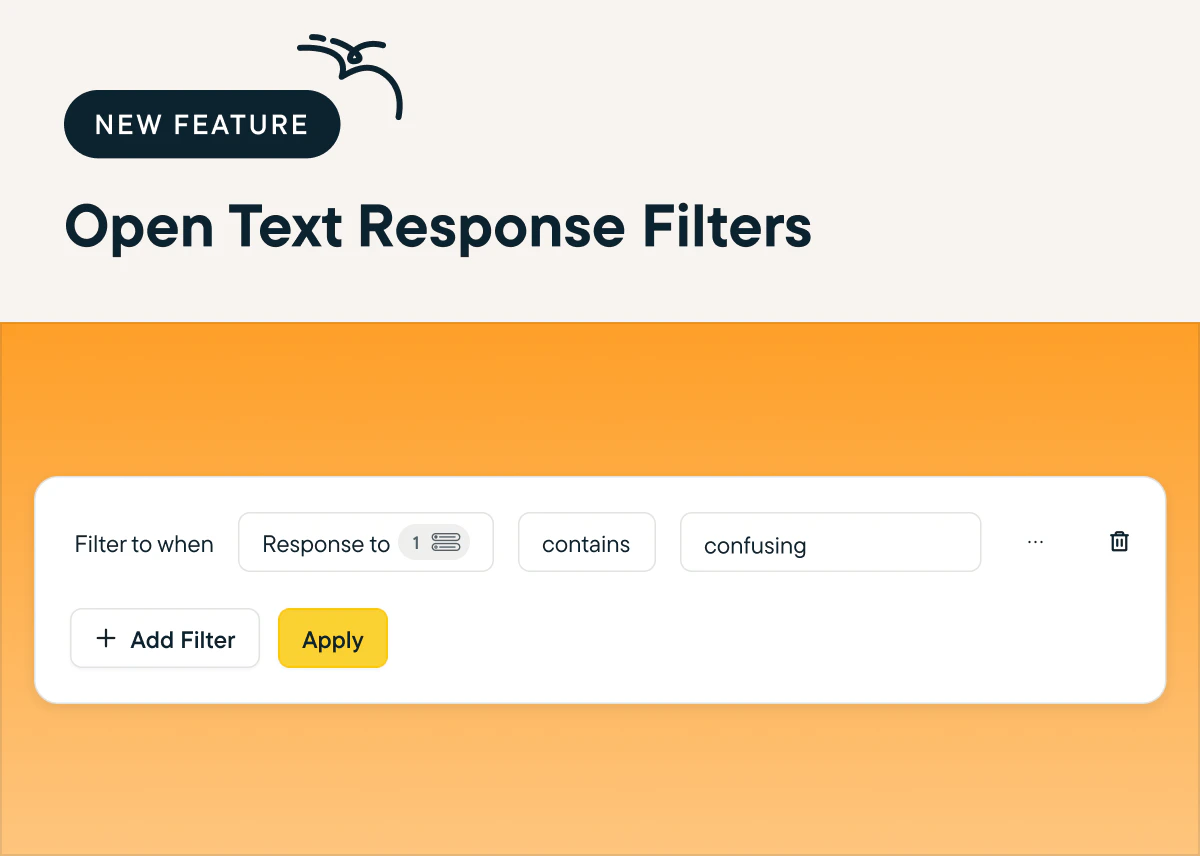 ## Test Studies Directly In Your Mobile App Before You Launch
*by Maha Chaudhry*
You can now use Sprig's study preview feature to test your mobile study’s design and triggers directly in your mobile app product. First, finalize your study’s Audience settings, and then select Preview on your mobile app on the right-hand sidebar to [generate your study test](https://app.sprig.com/surveylist/all). Note that this feature requires updating your Sprig SDK and adding an additional code snippet – [see our docs for instructions](/docs/installation/introduction-mobile/ios-sdk-installation).
## Test Studies Directly In Your Mobile App Before You Launch
*by Maha Chaudhry*
You can now use Sprig's study preview feature to test your mobile study’s design and triggers directly in your mobile app product. First, finalize your study’s Audience settings, and then select Preview on your mobile app on the right-hand sidebar to [generate your study test](https://app.sprig.com/surveylist/all). Note that this feature requires updating your Sprig SDK and adding an additional code snippet – [see our docs for instructions](/docs/installation/introduction-mobile/ios-sdk-installation).
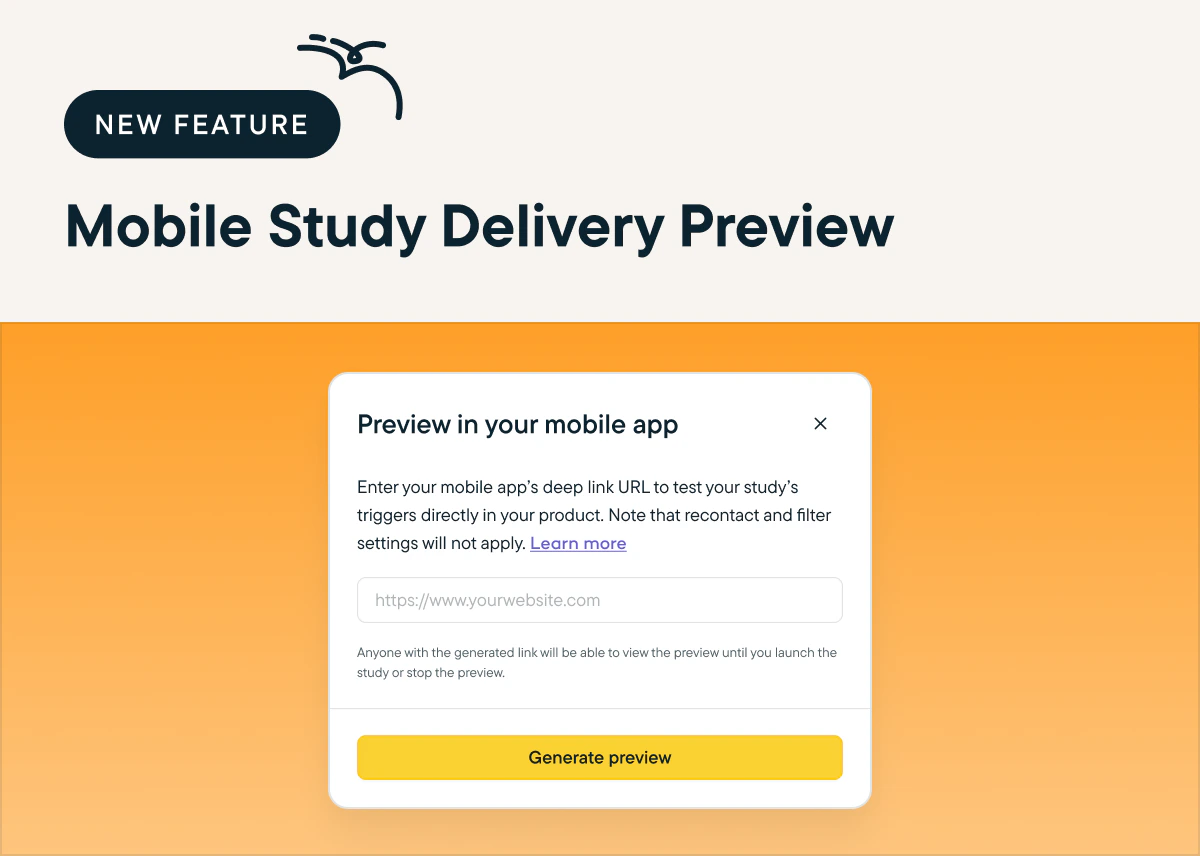 ## Explore Your Users' Experience With New Replays Interaction Logs And Clip Links
*by Maha Chaudhry*
In case you missed it, Sprig Replays is officially out of beta and available to all of our valued Sprig users. We’ve added a ton of new features since the beta release, including a new interaction log that shows your users’ device, clicks, events, and page visits, plus the ability to share specific session clips with your team via timestamp links. [Launch a Replay today and try the new and improved product!](https://app.sprig.com/collections/featured)
## Explore Your Users' Experience With New Replays Interaction Logs And Clip Links
*by Maha Chaudhry*
In case you missed it, Sprig Replays is officially out of beta and available to all of our valued Sprig users. We’ve added a ton of new features since the beta release, including a new interaction log that shows your users’ device, clicks, events, and page visits, plus the ability to share specific session clips with your team via timestamp links. [Launch a Replay today and try the new and improved product!](https://app.sprig.com/collections/featured)
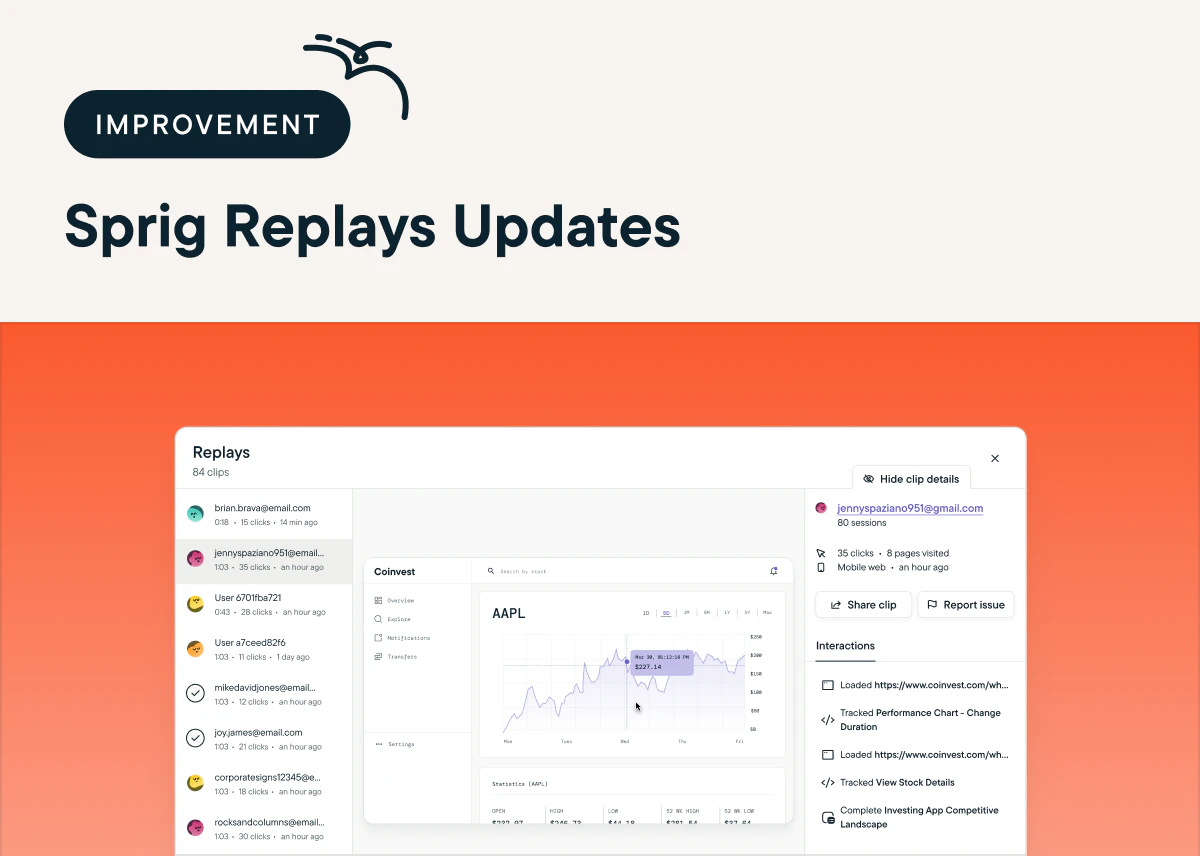 ## Easily Download Large Study Data Files With New Email Delivery
*by Maha Chaudhry*
Prefer to analyze your Sprig study data using your own tools? With new async CSV exporting, you can multitask while Sprig processes and packages tons of study data in the background. All you have to do is click Download CSV on your study’s Summary page. Once the export is ready, you'll automatically receive a download link in your email inbox. [Try it out by downloading CSV data for one of your studies.](https://app.sprig.com/surveylist/all)
## Easily Download Large Study Data Files With New Email Delivery
*by Maha Chaudhry*
Prefer to analyze your Sprig study data using your own tools? With new async CSV exporting, you can multitask while Sprig processes and packages tons of study data in the background. All you have to do is click Download CSV on your study’s Summary page. Once the export is ready, you'll automatically receive a download link in your email inbox. [Try it out by downloading CSV data for one of your studies.](https://app.sprig.com/surveylist/all)
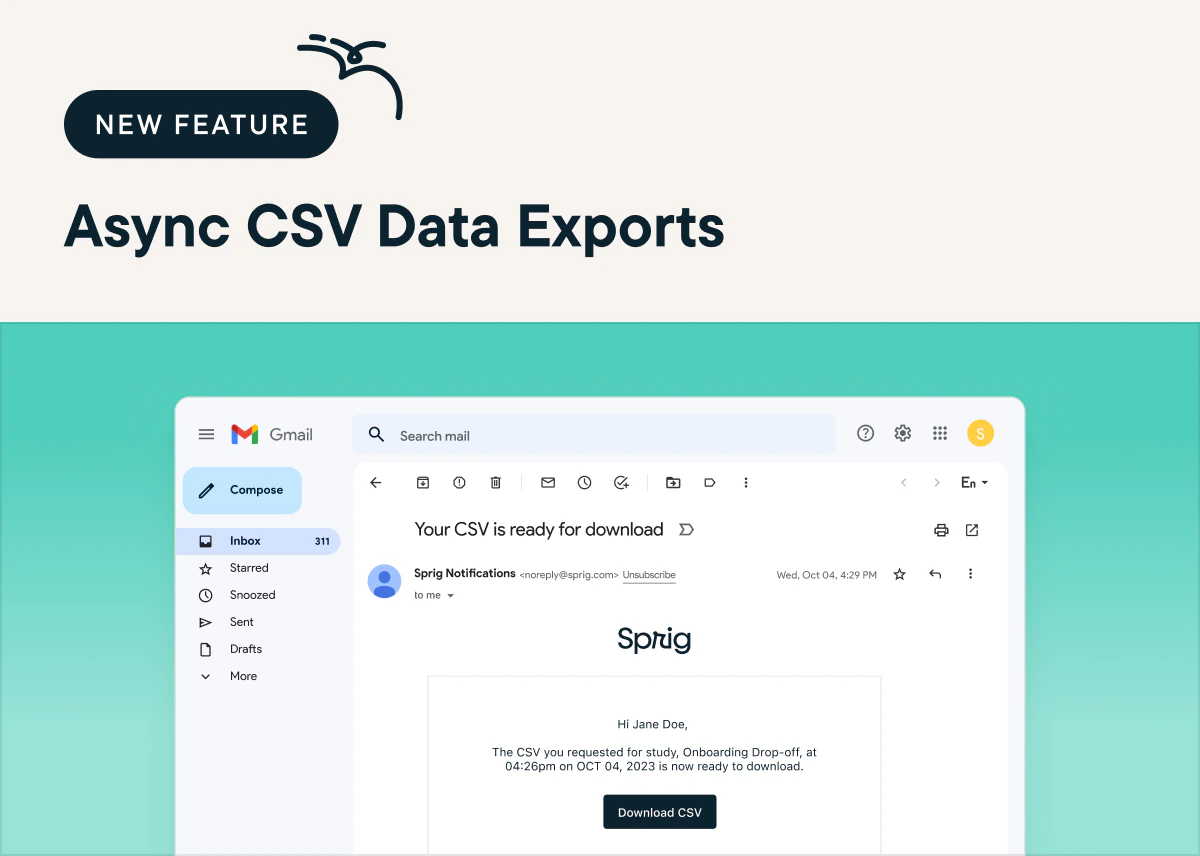 ## Sprig Replays is now available to all users!
*by Maha Chaudhry*
Sprig Replays is now officially out of beta and available to all of our valued Sprig users across our Free, Starter, and Enterprise plans! With Replays, you can watch targeted clips of your product experience and pair them with in-product Surveys to connect the dots between users' sessions and sentiments. Here's why it’s a game-changer:
👀 Short, Focused Clips: Say goodbye to hours of watching recordings. Sprig Replays captures short clips of your users' product experiences, giving you a snapshot of their product behavior.
🚀 Targeted Insights: Pinpoint and capture the specific user moments that you’re interested in (like your onboarding flow or new feature engagement) with event-based targeting.
📊 Pair with Surveys: Take your insights up a notch by pairing Replays with in-product Surveys to understand exactly what experiences influence your users' sentiment and how you can enhance it.
To start using Sprig Replays, [log in to your Sprig account](https://app.sprig.com/login), and you'll be able to explore this powerful new addition to our platform -- just make sure your team is on the latest Sprig SDK. Want some guidance to help you make the most of this product? Check out our Replays [tutorial video](https://sprig.com/tutorials/how-to-launch-sprig-replays) and [documentation](/docs/sprig-studies/replays/index).
## Sprig Replays is now available to all users!
*by Maha Chaudhry*
Sprig Replays is now officially out of beta and available to all of our valued Sprig users across our Free, Starter, and Enterprise plans! With Replays, you can watch targeted clips of your product experience and pair them with in-product Surveys to connect the dots between users' sessions and sentiments. Here's why it’s a game-changer:
👀 Short, Focused Clips: Say goodbye to hours of watching recordings. Sprig Replays captures short clips of your users' product experiences, giving you a snapshot of their product behavior.
🚀 Targeted Insights: Pinpoint and capture the specific user moments that you’re interested in (like your onboarding flow or new feature engagement) with event-based targeting.
📊 Pair with Surveys: Take your insights up a notch by pairing Replays with in-product Surveys to understand exactly what experiences influence your users' sentiment and how you can enhance it.
To start using Sprig Replays, [log in to your Sprig account](https://app.sprig.com/login), and you'll be able to explore this powerful new addition to our platform -- just make sure your team is on the latest Sprig SDK. Want some guidance to help you make the most of this product? Check out our Replays [tutorial video](https://sprig.com/tutorials/how-to-launch-sprig-replays) and [documentation](/docs/sprig-studies/replays/index).
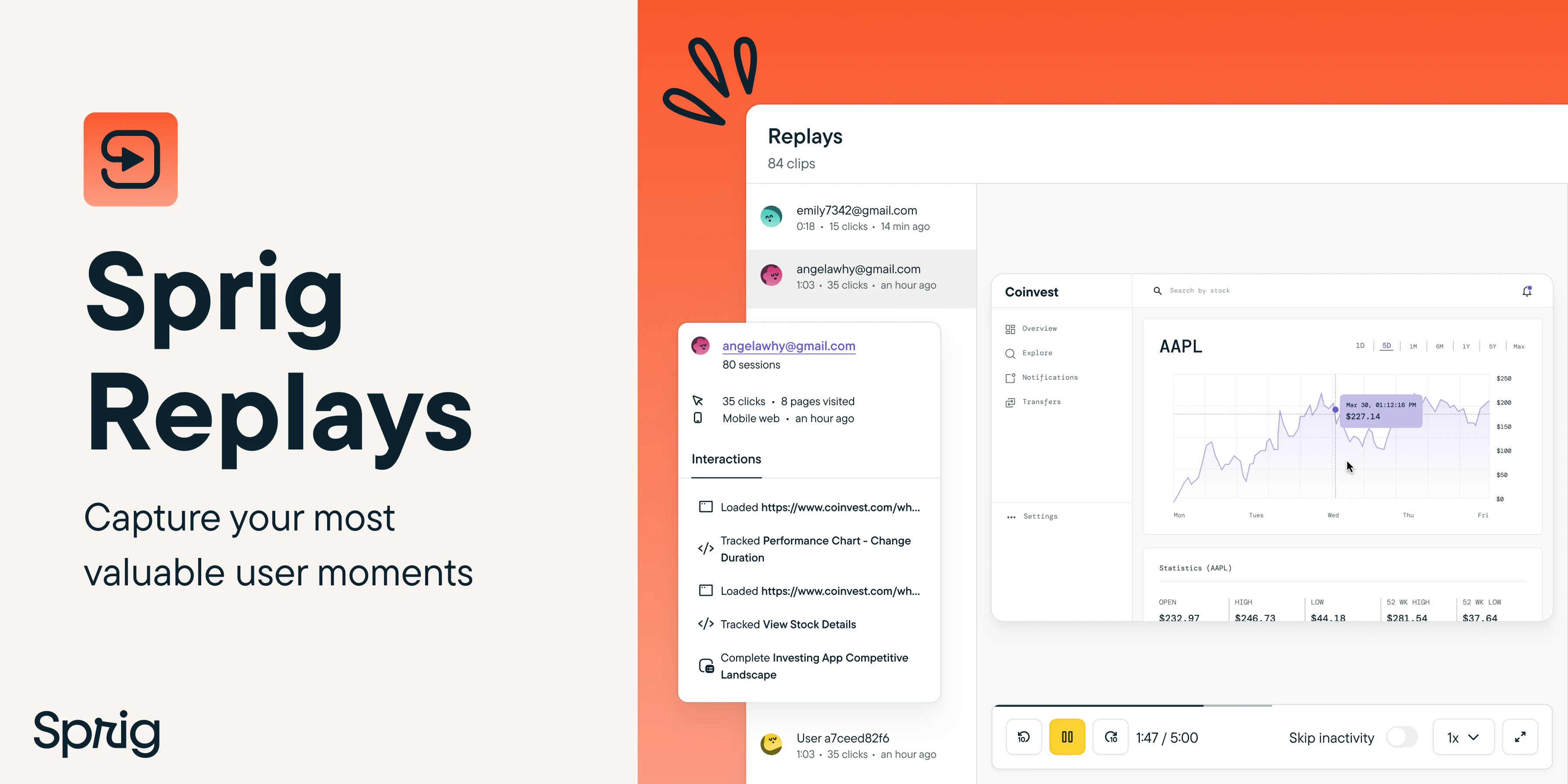 ## Get Even More Accurate Study Analysis From The Sprig AI Chatbot
*by Maha Chaudhry*
Now, you can dig even deeper into your study results with Sprig AI. We’ve made major optimizations to the large language model behind the Sprig AI chatbot, making it 90% more accurate in responding to your custom analysis questions. [Test it out for yourself by asking Sprig AI](https://app.sprig.com/surveylist/all) to spot correlations and suggest product improvements based on your study results.
## Get Even More Accurate Study Analysis From The Sprig AI Chatbot
*by Maha Chaudhry*
Now, you can dig even deeper into your study results with Sprig AI. We’ve made major optimizations to the large language model behind the Sprig AI chatbot, making it 90% more accurate in responding to your custom analysis questions. [Test it out for yourself by asking Sprig AI](https://app.sprig.com/surveylist/all) to spot correlations and suggest product improvements based on your study results.
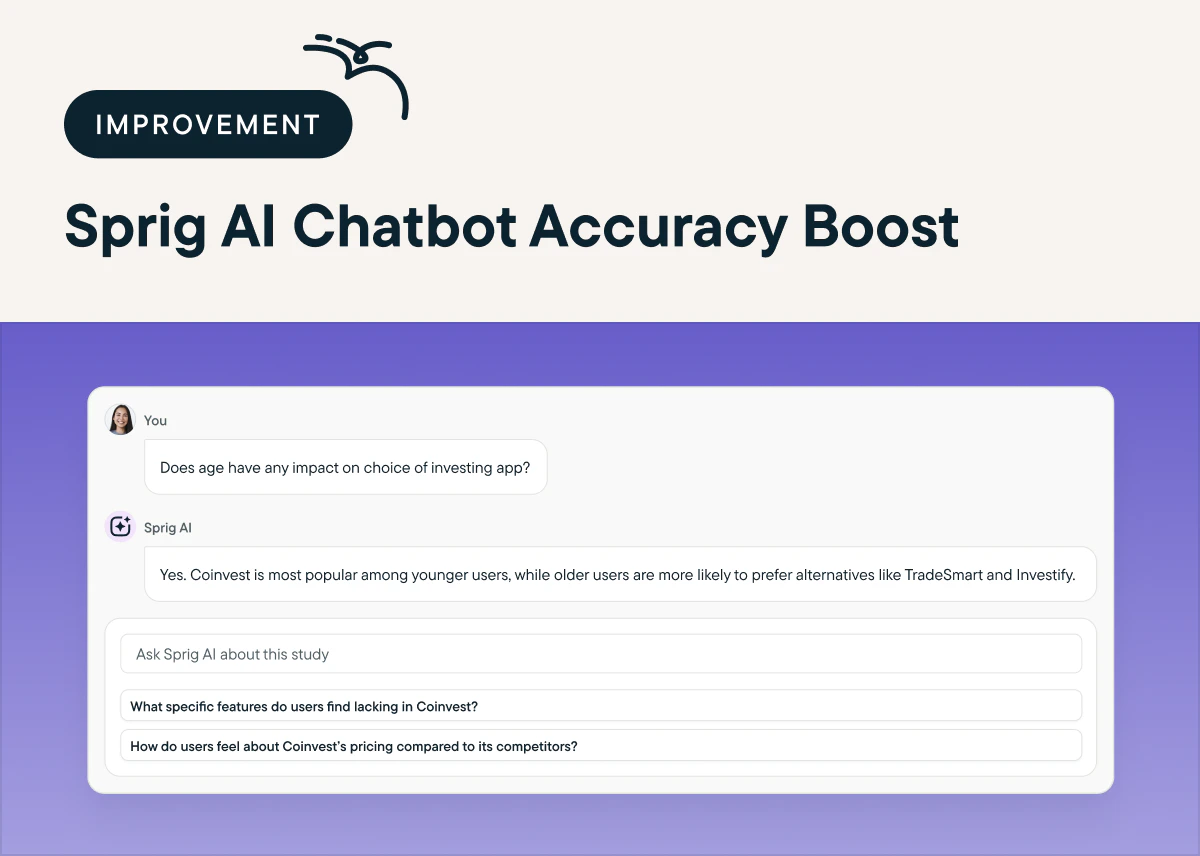 ## Review Replays in a Flash with Speed Controls and Improved View
*by Maha Chaudhry*
We’ve made improvements to Sprig's newest product Replays, so it's easier to analyze your users’ product experience. You can now watch session clips at your own pace with custom speed controls. Plus, you can review a user's replay clip and in-product survey response side-by-side, linking their session to their sentiment. [If you’re in the Replays beta, launch one today to test out the updates!](https://app.sprig.com/collections/featured)
## Review Replays in a Flash with Speed Controls and Improved View
*by Maha Chaudhry*
We’ve made improvements to Sprig's newest product Replays, so it's easier to analyze your users’ product experience. You can now watch session clips at your own pace with custom speed controls. Plus, you can review a user's replay clip and in-product survey response side-by-side, linking their session to their sentiment. [If you’re in the Replays beta, launch one today to test out the updates!](https://app.sprig.com/collections/featured)
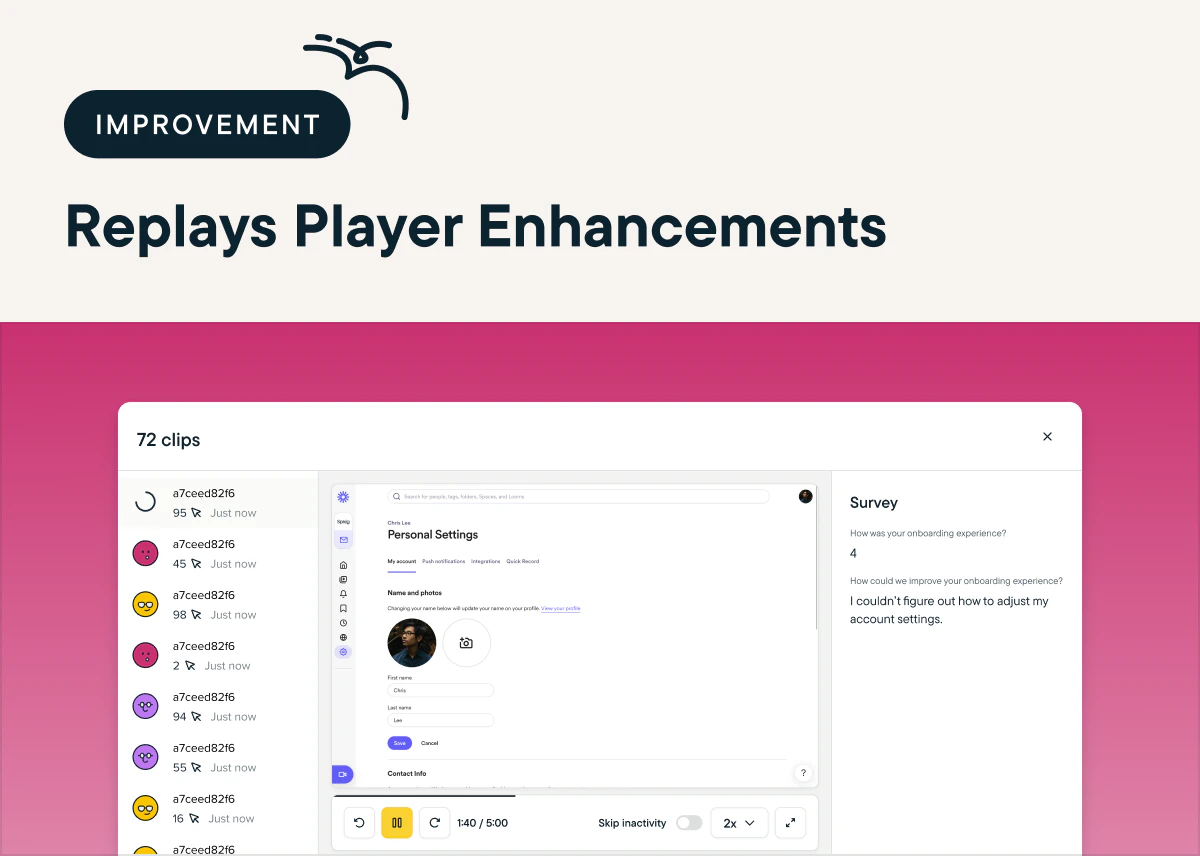 ## Analyze Study Results Based on Users' Responses with Question Filters
*by Maha Chaudhry*
Dig deeper into your study results with Sprig's new [study response filters](https://app.sprig.com/surveylist/all). Now, you can filter your study responses to only users who respond to a specific question in a particular way. Wondering if respondents in a certain age group are more likely to be satisfied with a feature? Or if customers who prefer a certain competitor have common feedback on why? Now, you can analyze your results to find these answers directly in Sprig.
This feature is an addition to Sprig’s existing date range and attribute filters for study response analysis. To analyze with response filters, just go to your [study Summary page](https://app.sprig.com/surveylist/all) and under **Received within**, click **More Filters** and then **Add Filter**.
## Analyze Study Results Based on Users' Responses with Question Filters
*by Maha Chaudhry*
Dig deeper into your study results with Sprig's new [study response filters](https://app.sprig.com/surveylist/all). Now, you can filter your study responses to only users who respond to a specific question in a particular way. Wondering if respondents in a certain age group are more likely to be satisfied with a feature? Or if customers who prefer a certain competitor have common feedback on why? Now, you can analyze your results to find these answers directly in Sprig.
This feature is an addition to Sprig’s existing date range and attribute filters for study response analysis. To analyze with response filters, just go to your [study Summary page](https://app.sprig.com/surveylist/all) and under **Received within**, click **More Filters** and then **Add Filter**.
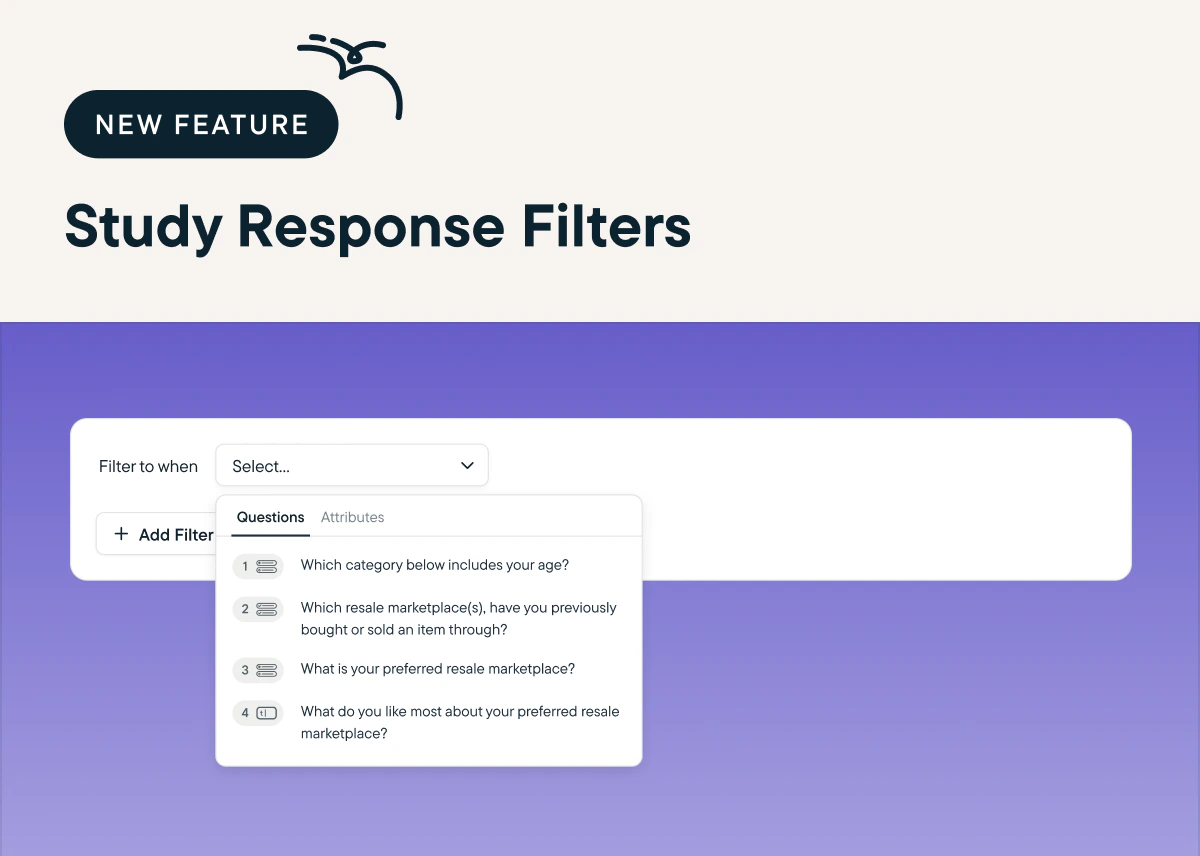 ## Manage Which Team Members Can Launch Studies with Editor Lite
*by Maha Chaudhry*
Want more control over the studies your team launches? With the Editor Lite role, you can give certain team members permission to create and edit studies, but to launch them, they need to share the study link with a Developer, Editor, or Admin. [To add new team members with the Editor Lite role or update existing team members’ roles, go to Settings and in the Team section, click Members.](https://app.sprig.com/settings/team)
## Manage Which Team Members Can Launch Studies with Editor Lite
*by Maha Chaudhry*
Want more control over the studies your team launches? With the Editor Lite role, you can give certain team members permission to create and edit studies, but to launch them, they need to share the study link with a Developer, Editor, or Admin. [To add new team members with the Editor Lite role or update existing team members’ roles, go to Settings and in the Team section, click Members.](https://app.sprig.com/settings/team)
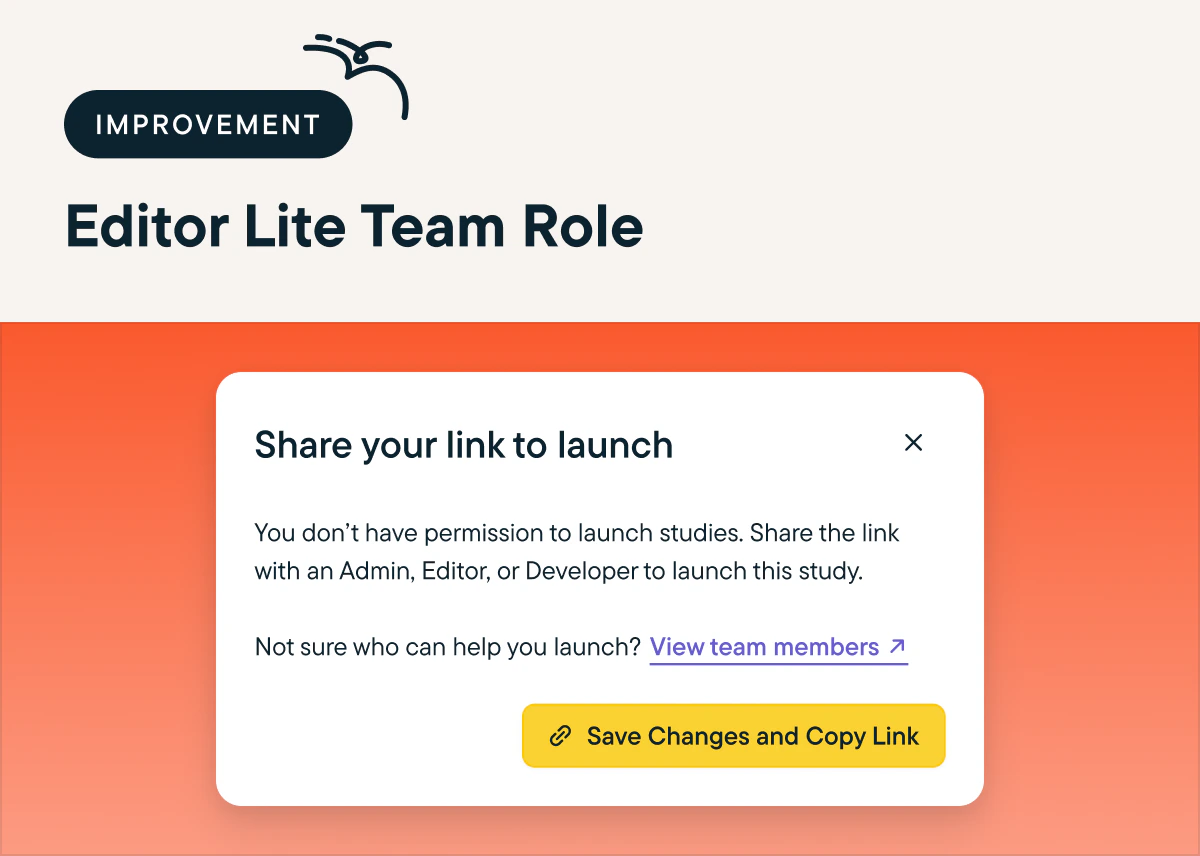 ## Easily Monitor Your Team’s MTU Usage With New Filter Views
*by Maha Chaudhry*
Want more insight into your Sprig account’s MTU usage and where they’re coming from? We’ve added a new feature that allows you to break down your team’s MTU usage by user identity (anonymous vs identified) or platform (Web, Android, iOS, Segment, API, CSV Upload). [You can find MTU filter views by just going to Settings and clicking Usage in the Team section.](https://app.sprig.com/settings/usage)
## Easily Monitor Your Team’s MTU Usage With New Filter Views
*by Maha Chaudhry*
Want more insight into your Sprig account’s MTU usage and where they’re coming from? We’ve added a new feature that allows you to break down your team’s MTU usage by user identity (anonymous vs identified) or platform (Web, Android, iOS, Segment, API, CSV Upload). [You can find MTU filter views by just going to Settings and clicking Usage in the Team section.](https://app.sprig.com/settings/usage)
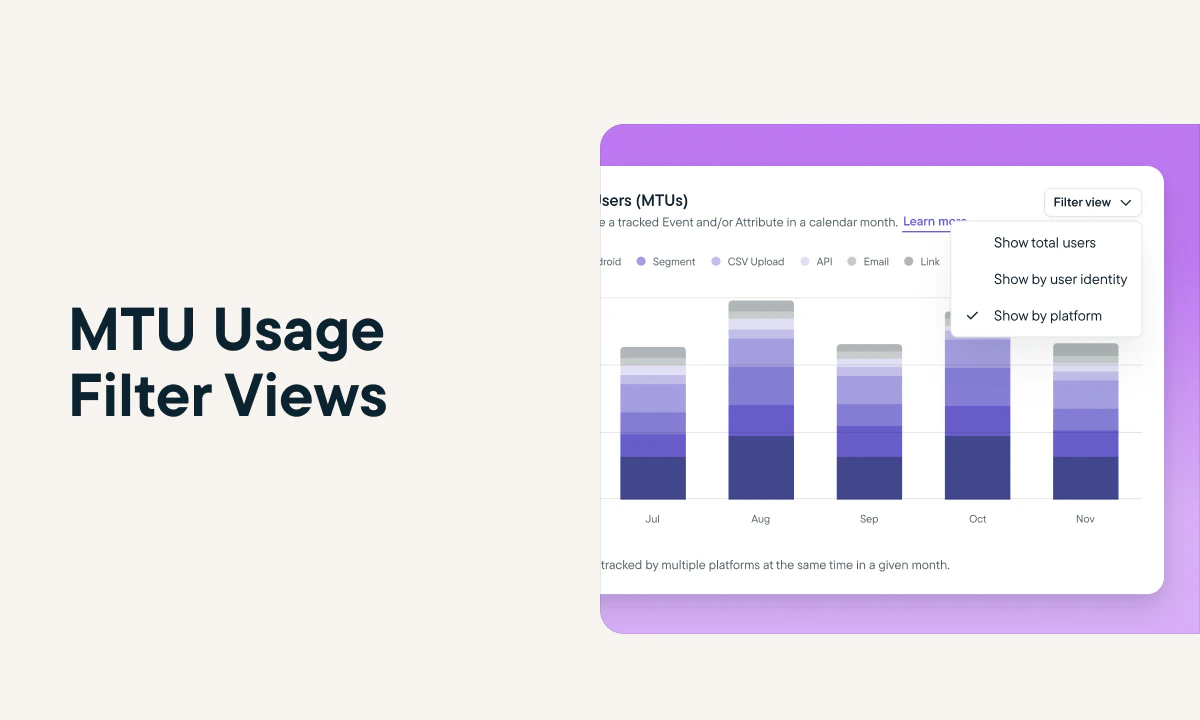 ## Test Studies Directly In Your Web Product Before You Launch
*by Maha Chaudhry*
Want to make sure your study design and triggers are working as expected before launch? You can now use Sprig's new study preview feature to test your study directly in your web product. Once you finalize your study’s Audience settings, select **Preview on your website** on the right hand sidebar and [generate your study test in just a few clicks](https://app.sprig.com/surveylist/all)!
## Test Studies Directly In Your Web Product Before You Launch
*by Maha Chaudhry*
Want to make sure your study design and triggers are working as expected before launch? You can now use Sprig's new study preview feature to test your study directly in your web product. Once you finalize your study’s Audience settings, select **Preview on your website** on the right hand sidebar and [generate your study test in just a few clicks](https://app.sprig.com/surveylist/all)!
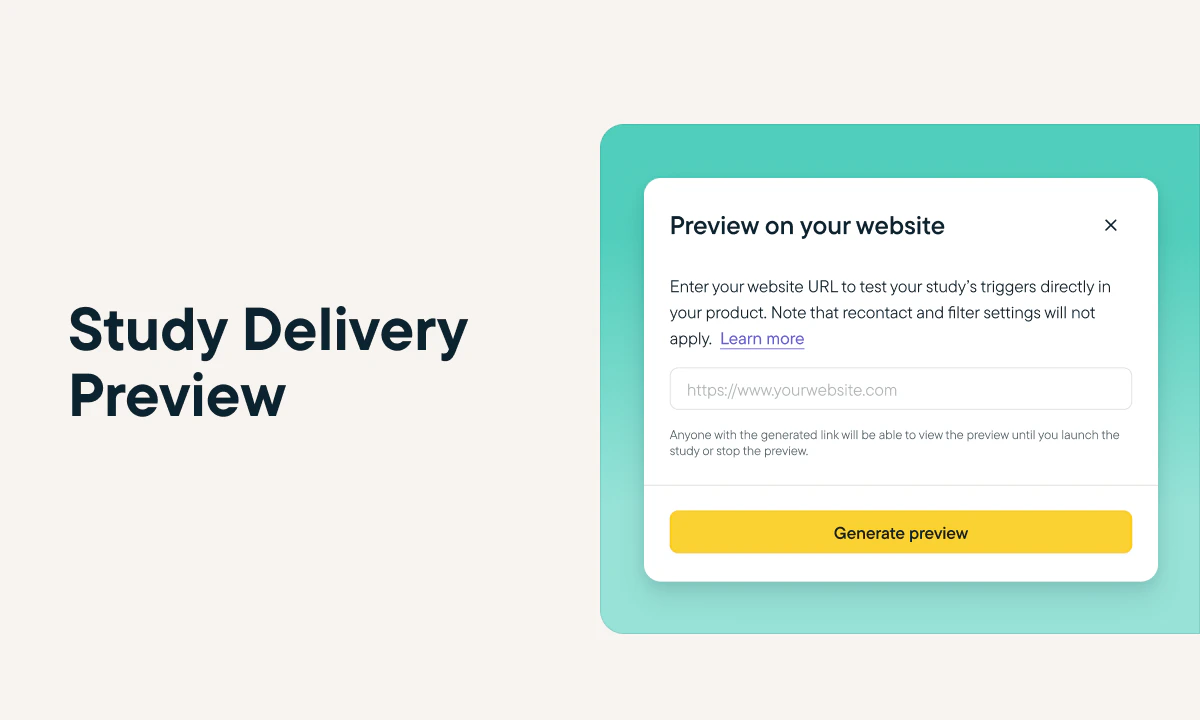 ## Ask Targeted Study Questions With Advanced Skip Logic
*by Maha Chaudhry*
With our new and improved Skip Logic beta feature, you have even more control over which questions you display to your users based on how they respond to both current and previous questions. Improvements to this feature also include the ability to add multiple logic conditions to a single question and new “does not include” operator for multiple choice multi-select questions. [Create a new study to try out advanced Skip Logic](https://app.sprig.com/collections/featured) (just make sure your Sprig web SDK is up to date!)
## Ask Targeted Study Questions With Advanced Skip Logic
*by Maha Chaudhry*
With our new and improved Skip Logic beta feature, you have even more control over which questions you display to your users based on how they respond to both current and previous questions. Improvements to this feature also include the ability to add multiple logic conditions to a single question and new “does not include” operator for multiple choice multi-select questions. [Create a new study to try out advanced Skip Logic](https://app.sprig.com/collections/featured) (just make sure your Sprig web SDK is up to date!)
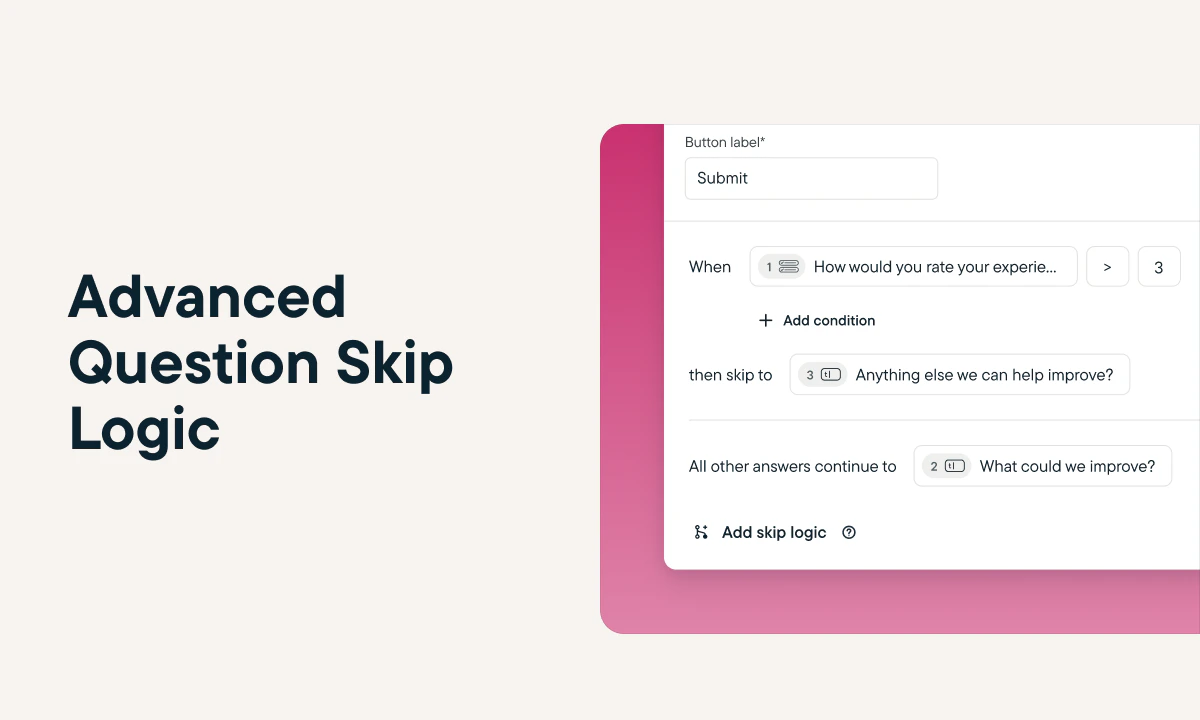 ## Get Rapid Sprig Support With Our New In-Product Chat Tool
*by Maha Chaudhry*
Now, you can get all of your burning Sprig questions answered easily and quickly, thanks to our new support chat! Wondering what’s the best installation method for your team? Or need tips on creating the right study targeting to reach the right audience? Our support team is here to help via chat! [Just click on the purple chat icon at the bottom right of the Sprig app and ask away.](https://app.sprig.com)
## Get Rapid Sprig Support With Our New In-Product Chat Tool
*by Maha Chaudhry*
Now, you can get all of your burning Sprig questions answered easily and quickly, thanks to our new support chat! Wondering what’s the best installation method for your team? Or need tips on creating the right study targeting to reach the right audience? Our support team is here to help via chat! [Just click on the purple chat icon at the bottom right of the Sprig app and ask away.](https://app.sprig.com)
 ## Connect Your Product Insights to Your User Insights with the Mixpanel and LaunchDarkly Integrations
*by Maha Chaudhry*
With Sprig's new integrations with Mixpanel and Launchdarkly, product teams can now quickly identify areas for improvement, measure the impact of changes, and confidently iterate to create better product experiences. Already using Mixpanel or Launchdarkly? [Start using them with Sprig today by heading over to the Sprig Integrations Gallery to install in just a few clicks.](https://app.sprig.com/integrations/featured)
## Connect Your Product Insights to Your User Insights with the Mixpanel and LaunchDarkly Integrations
*by Maha Chaudhry*
With Sprig's new integrations with Mixpanel and Launchdarkly, product teams can now quickly identify areas for improvement, measure the impact of changes, and confidently iterate to create better product experiences. Already using Mixpanel or Launchdarkly? [Start using them with Sprig today by heading over to the Sprig Integrations Gallery to install in just a few clicks.](https://app.sprig.com/integrations/featured)
 ## Dig into Your User Data More Easily with the Updated Navigation Design
*by Maha Chaudhry*
The Sprig Data Hub and People page have been replaced by the new Users, Events, and Attributes pages. This flattened navigation makes it easier to review the user data that you send into Sprig and leverage for precise study targeting. [Explore these new pages by adding a new Event or attribute, creating a Group to regularly reach certain cohorts, and more.](https://app.sprig.com/)
## Dig into Your User Data More Easily with the Updated Navigation Design
*by Maha Chaudhry*
The Sprig Data Hub and People page have been replaced by the new Users, Events, and Attributes pages. This flattened navigation makes it easier to review the user data that you send into Sprig and leverage for precise study targeting. [Explore these new pages by adding a new Event or attribute, creating a Group to regularly reach certain cohorts, and more.](https://app.sprig.com/)
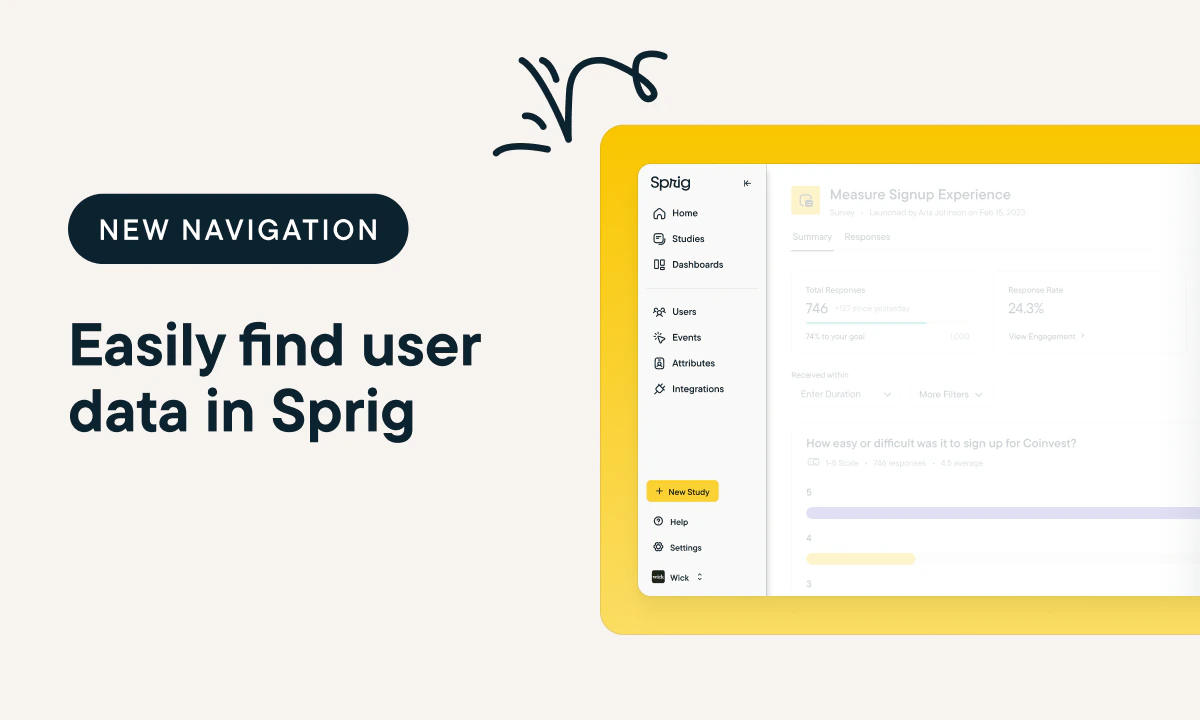 ## Rapidly Surface Rich Product Insights with GPT-Powered AI Analysis
*by Maha Chaudhry*
Sprig AI Analysis, now powered by Open AI’s GPT, has officially launched and is available to all Sprig Enterprise customers. Sprig AI Analysis now offers much faster and more detailed feedback summaries of your open-ended survey responses. [Check out your recently-launched studies to see the new AI in action](https://app.sprig.com/surveylist/all), turning loads of raw response data into clear-cut product recommendations.
## Rapidly Surface Rich Product Insights with GPT-Powered AI Analysis
*by Maha Chaudhry*
Sprig AI Analysis, now powered by Open AI’s GPT, has officially launched and is available to all Sprig Enterprise customers. Sprig AI Analysis now offers much faster and more detailed feedback summaries of your open-ended survey responses. [Check out your recently-launched studies to see the new AI in action](https://app.sprig.com/surveylist/all), turning loads of raw response data into clear-cut product recommendations.
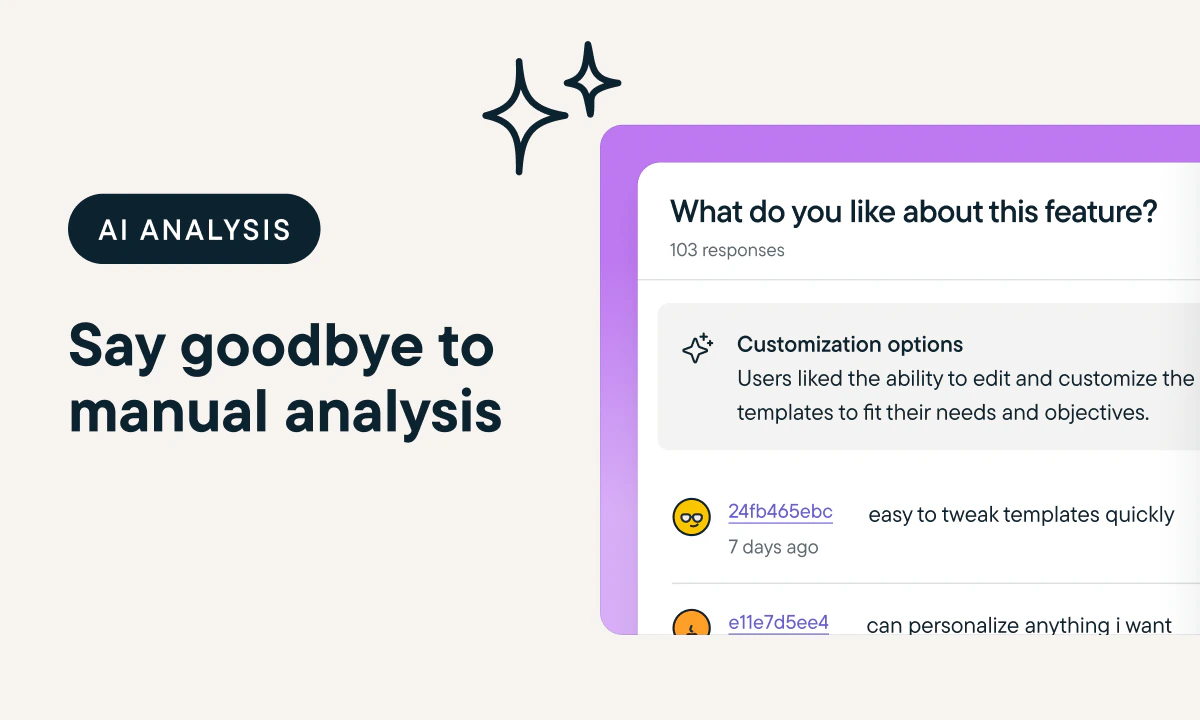 ## Get an Inside Look at Your Users’ Product Experience with Sprig Replays
*by Maha Chaudhry*
Sprig is excited to expand our product experience insights offering with Replays. With this new product, you can watch a clip at a targeted point in the user journey, like in your onboarding flow or as they use your newest feature, so you can see firsthand what’s working and what’s not. Ready to launch a Replay yourself? This product is currently in beta, so if you don’t see it in your account yet, just keep an eye out!
## Get an Inside Look at Your Users’ Product Experience with Sprig Replays
*by Maha Chaudhry*
Sprig is excited to expand our product experience insights offering with Replays. With this new product, you can watch a clip at a targeted point in the user journey, like in your onboarding flow or as they use your newest feature, so you can see firsthand what’s working and what’s not. Ready to launch a Replay yourself? This product is currently in beta, so if you don’t see it in your account yet, just keep an eye out!
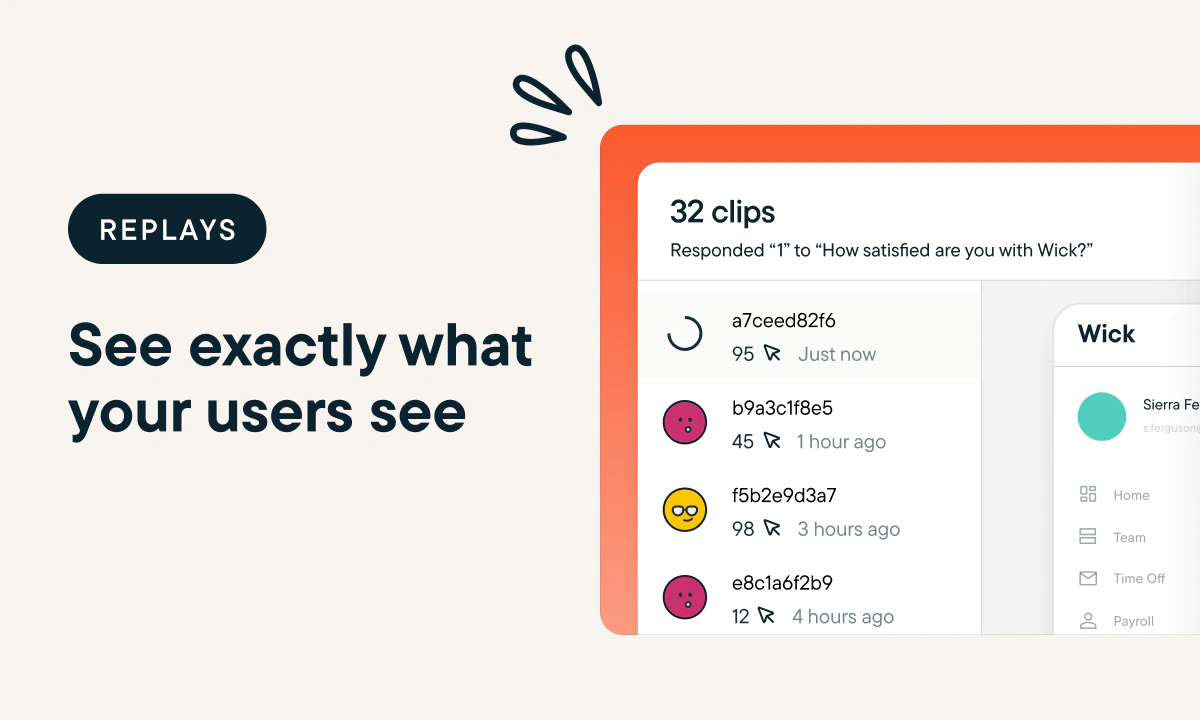 ## Update on Sprig Platform Feature Offering
*by Maha Chaudhry*
At Sprig, we value continuous iteration to ensure that we are always building bigger and better products that meet the evolving needs of our users.
To this end, we’d like to share that due to low adoption among our user base, the Sprig platform will no longer support study delivery via Email. You can still send email studies using your own CRM by selecting Link delivery and embedding the URL into an email.
This decision will allow us to focus on developing products that we know our users will love. That includes our upcoming May 3rd product release, which we anticipate will be a game changer for all Sprig users. Feel to reach out to your dedicated Sprig representative if you have any questions.
## Get Started with Sprig in a Flash With Interactive Installation Guides
*by Maha Chaudhry*
In the recently revamped Integrations Gallery, we’ve added step-by-step [installation guides](https://app.sprig.com/integrations/installation) so you can quickly onboard onto Sprig and start sending In-Product Surveys with advanced targeting. You’ll also see automatic verification statuses once you complete each installation step, making it easier for you and your developers to track your progress through the installation process.
Haven’t installed Sprig yet? [Explore all of your options, including Javascript, GTM, and Segment here.](https://app.sprig.com/integrations/installation)
## Update on Sprig Platform Feature Offering
*by Maha Chaudhry*
At Sprig, we value continuous iteration to ensure that we are always building bigger and better products that meet the evolving needs of our users.
To this end, we’d like to share that due to low adoption among our user base, the Sprig platform will no longer support study delivery via Email. You can still send email studies using your own CRM by selecting Link delivery and embedding the URL into an email.
This decision will allow us to focus on developing products that we know our users will love. That includes our upcoming May 3rd product release, which we anticipate will be a game changer for all Sprig users. Feel to reach out to your dedicated Sprig representative if you have any questions.
## Get Started with Sprig in a Flash With Interactive Installation Guides
*by Maha Chaudhry*
In the recently revamped Integrations Gallery, we’ve added step-by-step [installation guides](https://app.sprig.com/integrations/installation) so you can quickly onboard onto Sprig and start sending In-Product Surveys with advanced targeting. You’ll also see automatic verification statuses once you complete each installation step, making it easier for you and your developers to track your progress through the installation process.
Haven’t installed Sprig yet? [Explore all of your options, including Javascript, GTM, and Segment here.](https://app.sprig.com/integrations/installation)
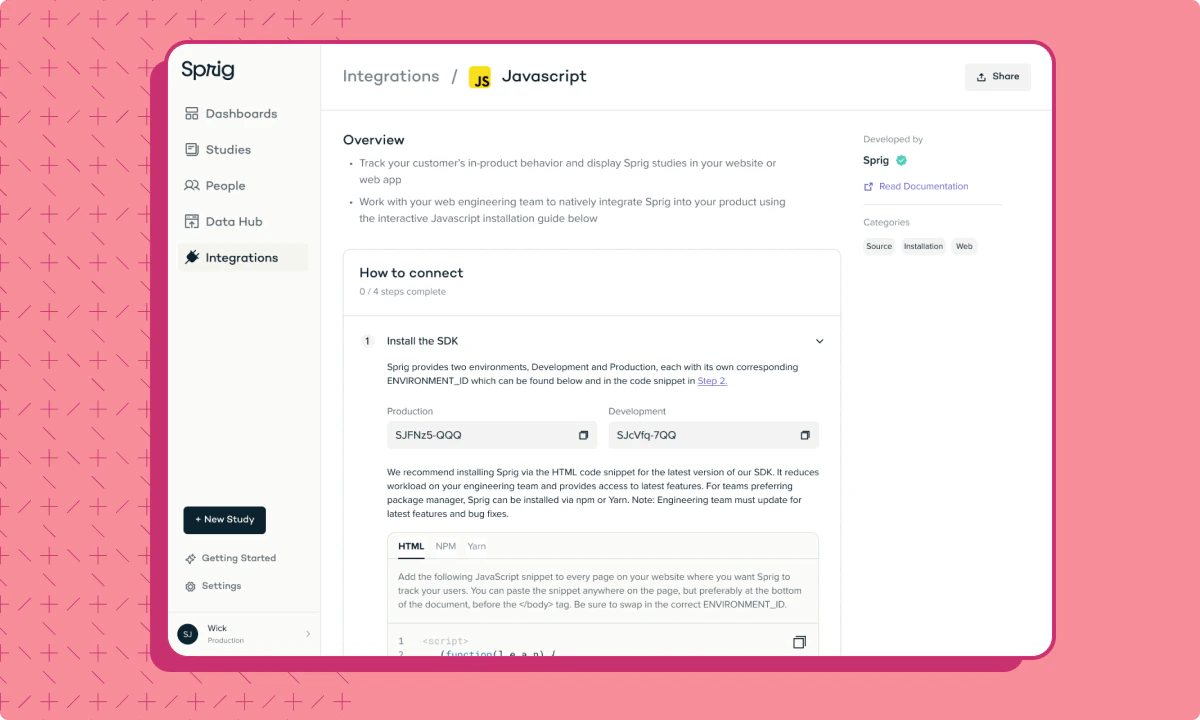 ## Make Product Decisions Backed By User And Product Data With the New Amplitude Integration
*by Maha Chaudhry*
Want to elevate your product development by leveraging user insights and product metrics together? The new Sprig and Amplitude integration automatically sends your Sprig In-Product Survey data to Amplitude, so you can identify customer behavior trends with Amplitude and uncover the user insights driving them with Sprig. [Learn more about the integration or install it in just a few clicks here.](https://app.sprig.com/integrations/analytics/amplitude)
## Make Product Decisions Backed By User And Product Data With the New Amplitude Integration
*by Maha Chaudhry*
Want to elevate your product development by leveraging user insights and product metrics together? The new Sprig and Amplitude integration automatically sends your Sprig In-Product Survey data to Amplitude, so you can identify customer behavior trends with Amplitude and uncover the user insights driving them with Sprig. [Learn more about the integration or install it in just a few clicks here.](https://app.sprig.com/integrations/analytics/amplitude)
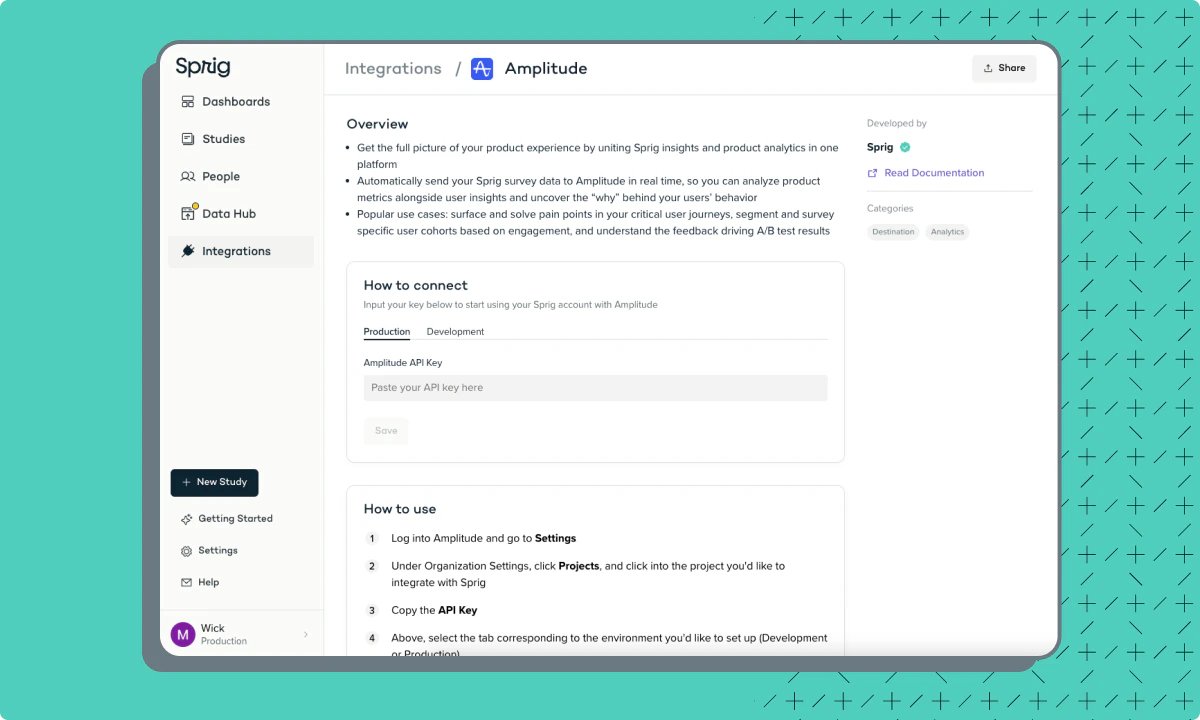 ## Seamlessly Connect Sprig to Your Product Stack With The Revamped Integrations Gallery
*by Maha Chaudhry*
The Sprig [Connect](https://app.sprig.com/integrations/) page has been completely redesigned into the new Integrations Gallery. You’ll see new categories, plus dedicated pages for each integration with extra details and instructions. These updates make it easy to send user insights and product data between Sprig and your favorite tools. [Click here to explore the Integrations Gallery yourself and start connecting Sprig to dozens of other tools.](https://app.sprig.com/integrations/featured)
## Seamlessly Connect Sprig to Your Product Stack With The Revamped Integrations Gallery
*by Maha Chaudhry*
The Sprig [Connect](https://app.sprig.com/integrations/) page has been completely redesigned into the new Integrations Gallery. You’ll see new categories, plus dedicated pages for each integration with extra details and instructions. These updates make it easy to send user insights and product data between Sprig and your favorite tools. [Click here to explore the Integrations Gallery yourself and start connecting Sprig to dozens of other tools.](https://app.sprig.com/integrations/featured)
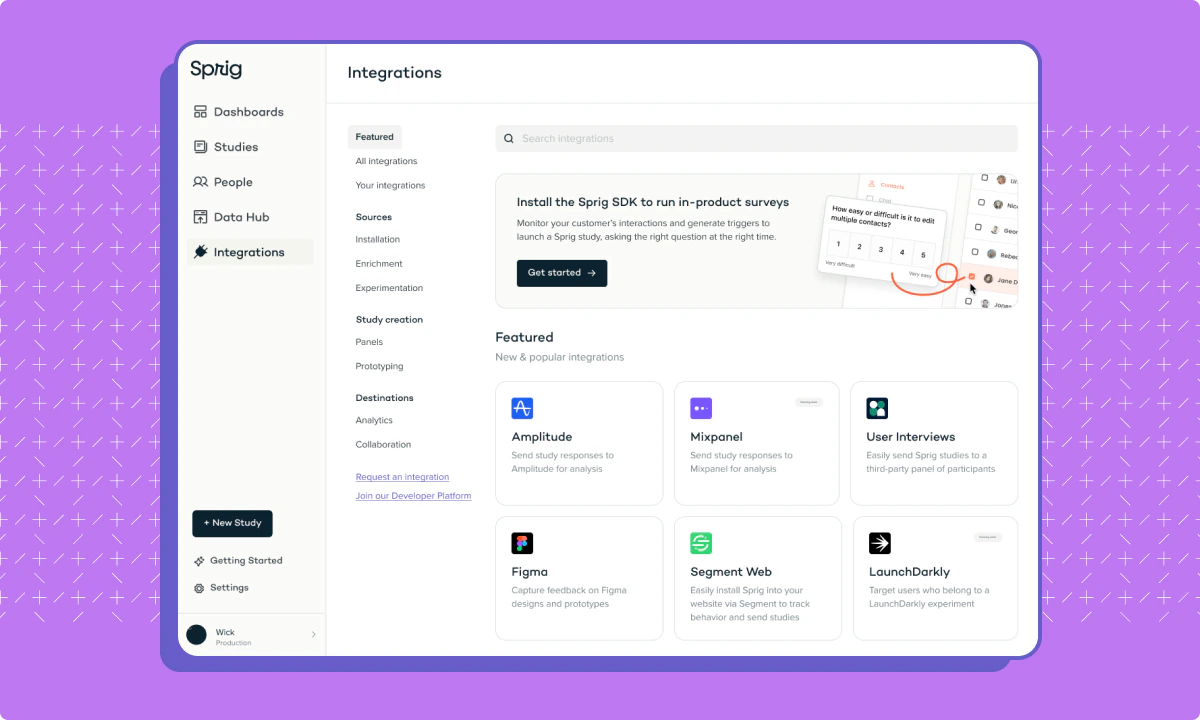 ## Boost your In-Product Survey targeting with our new Census integration
*by Maha Chaudhry*
We’re excited to share that Sprig has teamed up with [Census](https://docs.getcensus.com/destinations/sprig) to make your In-Product Surveys even more powerful.
This new integration enables you to supercharge your In-Product Survey targeting by syncing user data from your warehouse into Sprig. With rich product, support, and sales data at your fingertips, you can precisely segment and survey the right users to capture the right insights. For example, you can send Sprig In-Product Surveys to specific cohorts based on characteristics like lifetime value, NPS & CSAT scores, product engagement, and so much more.
Learn how your team can capture targeted user insights with Sprig and Census [here](/docs/integrations/data-sources-introduction/census).
## Boost your In-Product Survey targeting with our new Census integration
*by Maha Chaudhry*
We’re excited to share that Sprig has teamed up with [Census](https://docs.getcensus.com/destinations/sprig) to make your In-Product Surveys even more powerful.
This new integration enables you to supercharge your In-Product Survey targeting by syncing user data from your warehouse into Sprig. With rich product, support, and sales data at your fingertips, you can precisely segment and survey the right users to capture the right insights. For example, you can send Sprig In-Product Surveys to specific cohorts based on characteristics like lifetime value, NPS & CSAT scores, product engagement, and so much more.
Learn how your team can capture targeted user insights with Sprig and Census [here](/docs/integrations/data-sources-introduction/census).
 ## Easily manage your Sprig team’s MTUs and Study Usage
*by Maha Chaudhry*
We know just how important it is for Sprig customers to get the most out of their plan every month. That’s why we’ve released an updated [Usage page](https://app.sprig.com/settings/usage), which offers Sprig customers increased visibility and control over their team’s MTUs and Study usage.
Under [Settings > Usage](https://app.sprig.com/settings/usage), Sprig admins can directly manage their MTUs, Surveys, and Concept Tests usage to ensure their team doesn't hit their monthly limits. These management options include requesting hard limits and MTU sampling, archiving unused Events & Attributes, and turning off active, but unused Studies. This tool also provides non-admins with additional visibility by displaying their team’s Study usage and a list of all active Studies for that month.
For more information on MTU and Study Usage in Sprig, check out [our Docs](/docs/account-and-settings/plans-teams-and-billing#billing-info).
## Easily manage your Sprig team’s MTUs and Study Usage
*by Maha Chaudhry*
We know just how important it is for Sprig customers to get the most out of their plan every month. That’s why we’ve released an updated [Usage page](https://app.sprig.com/settings/usage), which offers Sprig customers increased visibility and control over their team’s MTUs and Study usage.
Under [Settings > Usage](https://app.sprig.com/settings/usage), Sprig admins can directly manage their MTUs, Surveys, and Concept Tests usage to ensure their team doesn't hit their monthly limits. These management options include requesting hard limits and MTU sampling, archiving unused Events & Attributes, and turning off active, but unused Studies. This tool also provides non-admins with additional visibility by displaying their team’s Study usage and a list of all active Studies for that month.
For more information on MTU and Study Usage in Sprig, check out [our Docs](/docs/account-and-settings/plans-teams-and-billing#billing-info).
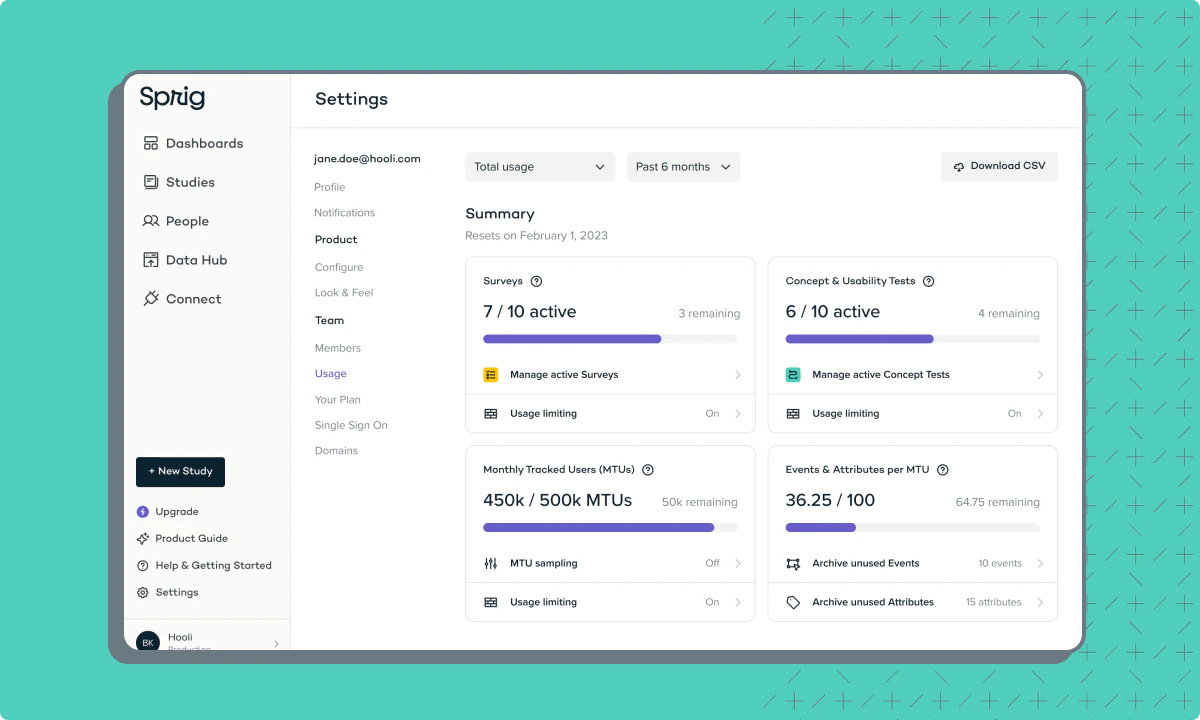 ## Keep track of your In-Product Surveys’ delivery with the new Engagement Report
*by Maha Chaudhry*
Wondering if your Sprig In-Product Surveys are being delivered to your audience as you intended? Now you can review the Engagement Report on each survey’s Summary page.
In the Engagement Report, you’ll see each user within your survey audience with a tag indicating their engagement stage with the survey. These stages include if the survey has been sent/delivered, seen, started, or completed. You can also review how your audience’s engagement with the survey has changed over time, which can be especially helpful for continuous In-Product Surveys.
For more information on how to debug your survey delivery with the new Engagement Report, check out [our Docs](/docs/developer-center/sprig-sdk/features-by-sdk-version).
## Keep track of your In-Product Surveys’ delivery with the new Engagement Report
*by Maha Chaudhry*
Wondering if your Sprig In-Product Surveys are being delivered to your audience as you intended? Now you can review the Engagement Report on each survey’s Summary page.
In the Engagement Report, you’ll see each user within your survey audience with a tag indicating their engagement stage with the survey. These stages include if the survey has been sent/delivered, seen, started, or completed. You can also review how your audience’s engagement with the survey has changed over time, which can be especially helpful for continuous In-Product Surveys.
For more information on how to debug your survey delivery with the new Engagement Report, check out [our Docs](/docs/developer-center/sprig-sdk/features-by-sdk-version).
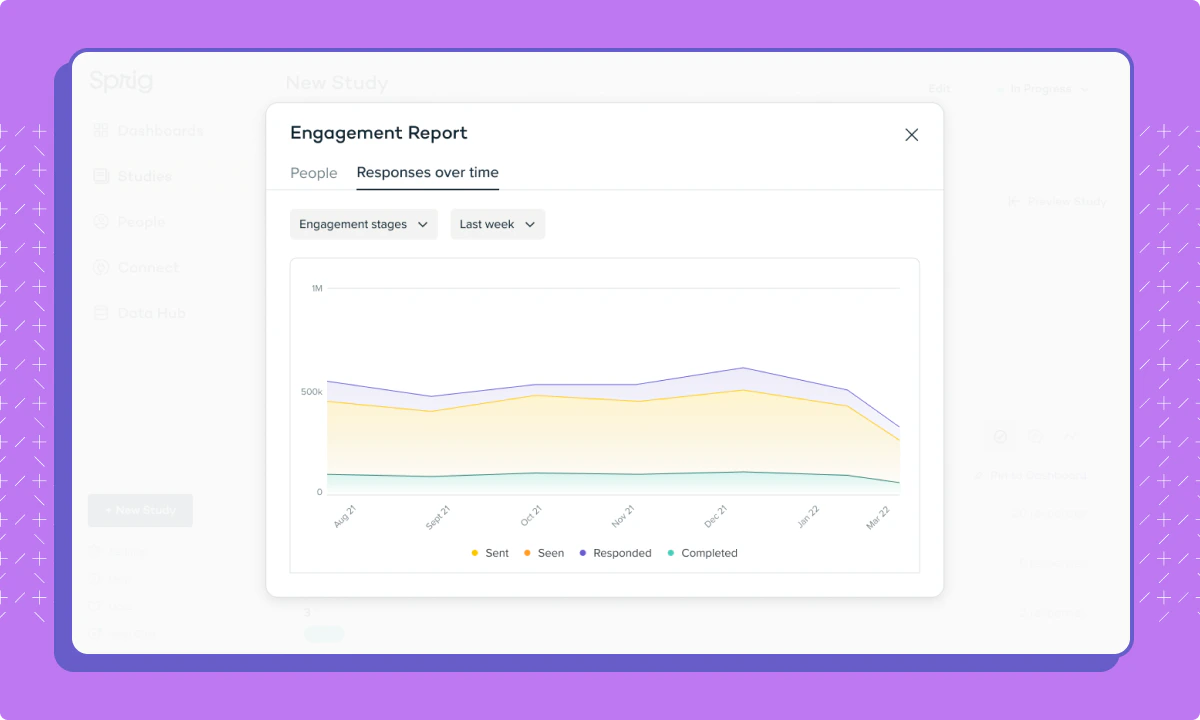 ## Create a Sprig study even faster with our latest Questions tab optimizations
*by Maha Chaudhry*
We’ve just released a handful of optimizations in the Sprig Study Editor Questions tab, making it even easier for Sprig users to create and edit a survey or concept test.
Thanks to these improvements, you can now:
* Collapse and expand the content in each question
* Drag and drop a question to reorder it in your study
* Quickly add a new question with the redesigned “Add Question” button at the bottom of the Study Editor
* See all the customizable copy in a question without having to click into a dropdown
We hope that these changes make study creation in Sprig even more of a breeze. For more information on the various Question Types and customization options available in Sprig, check out our [Docs](/docs/shared-study-foundations/main-tasks/questions).
## Create a Sprig study even faster with our latest Questions tab optimizations
*by Maha Chaudhry*
We’ve just released a handful of optimizations in the Sprig Study Editor Questions tab, making it even easier for Sprig users to create and edit a survey or concept test.
Thanks to these improvements, you can now:
* Collapse and expand the content in each question
* Drag and drop a question to reorder it in your study
* Quickly add a new question with the redesigned “Add Question” button at the bottom of the Study Editor
* See all the customizable copy in a question without having to click into a dropdown
We hope that these changes make study creation in Sprig even more of a breeze. For more information on the various Question Types and customization options available in Sprig, check out our [Docs](/docs/shared-study-foundations/main-tasks/questions).